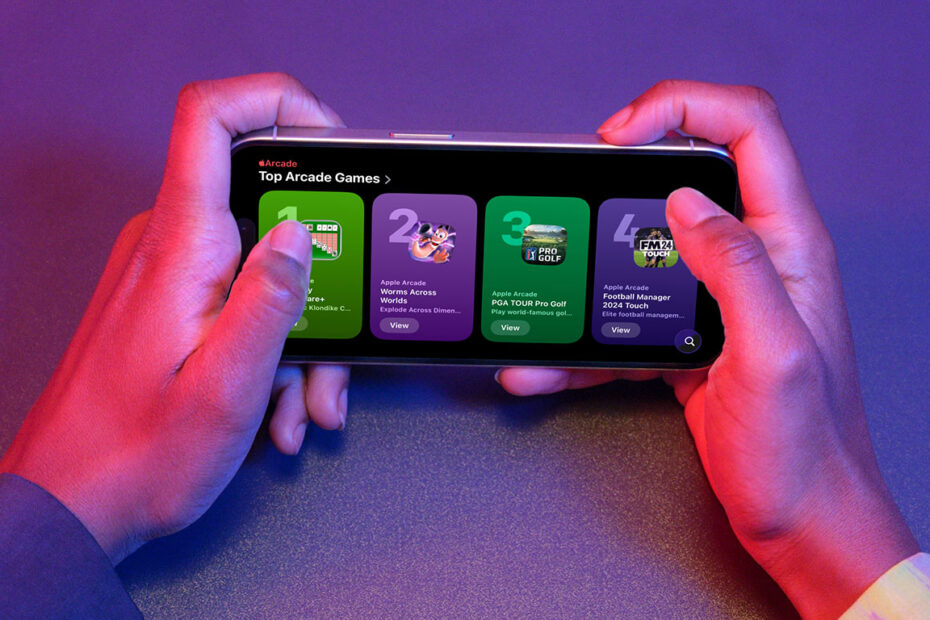

Apple Games arrived with iOS 26, designed to bring all your games together in one place. Whether you’re looking to rediscover forgotten classics, keep up with your friends’ progress, or find something new to play, it’s the go-to hub for everything gaming on iPhone and iPad.
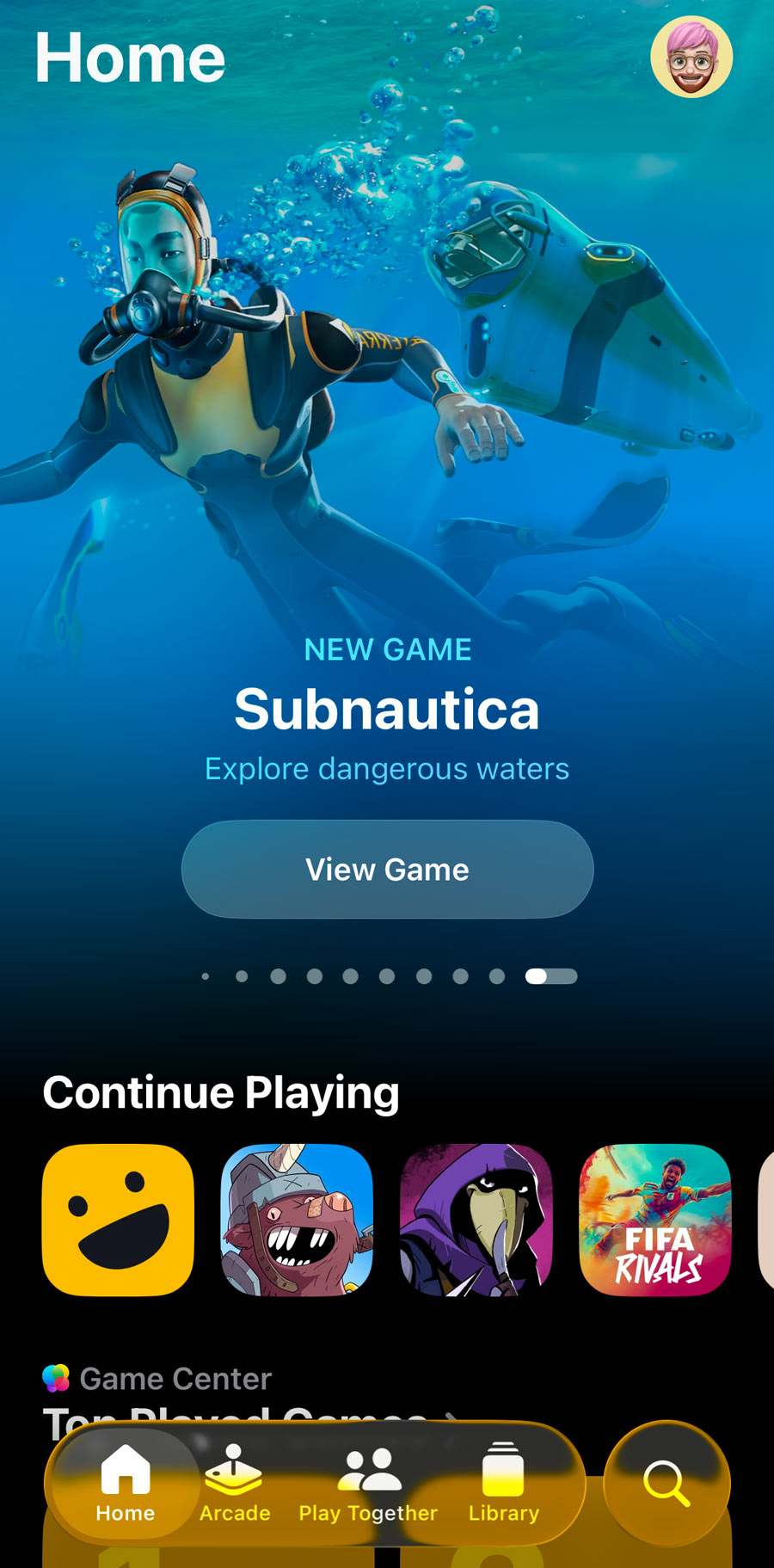
Games should be installed by default, but if it’s missing you can download it free from the App Store.
The Games app is especially handy for Apple Arcade subscribers, with a dedicated tab full of editor-curated picks and exclusive content. But it also works as a complete history of your gaming life on iOS, listing every title you’ve ever downloaded – even those you played ten years ago and since deleted. It’s a great way to jog your memory about games you meant to finish, or those you removed to free up space and now want to revisit.
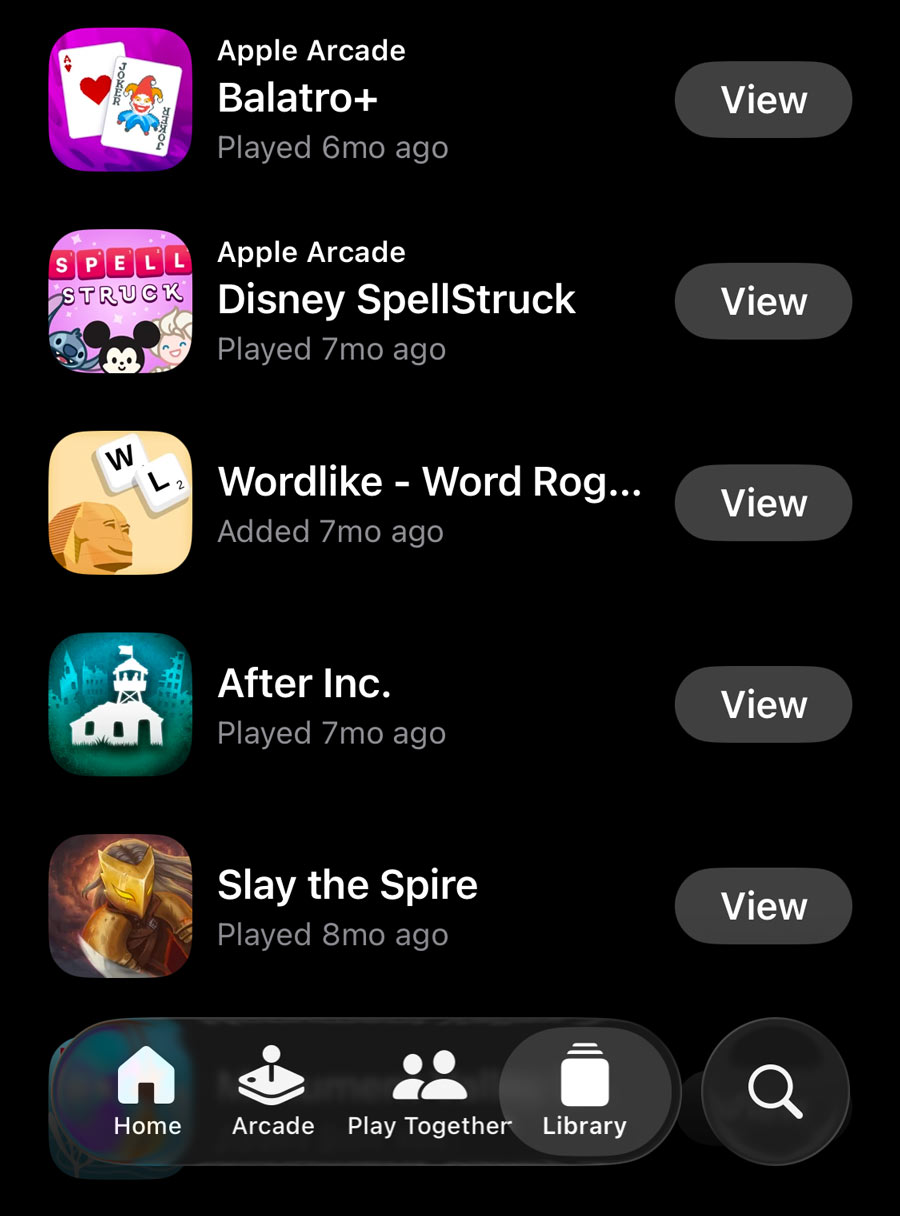
You can browse by category or filter by things like controller support, installed games, or Apple Arcade membership. Just be aware that some very old games that no longer run on modern iPhones may still show up in your Library, with no option to hide or filter them out.
The app also absorbs the old Game Center service. You’ll find all your friends, groups, and high scores here, along with a shared history of games you’ve played together. You can compare achievements, jump into a multiplayer match via party codes or links, and see what your friends have been playing recently. Even single-player games feel a little more social thanks to this shared context.

For a more immersive experience, try connecting a controller to an iPad. You can flick between tabs, launch games, and scroll through achievements without ever touching the screen – it almost feels like an Apple games console!