
Audiobooks are a great way to consume more books, letting you blast through Dune on the daily commute or absorb War & Peace while tackling the washing up. But what’s the best way for iPhone users to get hold of them?
Like printed books, you have plenty of choice, and the right answer will be different for everyone. Here, we’ll outline the most popular ways to get your hands on audiobooks, whether you’re looking to buy, subscribe, borrow, or pay nothing at all.
Buy
On iPhone and iPad, the easiest option is the Audiobooks section of Apple Books. Payments use your existing Apple ID and payment methods, so there’s no extra setup. Purchases sync across all your Apple devices and can be shared with up to five family members via Family Sharing. The downside is these purchases won’t be accessible from your non-Apple devices.
With that in mind, Kobo Books is a decent alternative, especially if you own a Kobo brand eReader. The catalog is smaller but it has frequent sales and works across both Apple and Android devices. The catch on iPhone is that Apple’s rules prevent in-app purchases, so you’ll need to buy titles via the Kobo website and sync them to the app.
Finally, Libro.fm lets you support your local bookshop with every audiobook you buy. Sign up, find your nearest participating store, and a cut of every purchase goes their way. You can buy ad hoc or grab a subscription for one audiobook a month with 30% off extras. It’s rarely the outright cheapest option, but the pricing is competitive and you’re helping local business at the same time. Win-win!

Subscribe
One of the most popular audiobook platforms is Amazon’s Audible, a subscription service that offers monthly credits to spend on whatever titles you like, usually working out much cheaper than retail price. Importantly, audiobooks bought with credits are yours to keep forever – unless you opt for the cheapest plan, which allows access only while subscribed.
If you’d not feed into the Amazon monopoly, Everand (formerly Scribd) takes a different approach, with ebooks and comics part of the same service as audiobooks. It’s pricier than Audible for a single monthly audiobook, but the higher tiers offer much better value for voracious listeners. However, it’s worth noting that you don’t own unlocked content permanently.
Spotify is worth a mention here too. Rather than a credits model, Premium subscribers get 15 hours of audiobook listening included each month as a bonus on top of their music subscription. Hours don’t roll over, and very long titles will spill into next month’s allocation, but if you’re into music and books it’s a good way to kill two birds with one stone.

Borrow
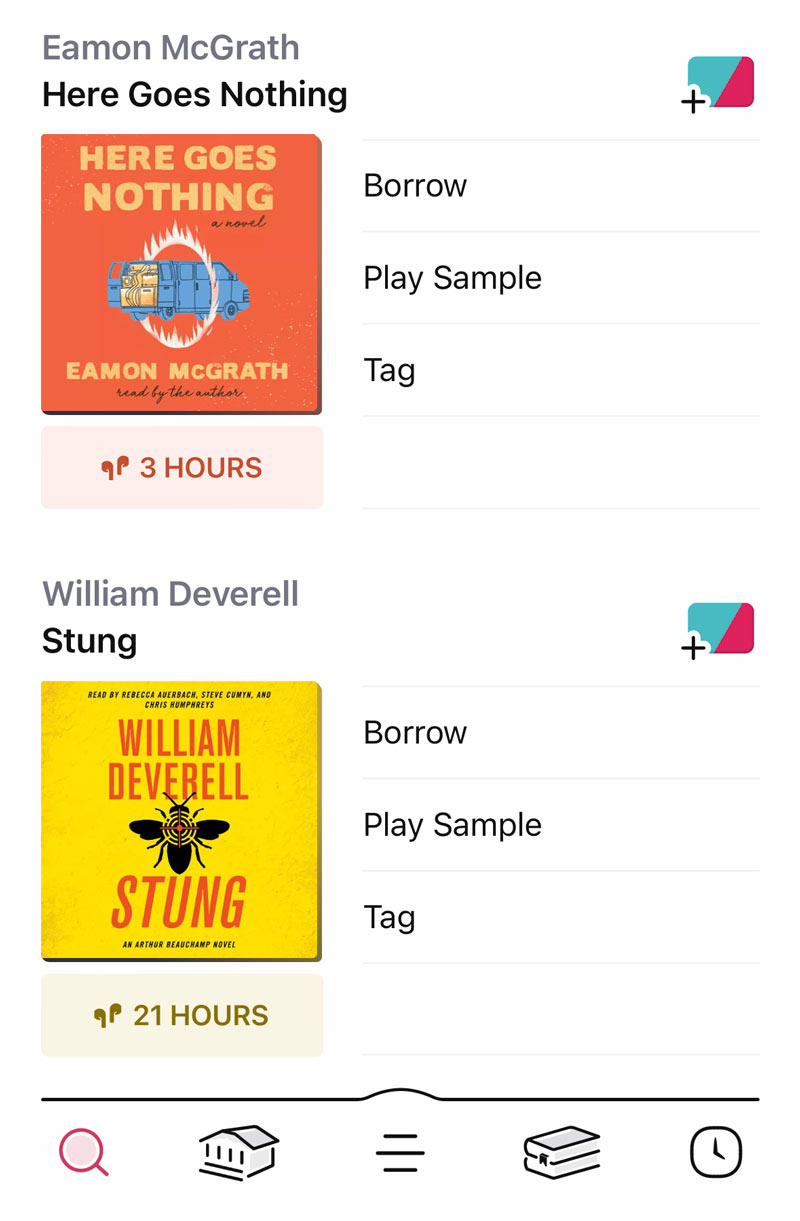
Libraries are a fantastic and chronically underused resource, and these days you don’t even have to leave the house to enjoy their benefits. Most libraries now allow digital “borrowing” of audiobooks, and the Libby app is the most common gateway. Find your local library in the app, sign in with your library card, and you can browse, borrow, and download titles directly.
Availability varies by location, but for backlist titles, classics, and non-fiction it’s often excellent – and it’s completely free. Libby also works with multiple library cards, so if you have access to more than one authority you can pool them for a wider selection. If your local library isn’t on Libby, ask whether they use an alternative service and download the appropriate app.
Free
If classic literature is your thing, also check out LibriVox. It’s a volunteer-run project that has been recording public domain works for 20 years, releasing everything for free with no account required. The caveat is quality: recordings are made by volunteers, so narration ranges from excellent to endearingly rough, and some books are read by multiple readers across different chapters. But as a free resource for classic literature, it’s remarkable.
One more thing: if you’ve got your own collection of audio files, BookPlayer is the best dedicated player for them on iPhone. It’s free, open-source, and handles chapters, sleep timers, variable speed, and progress sync across devices including Apple Watch. Import via AirDrop, the Files app, or cloud storage.