

- The best free guitar tuner apps
- Which app best suits your needs
- Tips for getting an accurate tuning
Your iPhone makes a surprisingly capable guitar tuner – and there’s no shortage of apps to help. The tricky part isn’t finding one that works; it’s finding one whose interface doesn’t drive you up the wall. Since the actual tuning experience is broadly similar across all of them, the best app for you comes down to which interface clicks, and which extras you’ll actually use.
All of the tuners recommended below are free, although be mindful they all include optional payments for other features.
Fender Tune
Fender Tune is a solid option from a brand that knows guitars. The default auto-tuner is functional but bare-bones – register for a free account, though, and you unlock the Pro tuner, which is far more useful when precision matters. It also asks what type of guitar you’re using, which improves accuracy. Beyond tuning, you get a metronome, chord and scale tools, and video lessons for beginners. The app is free because it doubles as a shop window for Fender’s guitars and paid tabs – both easily ignored.

Ultimate Guitar
If you want a tuner bundled with the biggest library of song tabs on the internet, Ultimate Guitar is worth a look. The app has grown a bit bloated over the years and will nudge you toward paid content at every opportunity, but the free tab library remains unbeatable, and the chromatic tuner – tucked away under My Tabs – is solid. Like Fender Tune, you can switch between electric and acoustic and dial in alternate tunings. No ukulele support, though, if that matters to you.

GuitarTuna
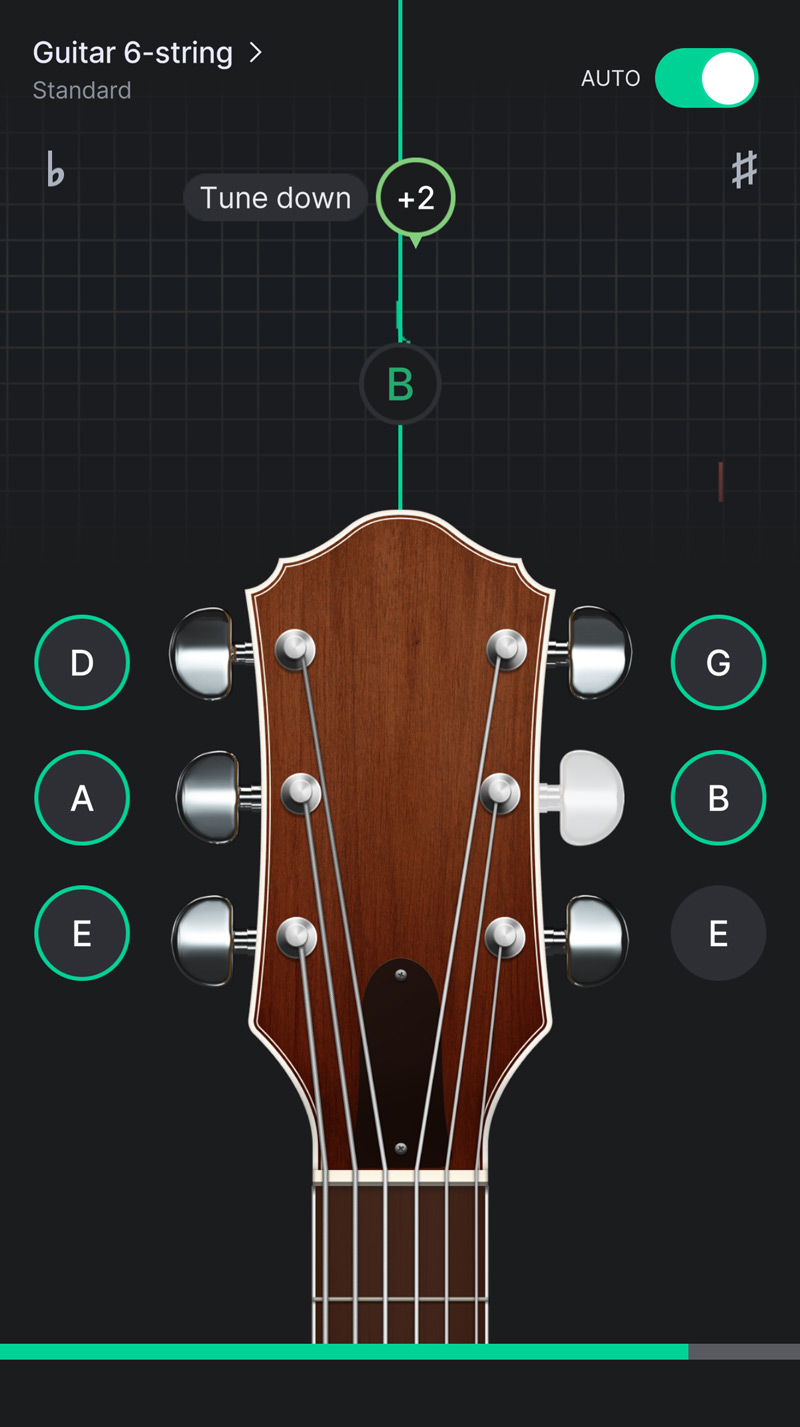
GuitarTuna, from the team behind Yousician, has one of the nicest interfaces of the three and comes with useful learning tools built in. Like Fender Tune, you can switch between electric and acoustic and dial in alternate tunings – and it also supports ukulele, which Ultimate Guitar doesn’t. There’s no sign-up required just to tune, which is refreshing – though you will have to tap through a slightly annoying onboarding flow on first launch.
Tuning tips
Start with the basics: tune in a quiet room, and hold your iPhone close to the amp or guitar’s body. Background noise can confuse the microphone and give you a drifting reading. The built-in mic handles everything pretty well, with no cable or audio interface needed.
Remember you should always tune up rather than down, so start flat and slowly work up to the target note. Tuning down from too sharp is a recipe for the strings coming back out of tune quickly.