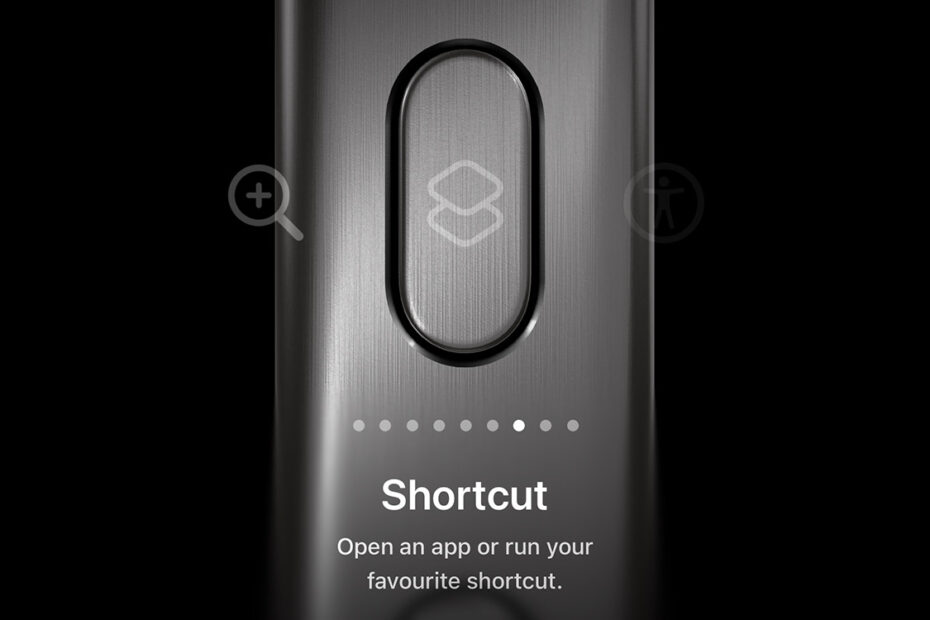

If rumors were to be believed, Apple spent years flirting with the idea of an iPhone with no physical buttons at all. This slab of glass and metal would have fully embraced the minimalist aesthetic championed during the Jony Ive era. And yet, in 2023, Apple did the exact opposite and added a new button: the Action button. Which was quite exciting for about ten seconds, after which point I promptly forgot about it.
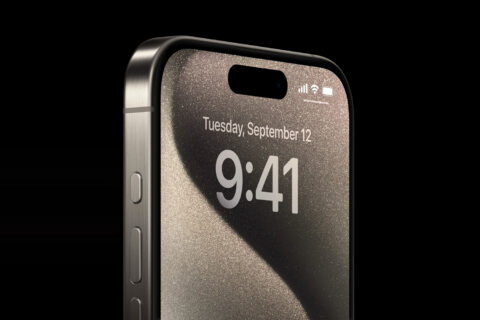
The Action button, lurking above the volume buttons.
Honestly, I should probably call mine the Inaction button for all the use I’ve got out of it. Initially, I did set it to launch Camera, although I didn’t use that route frequently enough for it to be embedded in my muscle memory. And when Camera Control arrived on newer iPhones, that immediately bettered the Action button anyway by allowing me to launch Camera and tweak settings.
The Action button got a brief reprieve, though. I was shown the Fairphone (Gen 6), an Android phone built around repairability and longevity. Along with you being able to dismantle the phone with relative ease, it also has a lime green switch on the side. This toggles a feature called Moments, which instantly transforms the interface into a “boringphone.”

There’s another End if under this!
The result reminded me of the Dumb Phone app, and so I set about replicating the idea on my iPhone. I created a Focus mode called “Badness,” with Home screens full of icons, while my default setup remained aggressively minimal, limited to six text shortcuts within Dumb Phone, alongside a photo widget. One shortcut later (see above) and the Action button let me flip between the two. (I did, however, refrain from painting the button lime green.)
All of which would have been a triumph had I not almost immediately forgotten about it again. In the end, I barely switched back to clutter mode. I found it wasn’t so much something to minimize as avoid entirely.
Ready for Action
More recently, though, I was again thinking about mindful phone use, wondering if I could take things further than a Home screen with a small number of text-based links. I reasoned that perhaps I could bypass the main interface entirely and jump straight to specific tasks and apps. And with that, the Action button finally clicked. Figuratively and literally.
Again, the magic is down to Shortcuts – specifically, “Choose from menu.” That does exactly what it sounds like, generating a list of options when the shortcut is run. And that means if it’s assigned to the Action button, a single press activates a tiny launcher for the things I actually want to do – without leading me into any interface that might distract me.

Veteran Shortcuts nerds will, at this point, be wondering what all the fuss is about. It’s the kind of thing they’ve been doing for ages. But if you’ve never really explored Shortcuts yourself, your thumb and brain alike may now be twitching at the possibilities.
Just don’t take things too far. While experimenting, I discovered you can nest lists inside lists by having a list’s options comprise shortcuts that are themselves lists. In theory, you can make as many levels as you like, resulting in a kind of Listception. This was deeply amusing for a few minutes, until I came to my senses and remembered the entire point of this exercise was efficiency, focus, and minimalism, not recreating a DVD menu from 1999.

So I scaled things back to my single clean list that I can tweak whenever I like. It has a handful of actions and a couple of useful apps. And that means Apple’s button, that I ignored for so long, is finally back in action.