

I loved Lego as a kid and I love it again as an adult. I’m not sure precisely why I got back into plastic bricks, but there are now sets dotted around the house. There’s something meditative about snapping bricks together – part puzzle, part escape – that feels very welcome in an increasingly digital world.

Which makes it mildly ironic that I think Lego fans should bring their iPhones into the mix. Not to replace Lego, but to enhance it. The right apps can make collecting and building a smoother experience, and even turn your face into a blocky, colorful selfie.
The best Lego apps from Lego
Search the App Store and you’ll find plenty of official Lego apps. Many are tied to specific product lines. If you’re into Technic, Super Mario, or remote-controlled sets, you’ll likely need a companion app to unlock everything they offer. But more generally, two key apps stand out.

Lego Builder.
Lego Insiders (free) is a window into your Lego Insiders account. If you don’t already have one, it’s worth signing up. You earn points on purchases made directly from Lego, which can be traded for rewards that range from digital extras to money-off vouchers. The app also lets you track orders, manage a wishlist, and enter competitions.
Lego Builder (free) is just as essential. Sign in and you can log your collection and scan codes on your instruction manuals to add Insider points to your account. And if you mislay your paper instructions, you can download PDF equivalents, or build using 3D guides that let you see steps from any angle. There’s even a Build Together mode for some sets, making it easier to work on them as a group.
The best Lego apps from everyone else
Third-party Lego apps are a mixed bag. Some are genuinely useful; others lean too hard on subscriptions. Again, some rise above the rest.

Brick Collector.
Brick Collector (from free) resembles my favorite tracking apps, but it’s specifically designed for Lego. You can scan barcodes to add sets, or explore entire Lego themes by year, number, name, or part count, to add to your collection or wishlist. The free version is limited to ten sets, but the unlimited version is only a one-off $10/£10.
Minifig Scan (free) is also great, making it a cinch to see what’s inside blind Collectible Minifigure boxes, so you don’t end up with accidental duplicates. It also doubles as a simple way to track what you own.
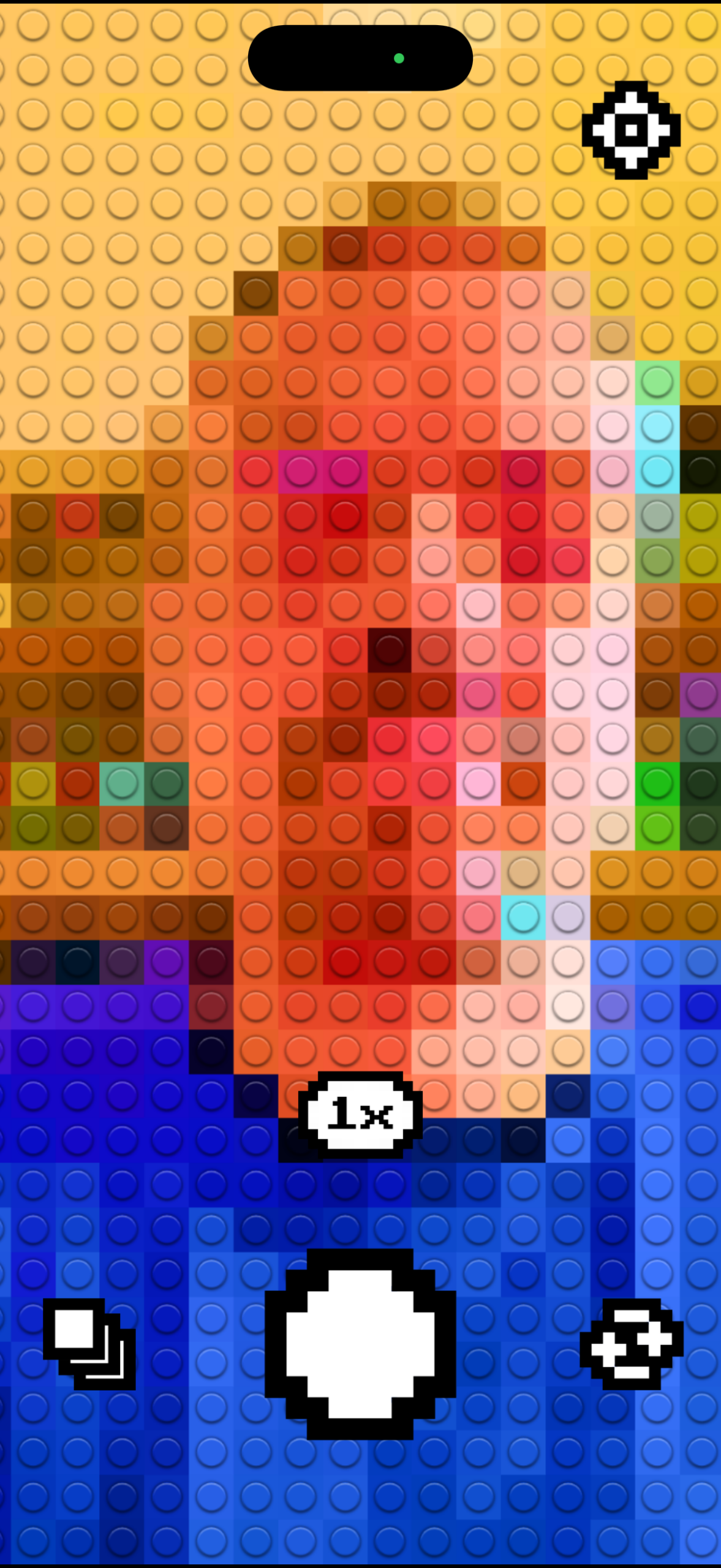
Bricks Camera.
Beyond those, there are a few other apps worth a look. Brick Search (from free) offers collection tracking and is really good for keeping tabs on retiring sets. omgbricks (from free) looks rough but provides fast access to upcoming and retiring sets. It also – terrifyingly – adds theme completion percentages, which you can watch go up as your bank account goes down. And if you’re feeling creative, Bricks Camera (from free) turns your face (or, to be fair, any photo) into a Lego-style mosaic, with optional instructions if you fancy building it for real.