
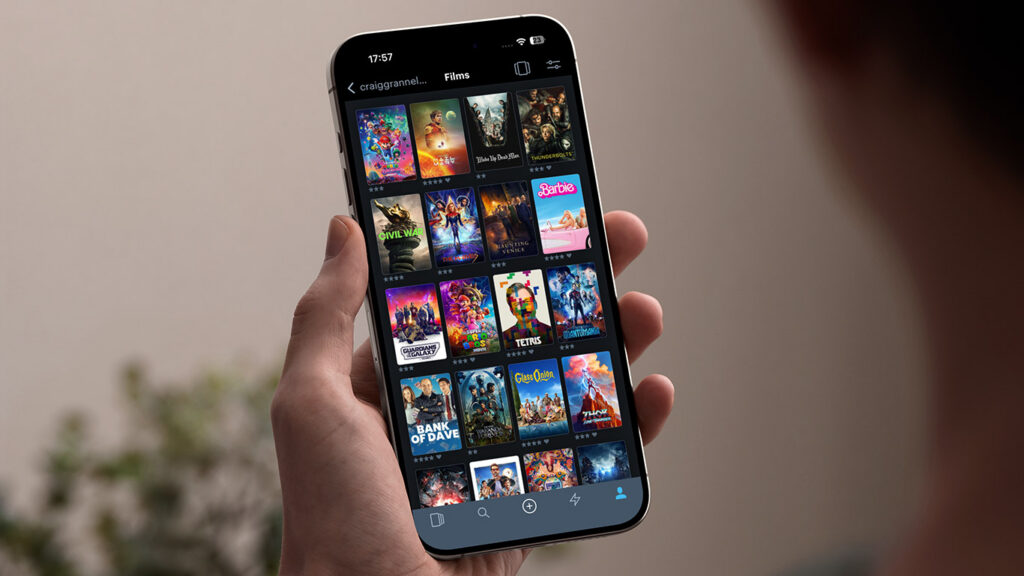


In this series, we dig into an app we think you should be using, and explain what it is, why it’s great, and how to get started. This time, we’re covering Letterboxd.
What is Letterboxd?
Part film diary, part social network, Letterboxd helps you track what you watch, build wish lists, rate and review films, and get stuck into vitally important debates about whether Han Solo shot first and if all Pixar movies are secretly connected.
What makes Letterboxd great?
You can use as much – or as little – of the social side as you like. Keep everything private and rate films so you don’t watch a duff one twice. Or unleash your inner Roger Ebert and Mark Kermode, publishing your opinions for the world to see.
How can I get started with Letterboxd?
The tips below assume you’ve downloaded the app and set up an account.
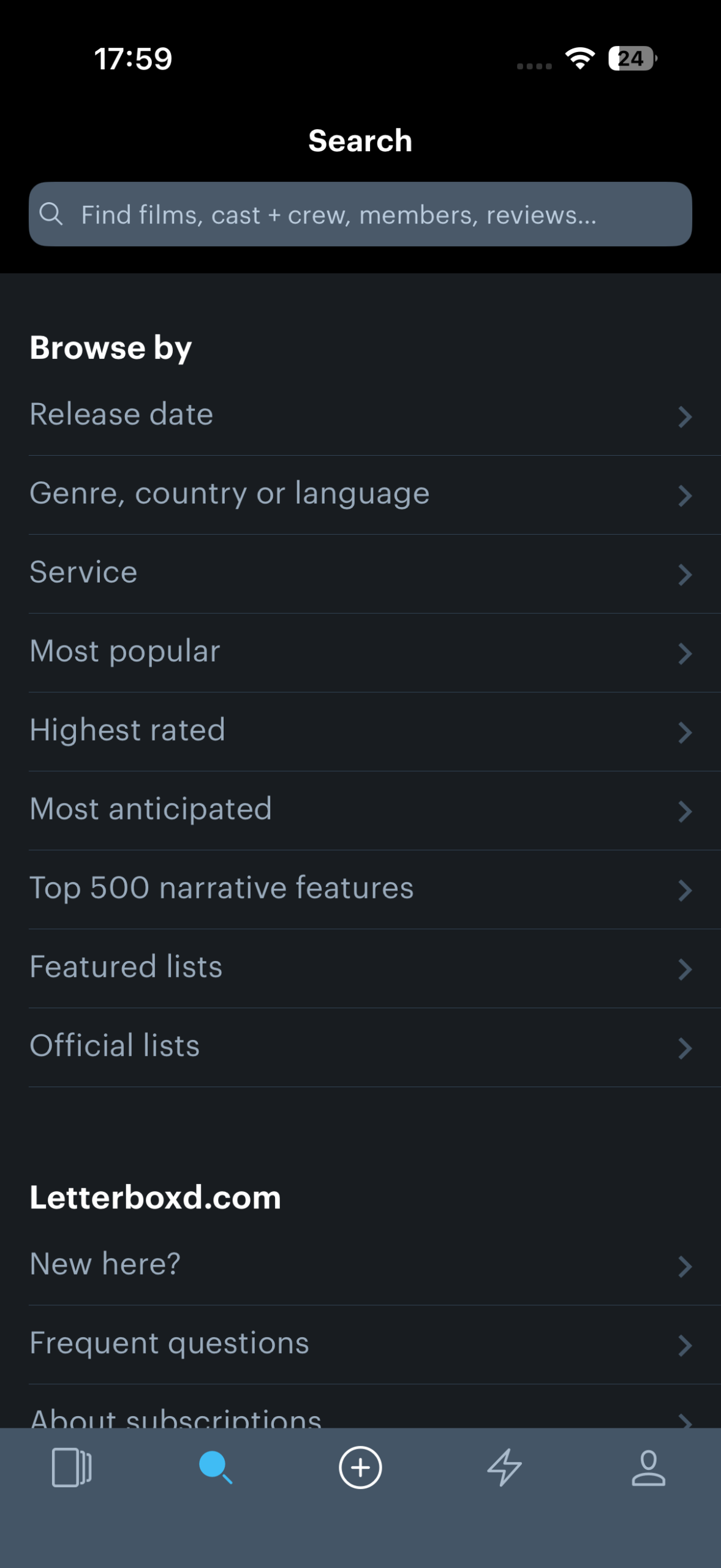
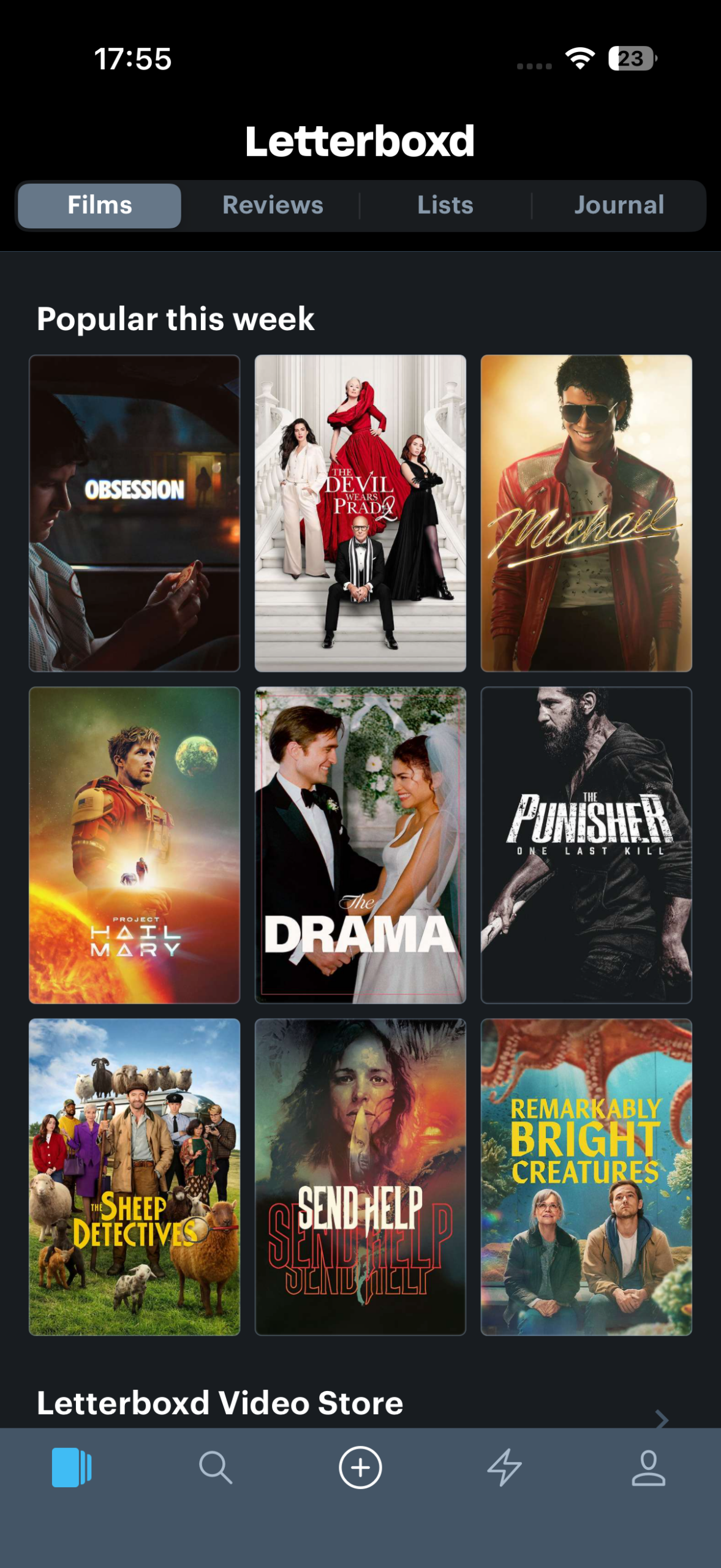
Find a film: Tap the leftmost toolbar button to open Letterboxd’s main screen, which highlights what’s currently popular. You can also browse Reviews or Lists, or use Search to find films by keyword, title, actor, and more. Tap a poster to select a film.
Watch the trailer: Film pages immediately show key details, including the year of release, director, and ratings. Tap Trailer to watch a preview on YouTube. Swipe right on the Home indicator or tap ‘Letterboxd’ (top left) to return to the app.
View feedback: The ratings bar shows a movie’s score and how ratings are distributed. Scroll down to Reviews to read what people thought. Use the filter button in the top-right corner to sort reviews by popularity, rating, or date.
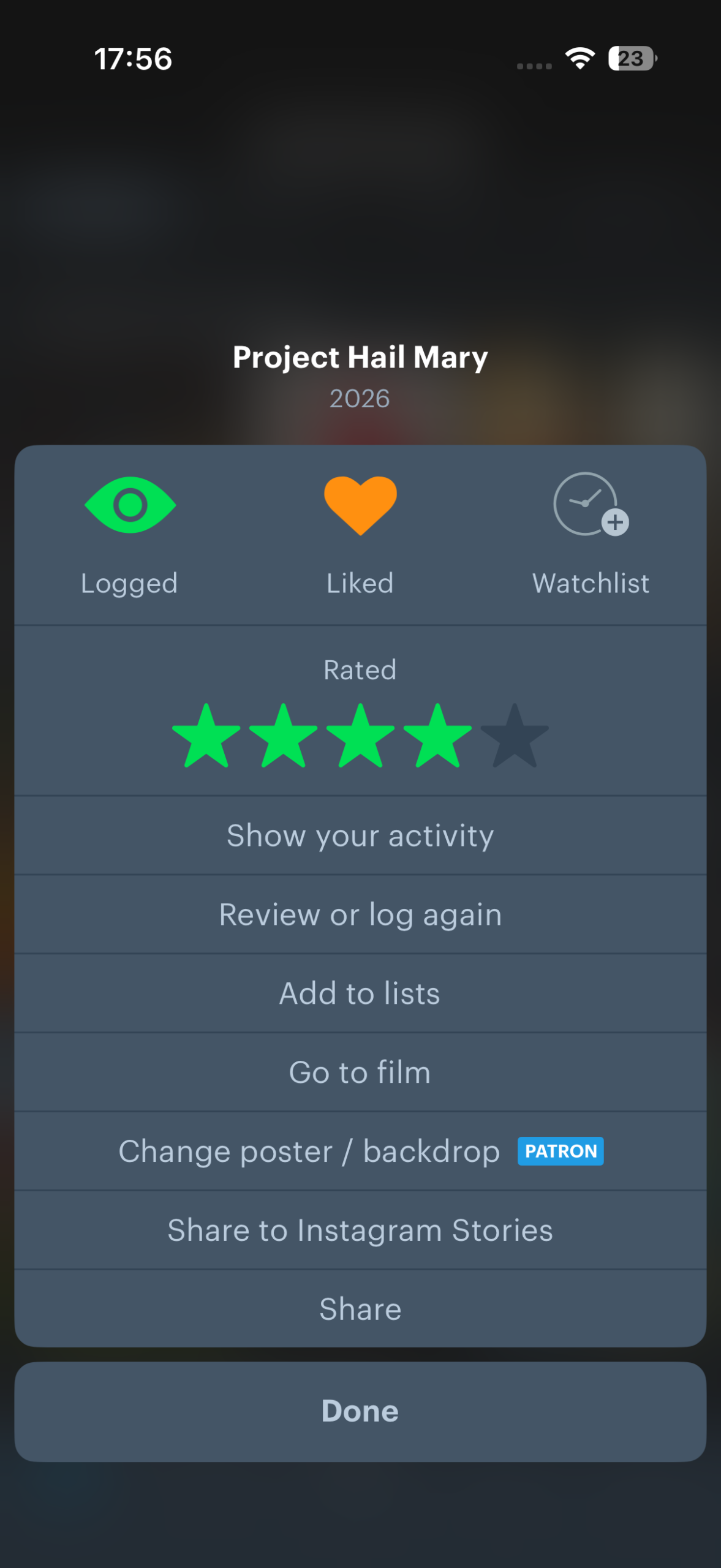
Save and rate movies: Tap-hold a film poster to open the actions panel. From here, you can mark a film as watched, rate it, optionally state you liked it, log when you watched it (thereby creating a diary), or add it to your Watchlist for later.
Find where to watch: If a film is currently in theaters/cinemas, tap ‘Showtimes + tickets’ to see nearby screenings. For an older film – or one that’s already available for home viewing – tap ‘Where to watch’ to discover where to stream, rent, and buy it.
Dig deeper: Like IMDb, Letterboxd is packed with trivia. Scroll down to see related films, and to explore details about cast, crew, studios, and release dates. For cast and crew, you’ll even see the percentage of their films you’ve watched – ideal for completists!
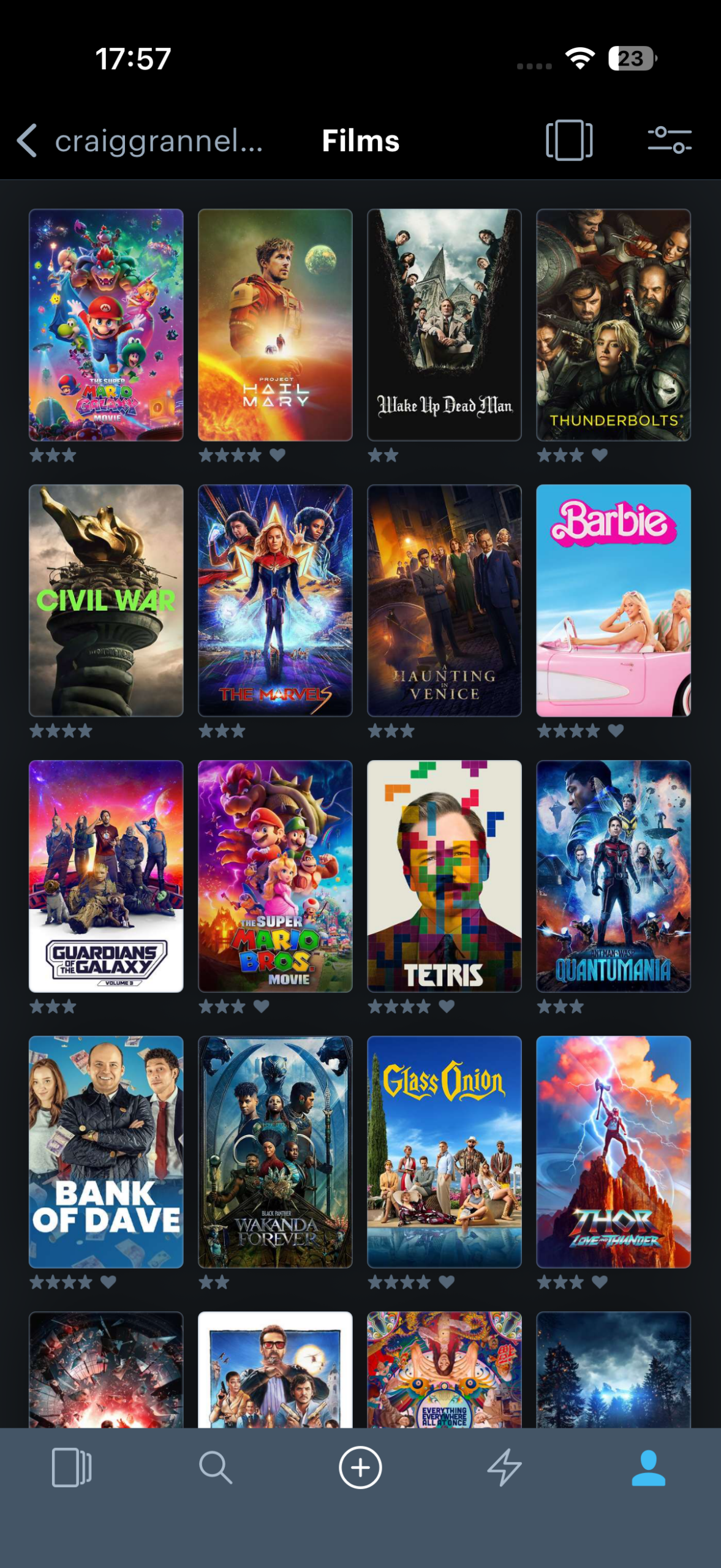
Browse your collection: Once you’ve rated some films, head to the profile tab. You’ll see your recent activity. Scroll down and tap Films to browse everything you’ve rated, and use the filter button to sort and fine-tune what’s shown. Use Diary to look over when you saw each film, alongside its rating.
Create a list: In your profile, tap Lists and then + to create a new list. Name your list, use ‘Add entries’ to add new items, and sort them using the drag handles. Optionally add notes and spoiler warnings. Use the visibility and replies buttons to define whether the list is public and, if so, who can reply to it.
Join the community: Tap the + button in the main toolbar to write a review. Add a rating, take care to use the spoilers button if needed, and choose who can reply. One option is Friends. Don’t have any on Letterboxd? To follow another user, open one of their reviews and tap Follow.
Visit the Letterboxd website or get Letterboxd (free) from the App Store. Learn more via the Letterboxd website’s help pages.