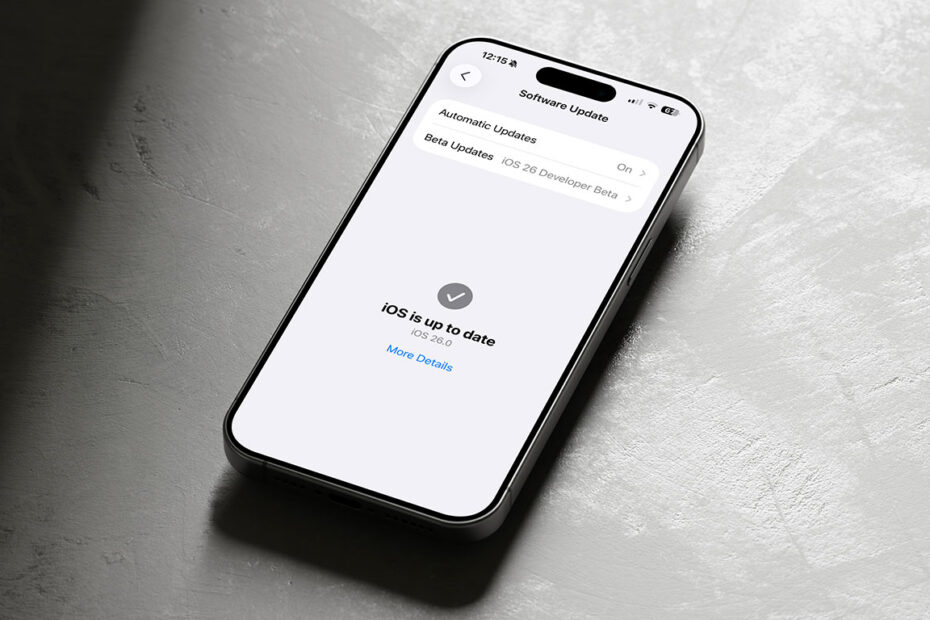

Apple has released iOS 26.2, the second major update since iOS 26 arrived earlier this year. Like 26.1, it’s not a radical overhaul, but it does quietly expand on some of Apple’s newer ideas – particularly around Liquid Glass, media apps, and safety – while adding a handful of genuinely useful quality-of-life features. Let’s take a look.
Liquid Glass gets another dial
One of the more interesting tweaks continues Apple’s soft retreat from the all-or-nothing feel of Liquid Glass. iOS 26.2 adds an extra Lock Screen customization option that lets you further adjust the clock’s opacity, making it easier to strike a balance between style and legibility. It’s a small change, but it reinforces the sense that Apple is now treating Liquid Glass as something users can tune to their liking, rather than endure in full.
Music, podcasts, and games get smarter
Apple Music sees a couple of practical upgrades. Your Favorite Songs playlist now appears directly in Top Picks on the Home tab, making it easier to get back to your most-played tracks, while offline lyrics mean you can follow along with downloaded songs even without an internet connection.
Podcasts benefits from automatically generated chapters, which makes jumping to specific segments much easier, especially in longer shows. There’s also a neat discovery feature that links out to podcasts mentioned within an episode, letting you explore and follow them directly from the player or transcript.
In Games, Apple continues to flesh out its gaming hub. New filters in the library make it easier to find titles by category or size, real-time challenge score banners show when someone takes the lead, and controller support has been improved for popular controllers like Backbone and Razer.
Safety, sharing, and reminders
iOS 26.2 adds a new layer of safety alerts in the US, with richer notifications for imminent threats such as floods or natural disasters. These alerts can include maps of affected areas and links to further guidance, making them more informative than the blunt emergency alerts of the past.
Sharing gets a security boost too. AirDrop now supports verification codes when transferring files to unknown contacts, adding an extra step that helps ensure you’re sending data to the right person.
Reminders gains alarms for urgent tasks, complete with snooze options and Live Activity support, so time-sensitive reminders are harder to miss without becoming overwhelming.
A few more subtle changes
Elsewhere, Apple News adds quick section links at the top of the Today feed for faster navigation, while the Home app now supports multipack accessory pairing using a single setup code. Accessibility options expand with a new setting that lets the entire screen flash for alerts, not just the LED.
Freeform continues to evolve too, with proper tables that can hold text, images, documents, and drawings, intelligently resizing cells to bring a bit more structure to its otherwise infinite canvas.
Bug fixes and boring stuff
As usual, the update also includes bug fixes, including a resolved issue with pre-release albums in Apple Music not playing on time and a fix for a misleading Privacy & Security setting that could appear to be enterprise-managed.
How to update
To install iOS 26.2, open Settings > General > Software Update and follow the on-screen instructions. If automatic updates are enabled, it may download and install overnight – but triggering it manually is usually the quickest way to ensure you get the update.