iOS 26.3 is here, and while it’s a fairly quiet release, it lays the groundwork for bigger things. Caught between December’s iOS 26.2 – which updated key apps and refined Liquid Glass – and a rumoured iOS 26.4 later this year with a powered-up Siri 2.0, today’s update feels small by comparison.
Instead, it focuses on less flashy priorities like bug fixes and EU compliance. Most of the changes are regulation-driven or tucked away behind the scenes, but there are still a few points worth noting.
EU-driven changes
The most eye-catching addition is a new built-in tool for switching from iPhone to Android during setup. Data transfers were already possible, but this streamlines the process and removes the need for extra downloads. It’s a response to the EU’s Digital Markets Act, though Apple has rolled it out worldwide.
In the European Union, iOS 26.3 also expands support for third-party accessories. A new API allows compatible wearables to mirror and interact with iPhone notifications, similar to Apple Watch. Proximity pairing – the AirPods-style pop-up setup screen – is also being opened up. For now, these capabilities remain EU-only.
More privacy controls
On devices with Apple’s C1 or C1X modems – including iPhone 16e, iPhone Air, and the M5 iPad Pro with 5G – there’s a new toggle to limit how precisely cellular networks can determine your location. Apps and websites still receive an approximate location, and emergency services aren’t affected, but it adds another layer of privacy.
There’s also groundwork for encrypted RCS messaging. While iPhone already supports RCS for texting Android users, end-to-end encryption hasn’t been enabled. The iOS 26.3 code suggests Apple is ready – carriers just need to switch it on.
How to update
Though small on features, the update is pretty big in size. Though it varies based on your device and current iOS version, most users will require a download of more than 10GB in order to install it. That figure becomes much smaller if you have Apple Intelligence turned off, hinting at the presence of some significant AI improvements under the hood.
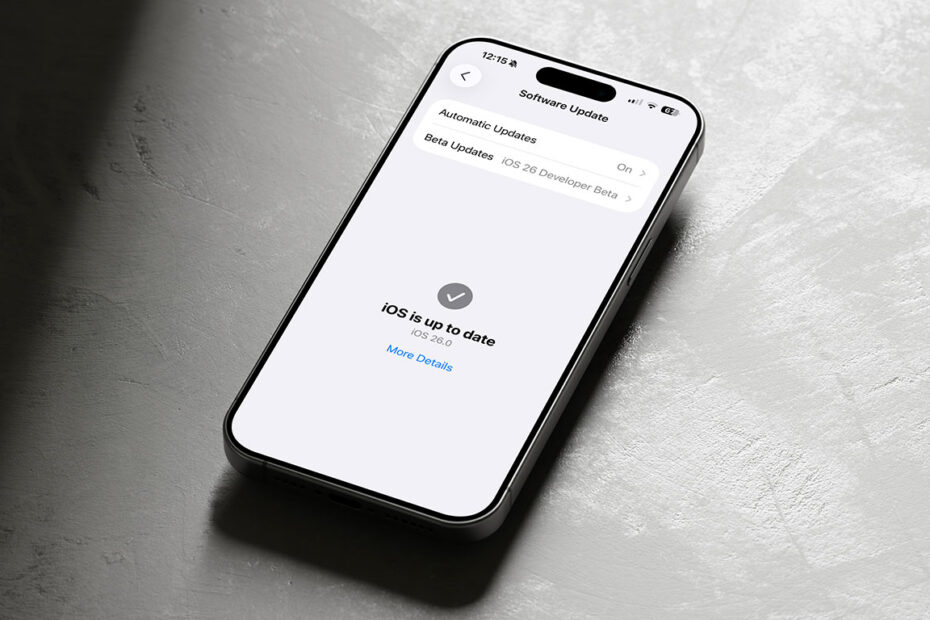
To update, head to Settings > General > Software Update. If you have automatic updates enabled, it will install by itself eventually – but it can take days or even weeks. Triggering the update manually is always faster.