
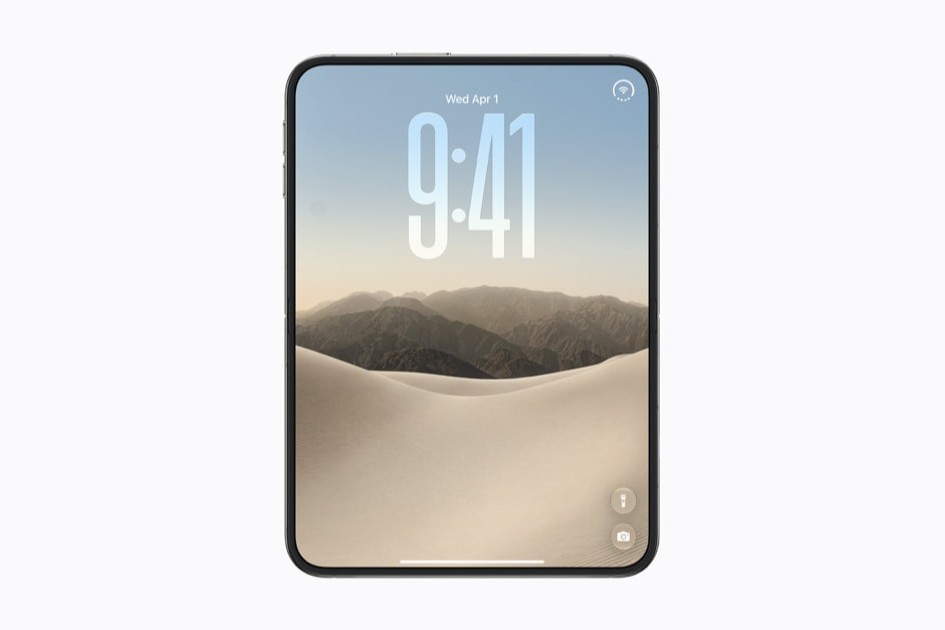


I started the Tips & Tricks apps back in 2009, and our first app shipped on the App Store that year. (Apple liked the idea so much that about five years later it made its own Tips app. Thanks, Apple.) We’ve been helping people get more from their iPhones ever since.
I’m also now of an age where my eyes are starting to go a little, and as luck would have it, Apple has spent the same years making bigger and bigger phones. Which brings us to iPhone Duo, Apple’s first foldable. A bigger iPhone? Brilliant. I’ve been looking forward to this one for a long time.
Getting hold of one
I tried to preorder. I followed all of our own preordering advice to the letter, and yet somehow the store didn’t go live for us here in the UK until 1:07pm. By then, delivery had slipped to early December. Not ideal when we need to check that our tips actually work on it.
Then Reddit came to the rescue, with rumors that our local Apple Store in Bristol had some iPhone Duos in stock. So I popped down early this morning, got there before the doors opened, and managed to buy one. It’s the 1TB model, which is far more storage than I need, but needs must.
I’ve now spent a day with it. And I have to say, I’m disappointed.
It doesn’t know who I am
Problem number one: there’s no Face ID. I’ve got so used to just looking at my messages and watching them expand. That no longer happens. Instead, I have to find the side button and put my finger on it.
I’ve added four of my fingers to Touch ID, so I can unlock it easily whichever way I’m holding it. Even so, it’s a hassle, and it just doesn’t work the way I expect it to. Worse, I occasionally press the button by accident and lock the phone. It doesn’t seem to have enough resistance.
Lopsided apps
Apps that have been updated for iPhone Duo, including Safari (and our own apps, as soon as Apple approves them), move the tab bar and other controls over to the right-hand edge. That leaves you with a slightly unsatisfying, lopsided layout, and frankly, a lot of apps just look ugly.
Cramped on the outside
When you’re using just the outer screen, with the phone closed, apps feel cramped, and that includes Apple’s own. Important things fall off the bottom of the screen, and it isn’t always obvious that you can scroll down to find them.
Moments of delight
It’s not all bad. There are some surprising and delightful touches. Leave it propped open sideways, slightly ajar, and you get a cool clock or some of your photos. Leave it open like a book and you get your calendar alongside some of your own photos. It’s a nice surprise.
First verdict
Overall, though, right now iPhone Duo feels like a phone from a parallel dimension, one that branched off from ours about 10 years ago.
We’ll be spending plenty more time with it, so look out for more on iPhone Duo soon.