
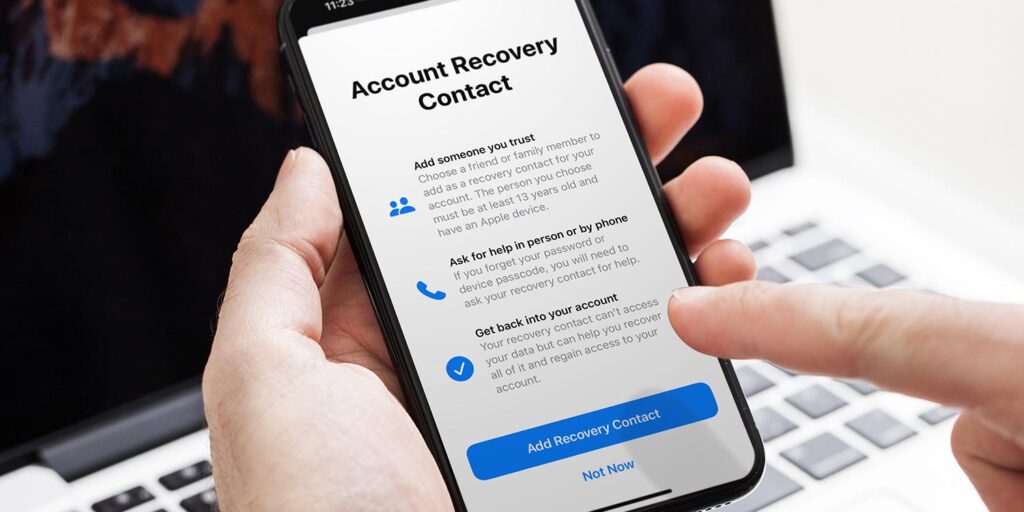


- What recovery contacts are and how they work
- How to choose up to 5 of them
- How to help a friend who needs your help
Forgetting your Apple Account password is a bit like locking yourself out of the house. Recovery contacts are Apple’s version of leaving a spare key with a neighbour – a trusted person who can help you back in without ever having access to the place themselves.
You can set up to five recovery contacts, and it works both ways: you can designate someone, and someone can designate you.
Setting a trusted recovery contact
Open the Settings app and tap your name at the top. Then head to Sign-In & Security > Recovery Contacts and tap Add Recovery Contact. You’ll be asked to verify your identity with Face ID before continuing.
When choosing a contact, they’ll need an Apple device with two-factor authentication enabled. If you pick someone from your Family Sharing group they’re added automatically – anyone outside that group will need to accept an invite first.
If you get locked out
Follow the on-screen instructions on your device to initiate recovery, then contact your recovery contact – call them, text them, whatever works. They’ll need to go to Sign-In & Security > Account Recovery > [Your Name] > Get Recovery Code and read you the six-digit code. Enter that on your device and you’ll be back in.
Helping a locked-out friend
The process from the other side is essentially the same. Accept the invite they send you, and if they ever need your help, find their name under Account Recovery in your own Sign-In & Security settings and tap Get Recovery Code. Read them the six digits – that’s all there is to it.
One thing worth noting: only ever share that code directly with the person you’re helping. If anyone else asks for it, don’t.