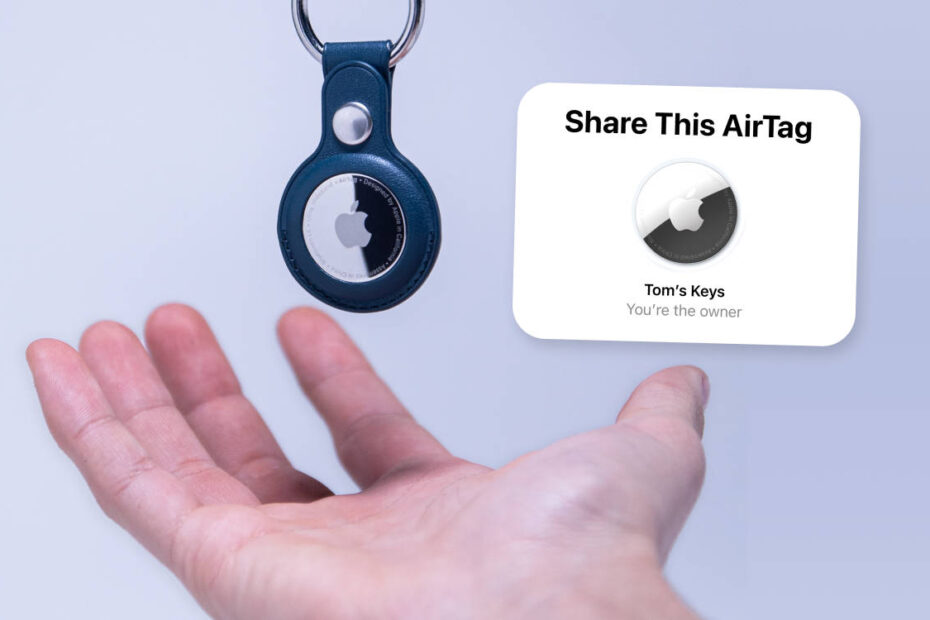

- AirTags can have multiple owners
- All owners can track via the Find My app
- Good for families but could make stalking easier
AirTags are Apple’s tracking devices that allow users to keep tabs on bags, keys, laptops and whatnot via the Find My app. Attach a $30 AirTag and you’ll be able to track its whereabouts via iCloud just like you can with lost devices.
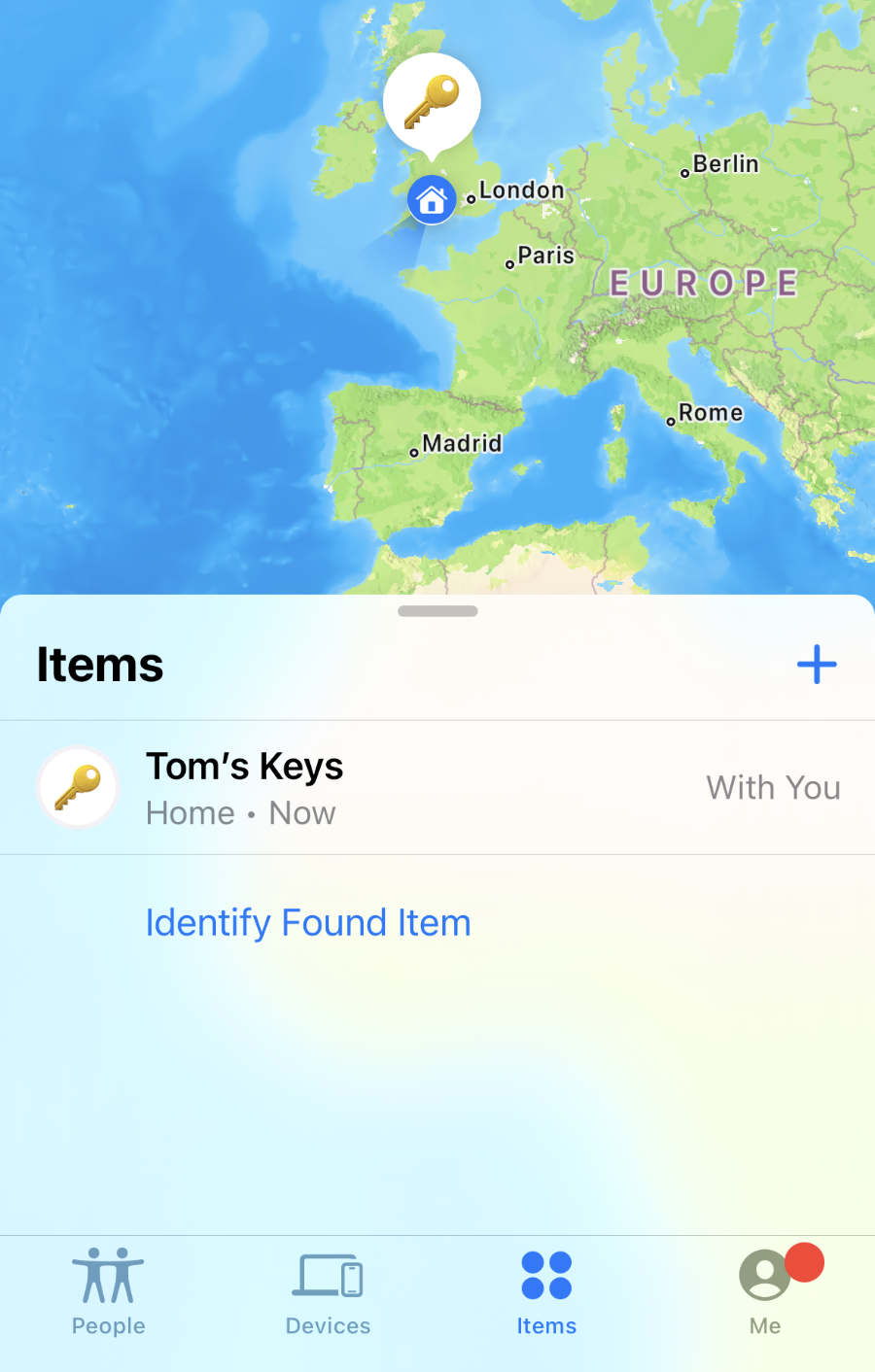
Every since iOS 17, Apple has made it possible to share an AirTag with another person. Both users will be able to track the AirTag and play a sound when it’s lost. This is great for couples or people with family members they need to keep track of.
Security concerns
Previously, if somebody carried an AirTag belonging to somebody else with them for an extended period, they’d get an alert on their iPhone about it as an anti-stalking measure. Those alerts will now disappear for anyone sharing their AirTags, which is good news for most but potentially bad news for those in abusive relationships. Thankfully, Apple’s Safety Check features are designed to combat the digital side of domestic abuse.
How to share an AirTag
Open the Find My app and find an existing AirTag in the Items tab. (Or, if this is your first time using an AirTag, simply hold it near your iPhone and press Connect when prompted.)
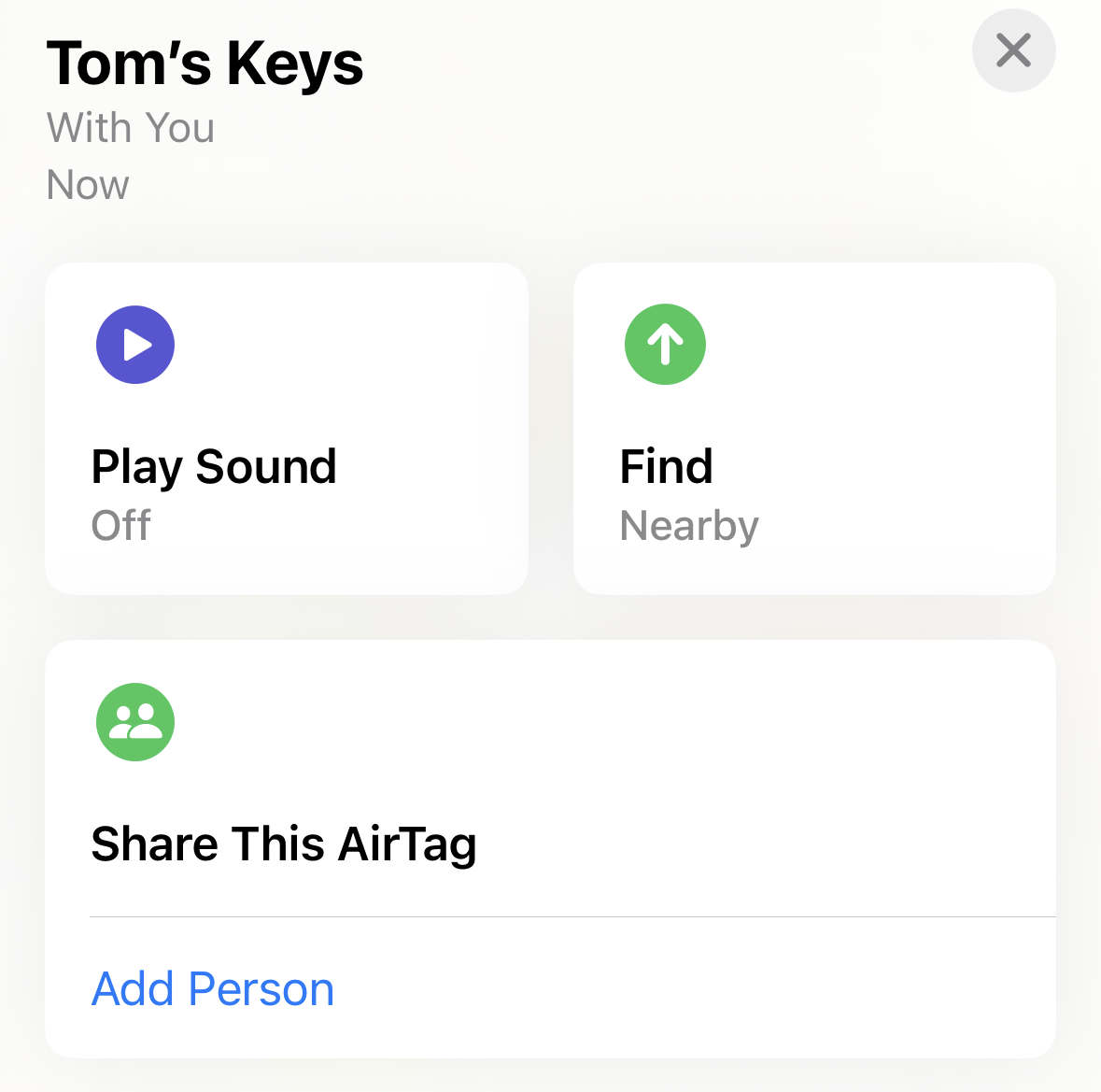
Scroll down to the Share this AirTag section and tap Add Person. Press Continue. Choose a contact from the list and tap Share to invite them. They will show as Pending until they accept your invite, which they can do by opening their own Find My app and pressing Add when prompted.
To stop sharing with someone, press Remove next to their name and tap Stop Sharing.