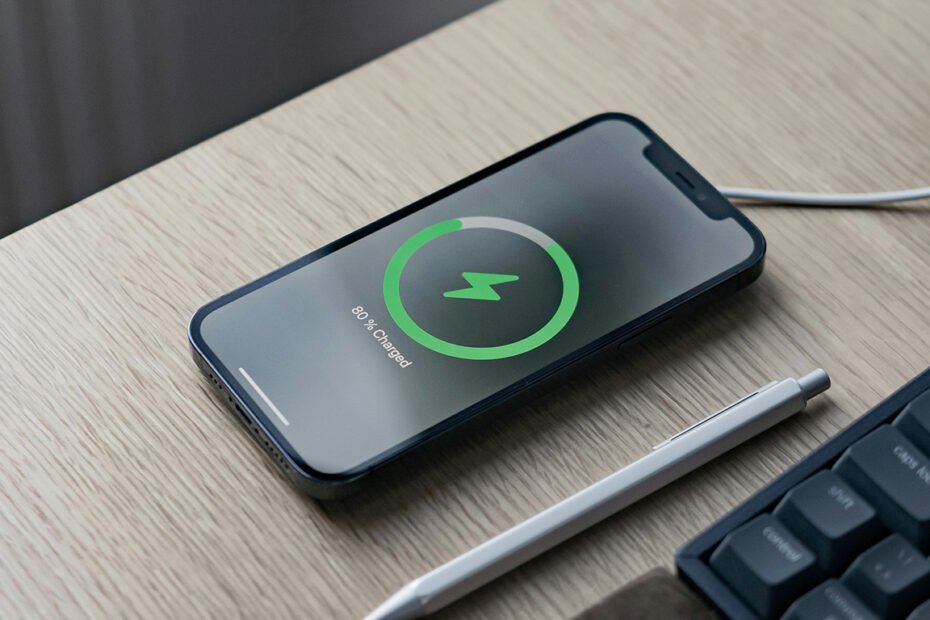

Charging an iPhone or iPad is mostly effortless these days, but there’s still plenty of confusion around chargers, cables, speeds, and whether you’re doing any long-term harm to your battery. Apple’s hardware has changed a lot in recent years – USB-C is now the norm, fast charging is expected, and battery health features quietly do a lot of work behind the scenes. But let’s revisit the basics and answer some common battery-related questions.
Is there a difference between iPhone and iPad chargers?
Yes, but not in the way it used to be.
Apple no longer ships power adapters in the box with most devices, but the principle is simple: chargers differ by how much power they can deliver. That’s measured in watts (W). iPhones generally need less power than iPads, but both will happily work with a wide range of modern USB-C power adapters.
These days, Apple sells USB-C adapters in several sizes, commonly 20W, 30W, 35W, 67W, and beyond. An iPhone will typically draw up to around 20–27W when fast charging, while iPads – especially the larger Pro models – can pull significantly more. The device decides how much power it needs, not the charger.
As for cables, USB-C is now standard across the iPhone and iPad lineup. Older Lightning cables are still around, but they’re slowly being phased out. As long as the cable is certified and in good condition, you’re fine.
So which chargers are safe to use?
In short: almost all of them.
Modern iPhones and iPads are designed to negotiate power safely. You can plug an iPhone into a high-power iPad or MacBook charger without worrying about damage – it will only take what it needs. The same goes for using a smaller charger on a bigger device, though charging will be slower.
The one thing to be cautious about is very cheap, unbranded adapters or cables. Poorly made accessories can be inefficient, unreliable, or fail basic safety standards. Sticking to reputable brands is still good advice.
Can you charge faster?
Yes, within limits.
Most recent iPhones support fast charging, which can get you to around 50 percent in roughly half an hour with a sufficiently powerful USB-C adapter and cable. For iPhones, a 20W charger is usually enough to hit peak charging speeds. Anything more powerful won’t make a meaningful difference.
iPads benefit more clearly from higher-wattage chargers. Using a 30W or higher adapter can noticeably reduce charging times, especially on larger models. If you already have a MacBook charger, it’s often an excellent option for topping up an iPad quickly and means you don’t need to buy an extra cable.
Wireless charging is convenient but much slower. MagSafe chargers are faster and more efficient than standard Qi pads, but they still won’t match wired charging speeds. This is the type of charger you leave on your desk or bedside table to keep your device topped up over longer periods of downtime.
Does leaving a charger plugged in waste electricity?
Not in any meaningful way.
Modern Apple power adapters draw virtually no power when they’re plugged in but not actively charging a device. Likewise, once your iPhone or iPad reaches full charge, it dramatically reduces power intake.
Apple also uses smart battery management features to reduce long-term wear by slowing or pausing charging when it predicts your device will be plugged in for a long time. That’s why it’s generally safe to leave your phone charging overnight.
Charging has become simpler, safer, and faster over the years – even if the accessories situation looks more complicated at first glance.