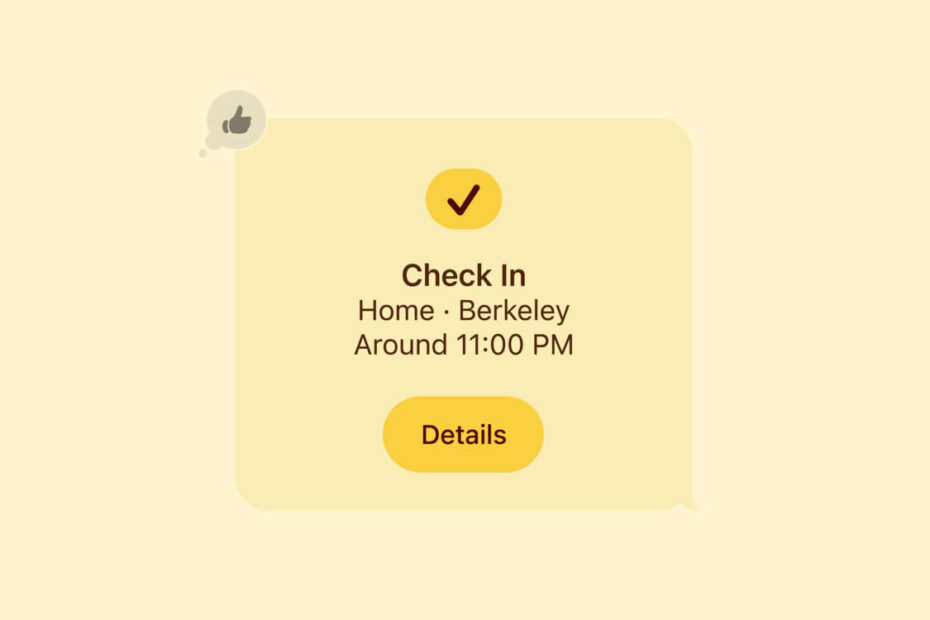

- How Check In quietly keeps a friend updated on your journey
- What information is shared if you stop responding
- How to choose between arrival-based and timer-based tracking
Apple’s personal safety tools have grown steadily over the last few years, and Check In is one of the most reassuring. It lets your iPhone keep a trusted friend informed while you travel – automatically telling them when you arrive, and alerting them if you’re unexpectedly delayed, off-route, or unresponsive. It’s an easy way to add peace of mind whether you’re heading home late or meeting someone in an unfamiliar place.
What you need
Both you and your chosen contact need to be using iMessage on iOS 17 or higher. Location Services should be enabled on your device, and you’ll need a data connection so your iPhone can track progress along the way.
Starting a Check In
To begin, open Messages, pick your trusted contact, tap the + button, and select Check In.
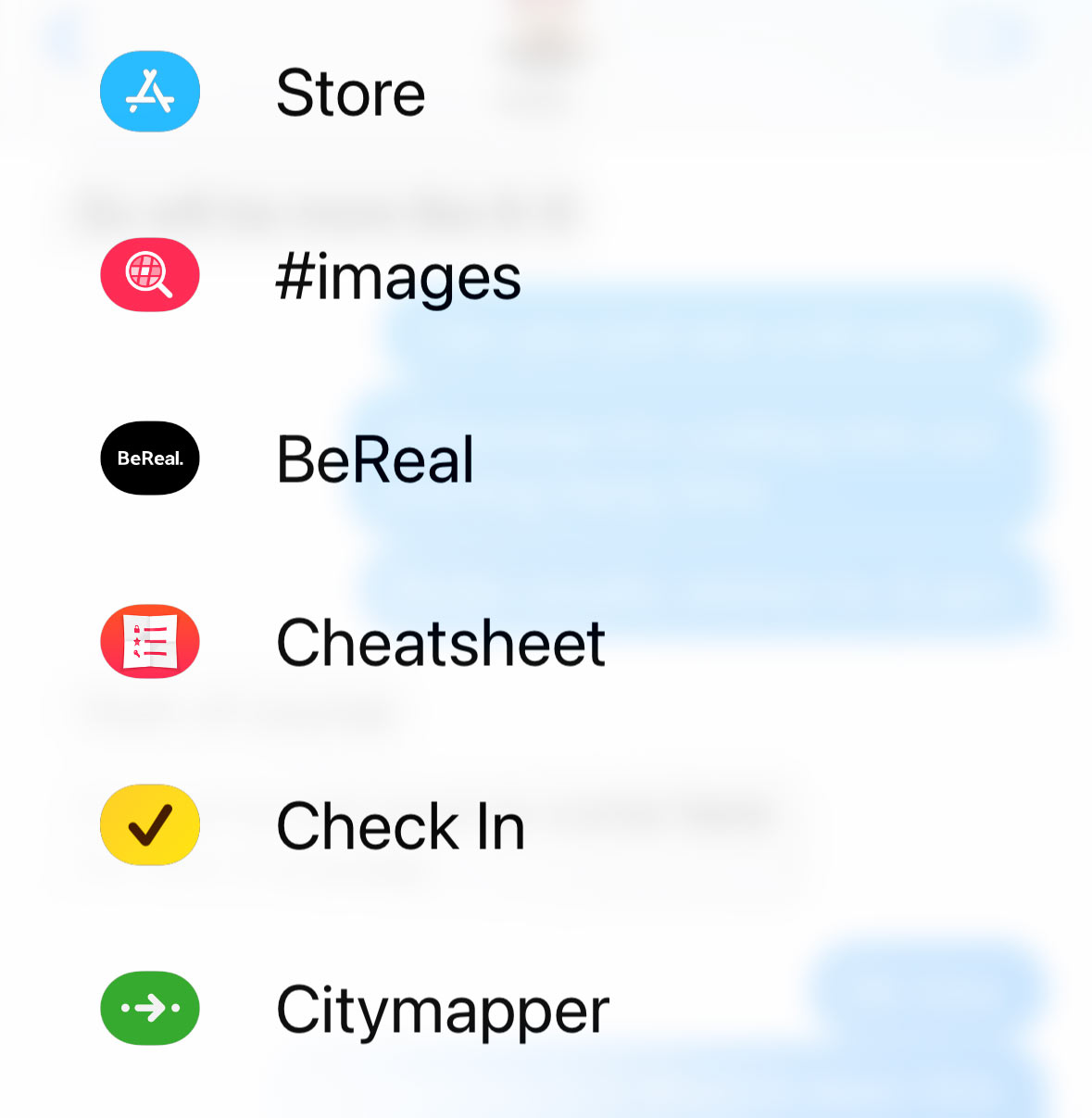
The setup walkthrough lets you decide whether you want the system to monitor you until you reach a specific destination or simply check in after a timer expires. You’ll also be asked how much information to share if something goes wrong. The Limited option passes along only the essentials – things like your location, battery level, and signal strength – while the Full option includes more detail, such as your route, the last place your iPhone was unlocked, and even whether your Apple Watch has been removed.
Once everything’s set, your contact receives a message confirming that the Check In has begun and another when you arrive safely.
If something interrupts your journey
If your iPhone detects that you’ve stopped moving or fallen behind schedule, it sends a prompt to your Lock Screen. You’ll have 15 minutes to confirm you’re OK. If you don’t respond, Check In automatically alerts your trusted friend and shares the level of data you selected earlier. That information can be crucial if someone needs to reach you or raise the alarm.
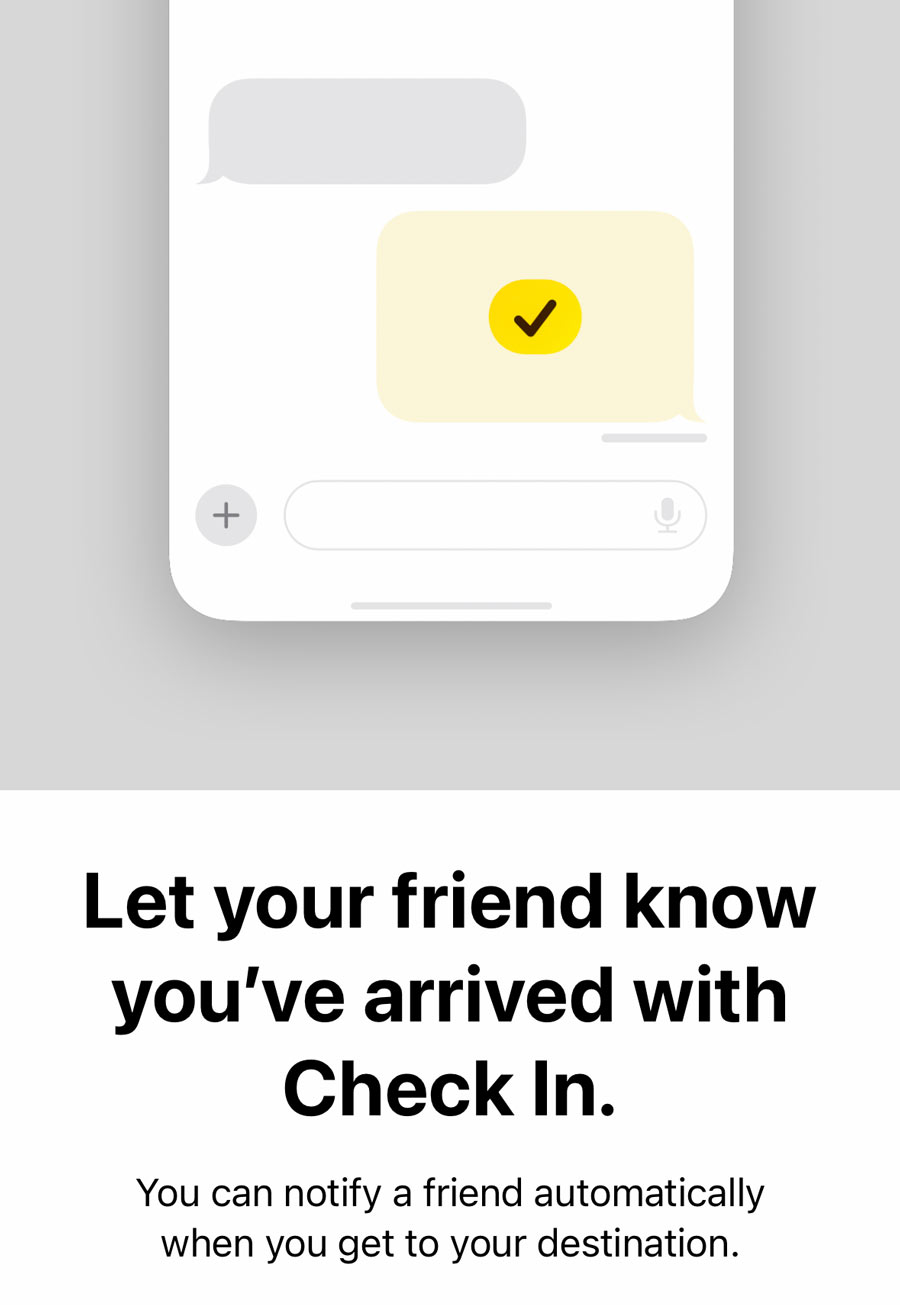
If you want to keep tabs on someone else’s journey, they’ll need to initiate a Check In from their device and select you as their trusted contact.