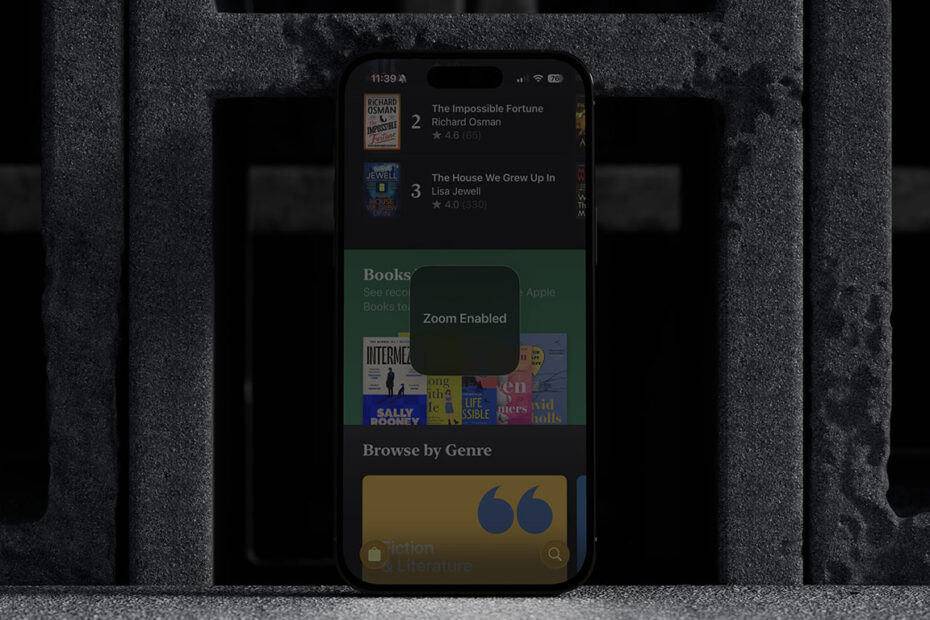

- Make your display go even lower than the lowest setting
- Handy when you don’t want to disturb a sleeping family member
- Even works for older devices without a 1-nit brightness mode
Ever tried using your iPhone in bed or in a pitch-black room, only to find that even the lowest brightness setting still feels like staring into a tiny sun? Even with Night Shift softening the blue tones, iPhones can be surprisingly bright in the dark.
Here’s a sneaky hidden feature that lets you dim the screen far below its usual minimum.
Set up a “super low light” mode
The trick is to use the Zoom accessibility feature in a clever way, turning its low-light filter into a kind of ultra-dim mode. You’ll only need to set it up once.
Go to Settings > Accessibility > Zoom, but don’t turn Zoom on yet. Tap Zoom Region and choose Full Screen Zoom, then tap Zoom Filter and select Low Light.
Now back out to the main Accessibility menu and scroll right to the bottom. Tap Accessibility Shortcut and choose Zoom from the list.
This shortcut defines what happens when you triple-press the side button. It’s often used for Magnifier or Guided Access, but we’re hijacking it for our dimmer mode.
Fine-tune the setup
Now, triple-press the side button to activate your super-low-light mode. The screen will dim, but you’ll also notice it zooms in – we can fix that.
While Zoom is active, triple-tap the screen with three fingers to bring up the Zoom menu. Set the zoom level to 1x, which disables the actual magnification but keeps the low-light filter in place.
Once that’s done, you’re good to go. From now on, triple-pressing the side button will instantly toggle this extra-dark mode on and off. Remember you’ll need to do this in conjunction with adjusting the regular brightness setting to reach the ultimate depths of darkness.
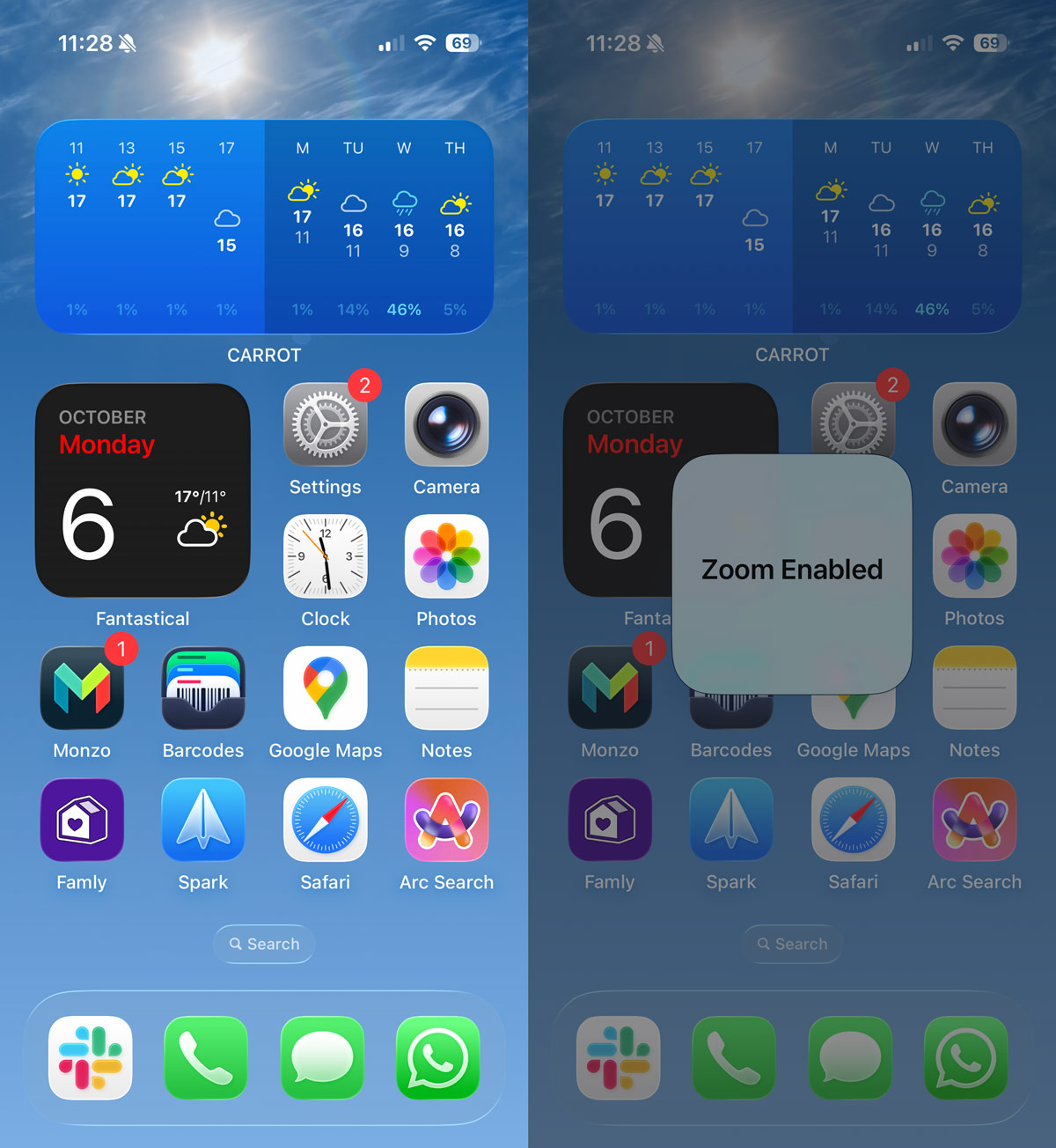
Bonus: make your iPhone’s brightness gentler overall
If you’d like your display to be permanently less intense, go to Settings > Display & Text Size and turn on Reduce White Point. You can use the slider to choose how much to tone things down – it’s great for making bright colors easier on the eyes.
This whole trick is especially useful on older iPhones that can’t dim all the way down to the super-low “1 nit” brightness of newer models, but even the latest devices benefit from having an extra-dark option when the lights are out.