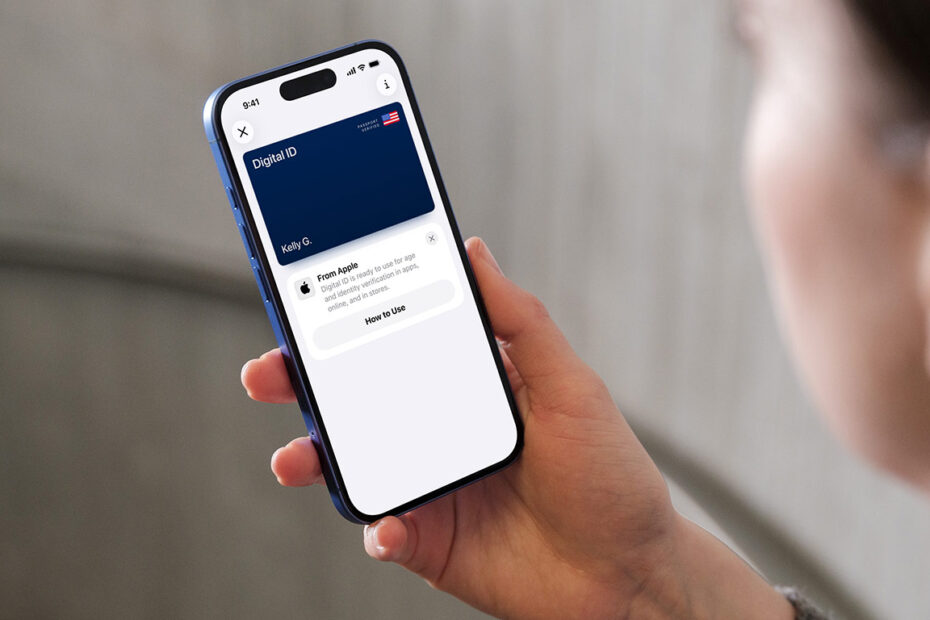

- Digital ID could simplify domestic travel
- Scan your passport details into your iPhone
- Present it securely with iPhone or Apple Watch
Apple has introduced Digital ID, a secure way to create an ID inside Apple Wallet using information from a US passport. The idea is simple: make domestic travel easier by letting you present your identity with an iPhone or Apple Watch instead of digging out a physical card. It’s launching in beta first at TSA checkpoints across more than 250 US airports, with plans to expand to more uses over time.
Digital ID won’t replace your physical passport and it cannot be used for international travel or border crossings. And at least for now, the feature is limited to the US. Users elsewhere will have to wait to see if similar support becomes available in their region.
How to add a Digital ID
Open Wallet, tap the + button, choose Driver’s License or ID Cards, and pick Digital ID. You’ll be guided through a verification process that involves scanning the photo page of your passport, reading the embedded chip on the back, and taking a selfie along with some brief head and facial movements to prove you’re the genuine holder. After verification, the Digital ID is stored securely on your device.
How it works in practice
To present your ID in person, double-click the side button or Home button to open Wallet, choose Digital ID, and hold your device near the reader. You’ll see exactly what information is being requested and can approve it with Face ID or Touch ID. There’s no need to unlock your iPhone or hand it over. Only the requested details are shared, and the device stays in your hand the entire time.
Your passport data is kept on your device and remains encrypted, and Apple says it cannot see when or where you use your ID. Biometric authentication ensures that only you can present it. These protections match the same privacy and security standards Apple already uses for driver’s licenses and state IDs in Wallet.