To retrieve new mail, refresh your Inbox. To do so, pull down from the top of the screen until the refresh icon starts to spin.
The Mail app will then check for any new emails and download them to the Inbox.
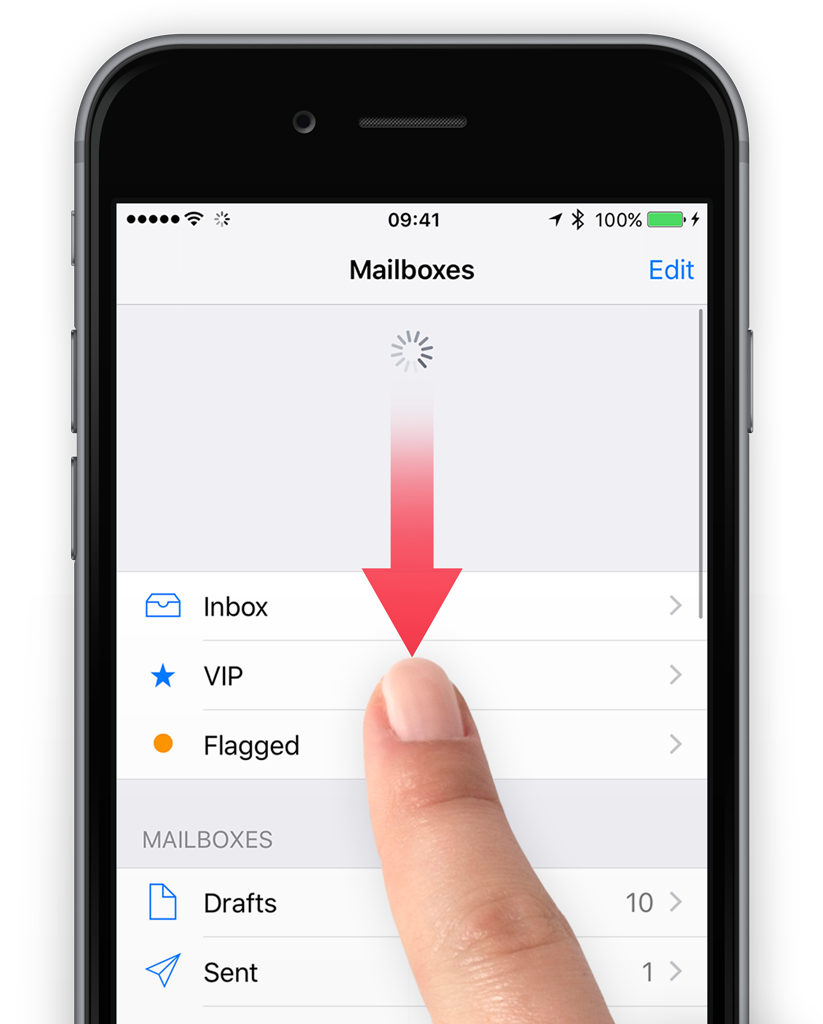
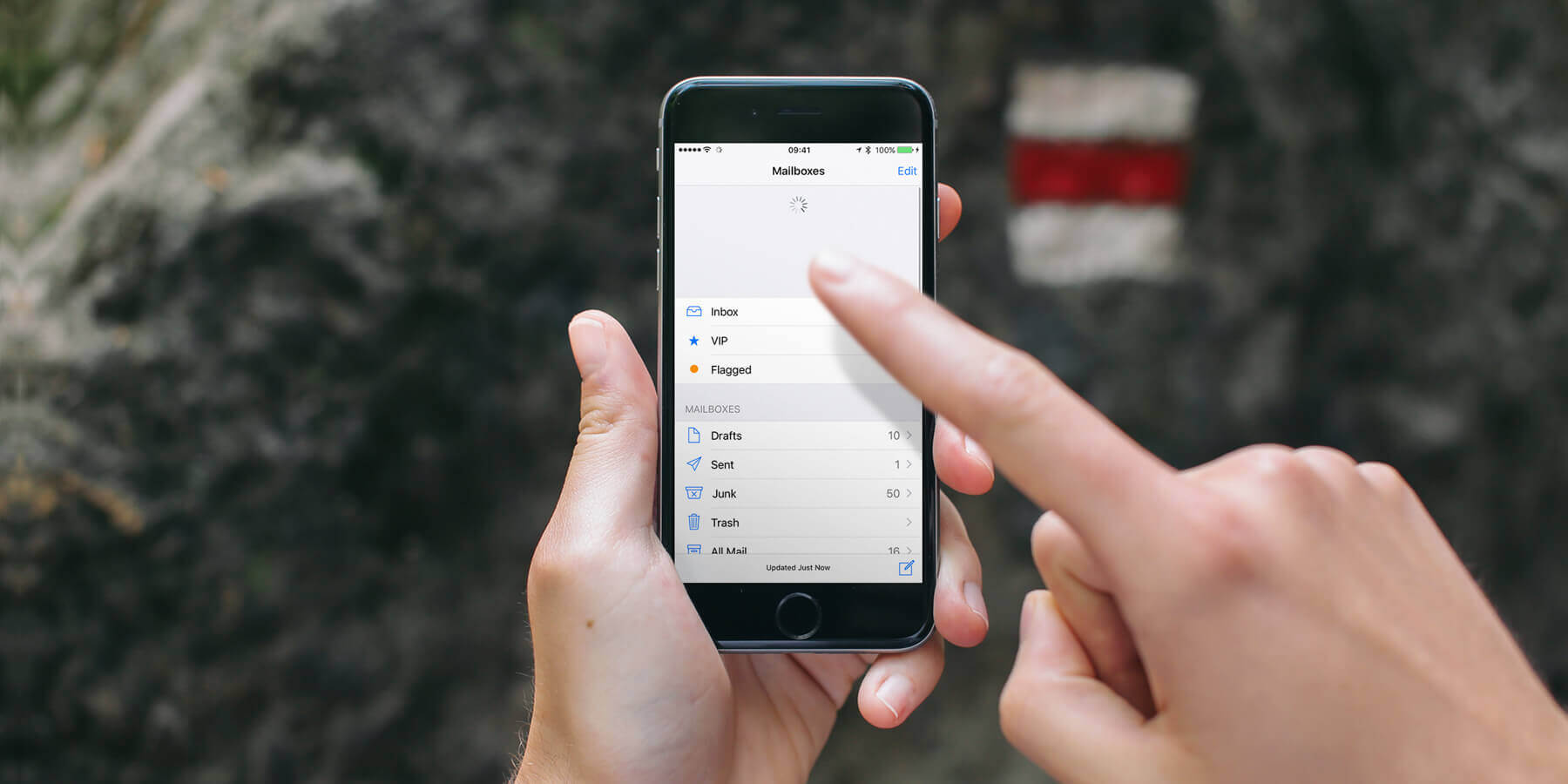
To retrieve new mail, refresh your Inbox. To do so, pull down from the top of the screen until the refresh icon starts to spin.
The Mail app will then check for any new emails and download them to the Inbox.