
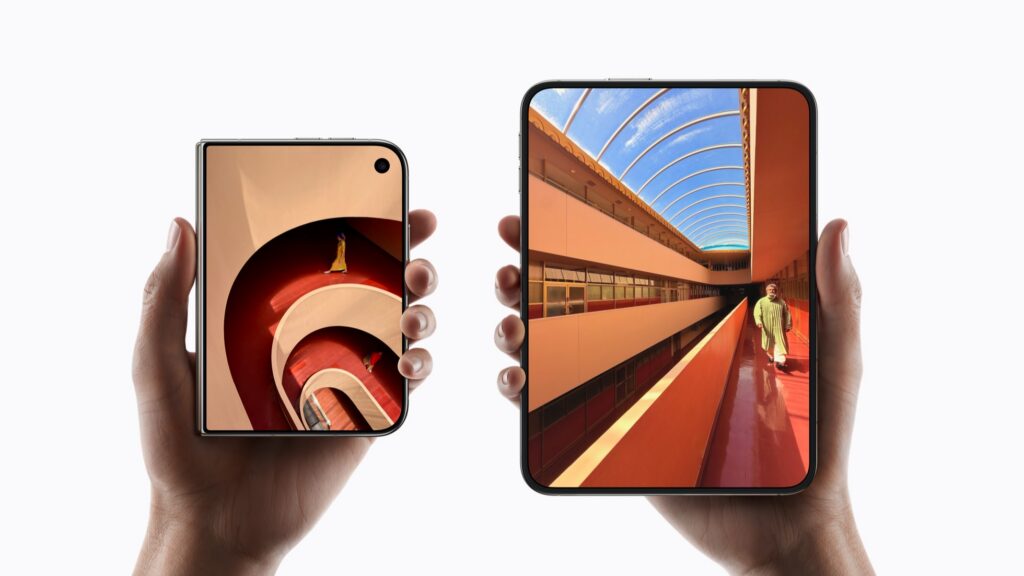


- Touch ID is built into the side button
- It works whether iPhone Duo is open or closed
- Your Apple Watch can unlock it with a swipe
If you’re coming from a recent iPhone, this may be the biggest surprise: iPhone Duo has no Face ID. Instead, Touch ID is built into the side button. Apple chose it because it works the same way whether the phone is open or closed, which matters on a phone that spends half its life folded.
This applies to iPhone Duo. The iPhone 18 Pro models still use Face ID.
Set up Touch ID
- Go to Settings > Touch ID & Passcode and enter your passcode.
- Tap Add a Fingerprint and follow the instructions, lifting and resting your finger on the side button.
You can add more than one finger. It’s worth adding your thumb for when the phone is closed, and the finger you naturally use when it’s open, as you’ll be holding it differently.
To unlock, just rest your finger on the side button. You can also use Touch ID for Apple Pay and to sign in to apps, with the phone open or closed.
Unlock with Apple Watch
If you’re used to Face ID, the moment of waiting for Touch ID can feel slow. Your Apple Watch can help. Once it’s set up, you just swipe up on the Lock Screen while you’re wearing your unlocked watch.
- Go to Settings > Touch ID & Passcode and enter your passcode.
- Scroll down and turn on your Apple Watch.
Your watch needs a passcode and Wrist Detection turned on.
What about the Action button?
iPhone Duo doesn’t have one. You do still get Camera Control, which opens the Camera app and takes photos. If you relied on the Action button for a shortcut, you can add the same control to Control Center or the Lock Screen instead.
Pro tip: if a fingerprint keeps failing, add the same finger a second time. Touch ID treats it as another fingerprint, which can make recognition more reliable.