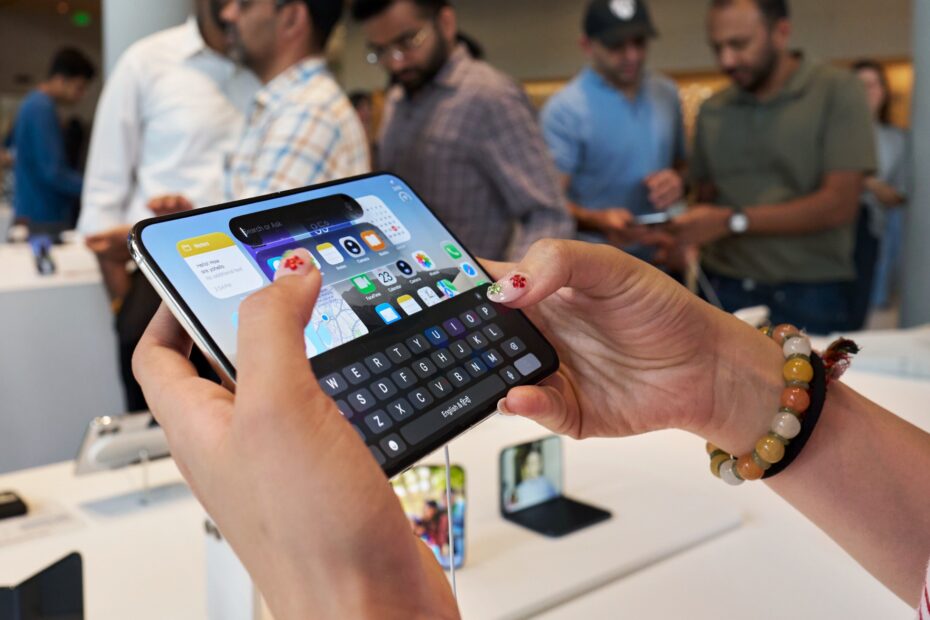

- iPhone Duo is the first iPhone with orientation-aware volume buttons
- Up is always up, however you hold it
- One switch in Settings controls it
iPhone Duo spends a lot of time being turned around. Closed, the volume buttons sit along the top. Open it and turn it to portrait, and they could end up on the top left or the bottom right depending on which way you turned. That can leave you pressing the top button and hearing the volume go down.
There’s a setting to fix it, borrowed from the iPad.
This applies to iPhone Duo.
How to change it
- Go to Settings > Sounds & Haptics.
- Find Fixed Position Volume Controls.
- Turn it off if you want the buttons to follow the way you’re holding iPhone Duo. The button on the top or right turns the volume up, and the button on the bottom or left turns it down.
- Turn it on if you’d rather each button always did the same thing, like on other iPhones.
Which should you choose?
If you mostly use iPhone Duo open, for watching videos or reading, leave it off, so the buttons always match the screen. If you mostly use it closed, or you rely on muscle memory from a previous iPhone, turn it on.
Rotation Lock
If you’ve locked the screen orientation in Control Center, the volume buttons follow the locked orientation, not the way you’re holding the phone. That’s worth remembering if the buttons seem back to front while you’re reading in bed.
Pro tip: if you tend to open iPhone Duo and turn it into portrait, try turning it counterclockwise, so the cameras are at the top. The Verge’s reviewers found that the most natural way to hold it after a week with the phone.