Part of Boost Your ProductivityTip 16 of 24
Make your device less tempting to use in a snap
Your iPad is an ongoing source of temptation. All those colorful icons just beg to be tapped. During use, your device’s gorgeous screen floods your eyes with vibrant imagery.

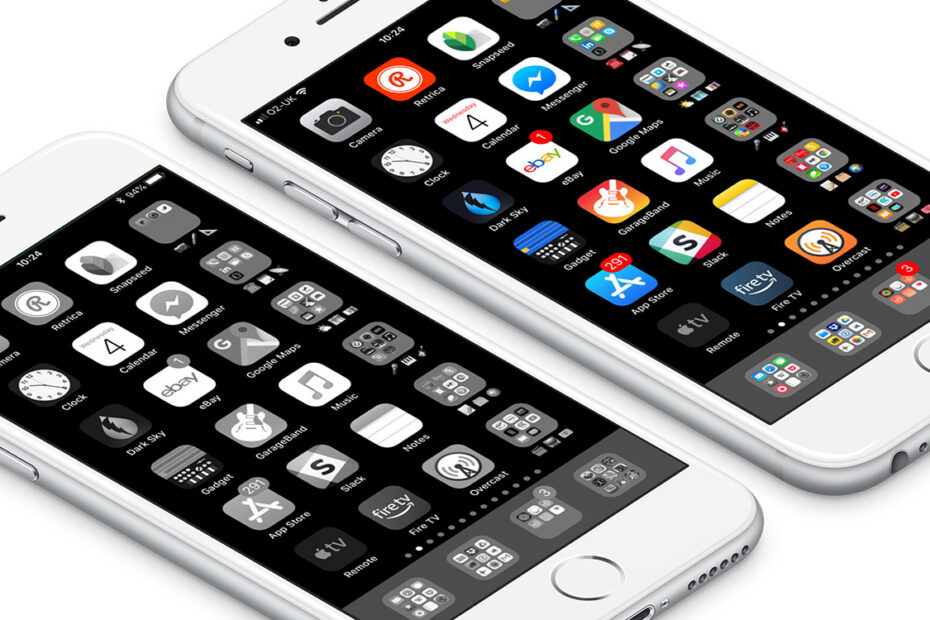
This is why it can be beneficial to make your screen greyscale instead. It’s less appealing, and therefore less likely to distract when you should be doing something else. This tutorial shows how to access the iPad’s greyscale mode – but more importantly also how to trigger it in an instant.
Turn on greyscale on your iPad
Open the Settings app and go to Accessibility > Display & Text Size > Color Filters.

Toggle Color Filters on, select Greyscale from the available options and your iPad’s interface will instantly be devoid of color. Toggle Color Filters again and the color returns.
Use the accessibility shortcut
Naturally, you don’t want to have to dig deep into accessibility settings every time you want to switch your iPad’s color mode. Fortunately, there’s a much faster way.

Head back to the top level of the Accessibility section in Settings and scroll down to the bottom. Tap Accessibility Shortcut and select Color Filters so that there’s a tick mark next to it.
Now, whenever you triple-click the top button (or the Home button, if your iPad has one), your color mode will switch. Note that should you select multiple options within the Accessibility Shortcut screen, you’ll get a menu to choose from (rather than an instant switch), as depicted above.
Adjust your iPad’s triple-click speed
Finally, if you find a triple-click tricky to implement, you can slow down how fast clicking needs to be.

In Accessibility, select Side Button (or Home Button) from the Interaction options, and switch Click Speed from Default to Slow. Be aware, though, that this also affects double-click speeds.