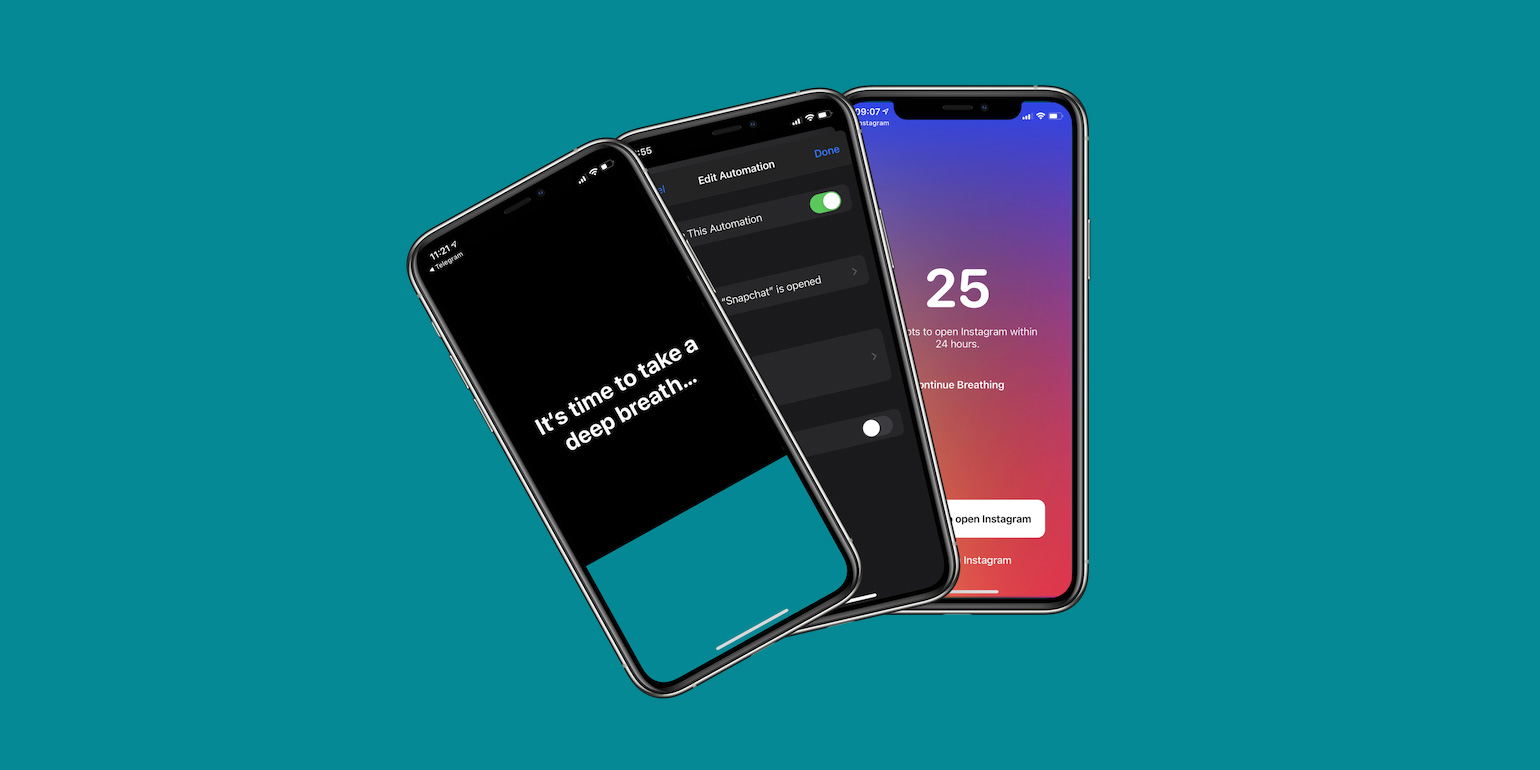

- one sec helps to interrupt bad social media habits
- Learn the quick setup needed to link it with Shortcuts
- Ways to apply the pause to multiple apps
If you’re trying to cut down on social media doom-scrolling, a clever little app called one sec can help you break the habit.
one sec interrupts the urge to open apps like Instagram, Facebook, or X with a quick breathing exercise. The idea is simple: by inserting a moment of calm before you slip into a scrolling spiral, you give yourself a chance to decide whether you really want to go there. It works by pairing with Apple’s built-in Shortcuts app, which lets you trigger one sec automatically whenever you open a chosen app.
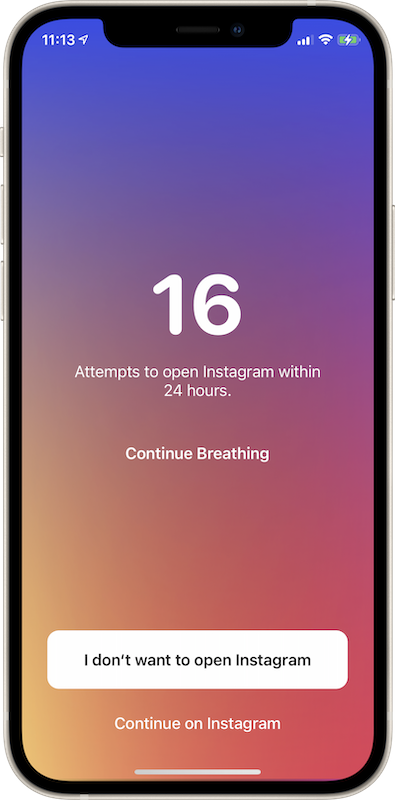
How to set it up
The app includes a short explainer video, but the setup is fairly straightforward. Open Shortcuts, head to the Automation tab, and tap Create Personal Automation. Choose App, pick the app you want to rein in, and hit Next.
Tap Add Action, search for one sec, and choose Activate one sec (when app opens). The blue text lets you confirm which app you’re targeting. Before finishing, make sure Ask Before Running is switched off so the automation fires instantly.
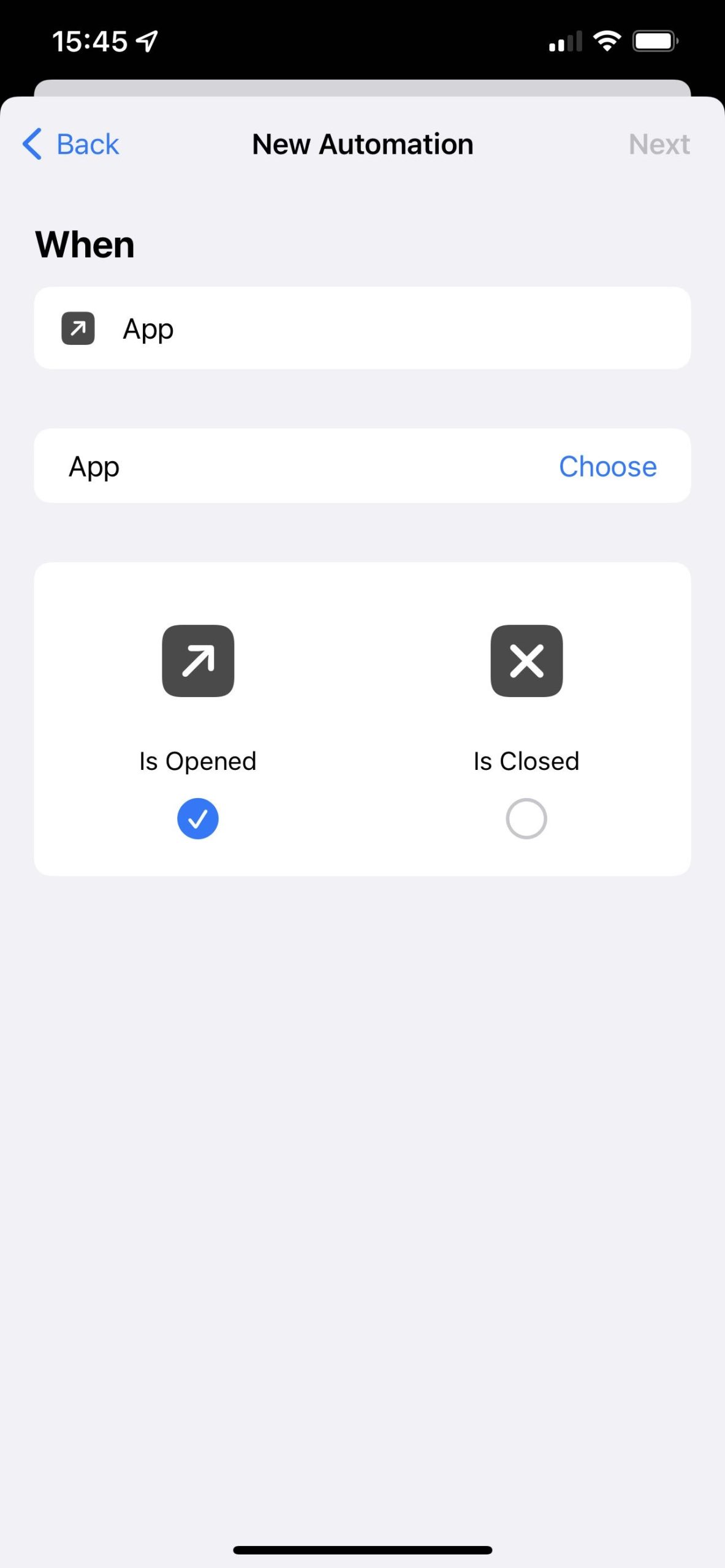
If you want to cover multiple apps, you’ll need to repeat this process for each one.
Now, when you tap Instagram out of muscle memory, you’ll instead be asked to pause, breathe, and think about what you’re doing. You can still proceed if you genuinely want to – but plenty of users find that tiny moment of friction is enough to help them stay on track.

one sec is free to try, with a paid Pro upgrade if you want more detailed stats and stronger controls over your habits.