To make it easier to place the cursor, a magnifying glass appears when you tap and hold on any text entry box. You can then drag your finger to the right place and let go to start editing your text from that position.

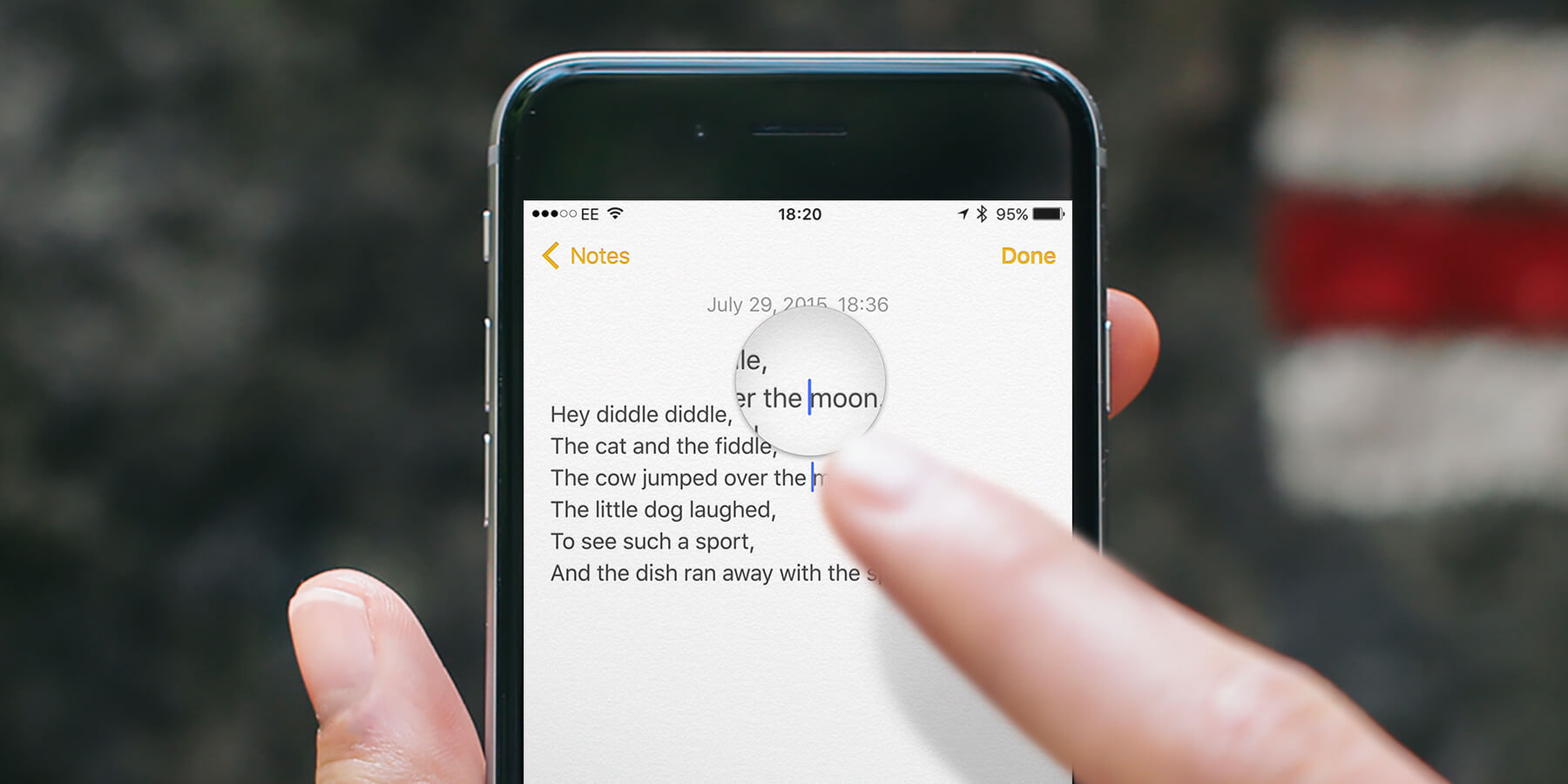
To make it easier to place the cursor, a magnifying glass appears when you tap and hold on any text entry box. You can then drag your finger to the right place and let go to start editing your text from that position.