
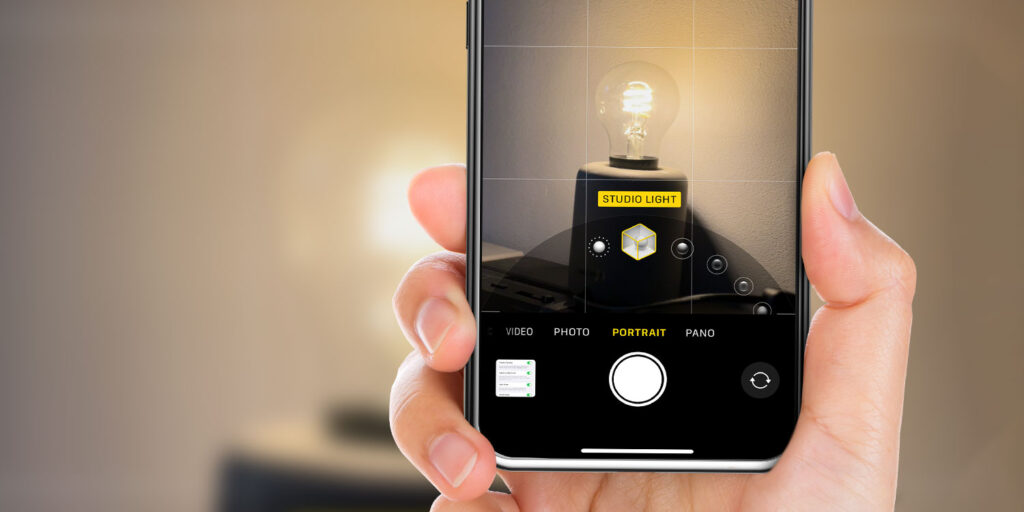


- Make the Camera app remember your last-used settings
- Stop modes and controls resetting every time you reopen it
- Take manual control of features like Night Mode and Macro
The iPhone’s Camera app is built for speed, which is why it always opens with a familiar set of default settings. That’s convenient for quick snaps, but frustrating if you regularly tweak things like shooting mode, filters, or advanced controls, which reset to their defaults. You might even just want the app to go straight back to video mode if you were shooting video last time, rather than always starting back at photo mode.
If you’re tired of resetting the same options every time you open the Camera app, there’s a built-in solution. An oft-missed settings section lets you choose exactly which Camera preferences are remembered between sessions (and which ones reset) giving you a setup that behaves the way you want it to.
How it works
Open the iOS Settings app and choose Camera > Preserve Settings.
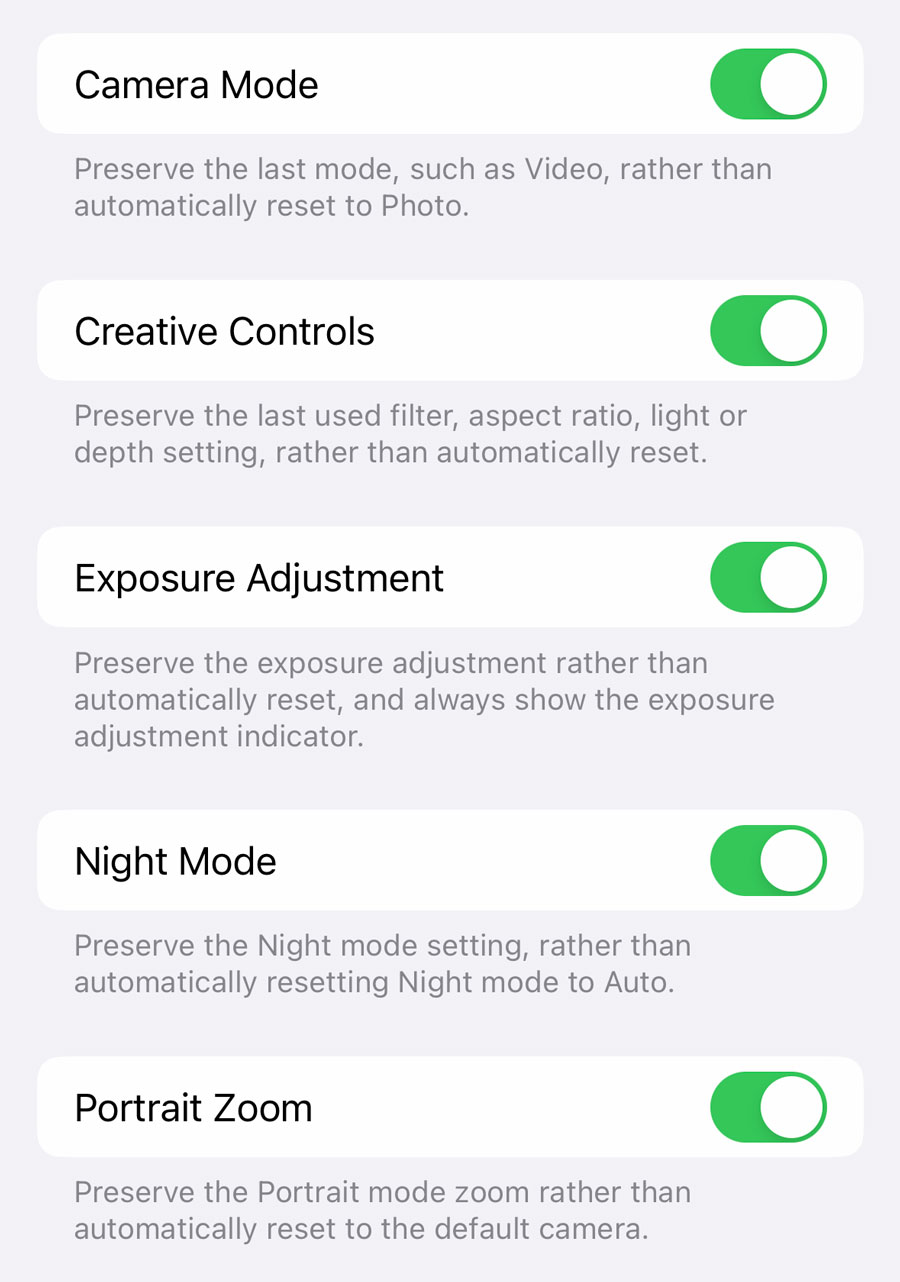
Here, you’ll find a suite of 7 or 8 toggles (depending on which iPhone you own) so you can define exactly which aspects of the Camera app revert to the defaults each time, and which preserve your choices.
We won’t go into depth on exactly what each toggle does, as the Settings app does a good job of explaining already. But we think most iPhone photographers will find things in here they’d like to change.
For our money, the most useful settings here are for Macro Control and Night Mode, both of which will come on automatically when the app thinks you need them, and neither of which do the best job of always getting that right. Now you can manually select those things instead, and have that choice maintained forever.