
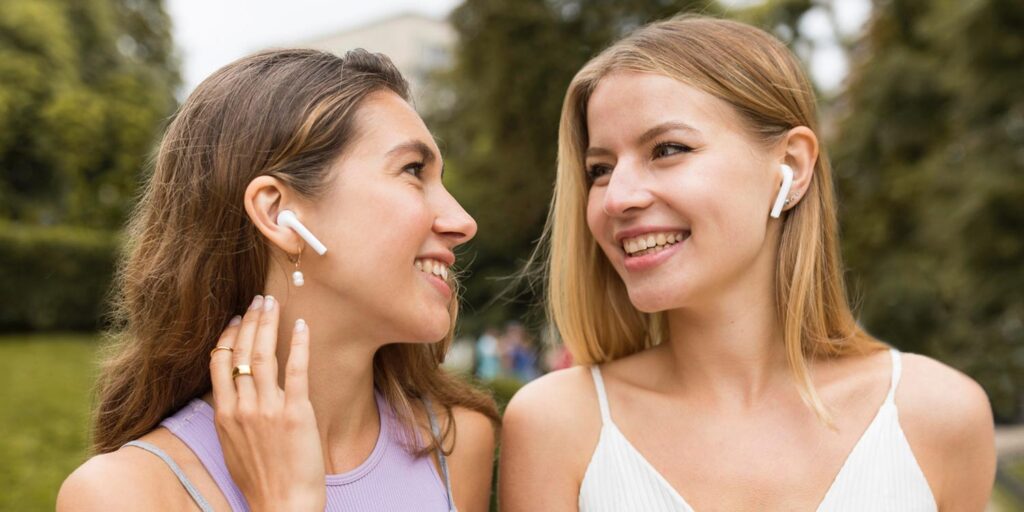


- Share audio from one iPhone to two pairs of AirPods
- Connect a second pair quickly, even from another Apple ID
- Control playback and volume for each listener
Did you know that you don’t need two iPhones to listen together? iOS includes a built-in feature that lets you play audio to two pairs of AirPods or compatible Beats headphones at the same time.
It’s perfect for sharing music, videos, or podcasts with a friend, whether you’re on a trip or just watching something side by side. Once set up, both listeners get their own wireless audio stream – no extra apps required.
Check compatibility
This works with all types of AirPods and Beats headphones – but be aware the iPhone or iPad you’re connecting to needs to be running at least iOS 16 / iPadOS 16.
Pair the pair of pairs
We presume at least one pair of AirPods is already recognized by your device, but if not? Simply head to the Home Screen and open your AirPods case near your iPhone or iPad. Press Connect when you see the setup animation.
It’s likely the second pair of AirPods belongs to someone else with a separate Apple ID. In that case, you might need to manually enter pairing mode when connecting the second set. Open the lid of the charging case as before, then press and hold the setup button on the back of the case until the LED light starts flashing.
You can open the Settings app to check your connections. Both pairs of AirPods should be shown at the top of this menu along with their names. You can tap either one to configure each set further if needed.
Control playback
Even with two pairs of AirPods connected, by default iOS only plays audio to a single destination. To change that, swipe down from the top-right corner of your screen to open Control Center. Press the audio playback card to expand it and tap the AirPlay icon. You’ll see all recognized headphones and speakers listed, including both sets of AirPods. Simply tap the secondary pair to add it – you should see check marks next to all destinations currently playing audio.
Enjoy!
You can now play music, watch videos, or engage in any audio activity on your iPhone, and the sound will be wirelessly transmitted to both pairs of AirPods simultaneously. You can adjust the volume individually on each set of AirPods to suit your preferences. Nice!