- Where to download every Apple wallpaper ever released
- Finding obscure designs from device or store launches
- How to save and set a hi-res wallpaper from the web
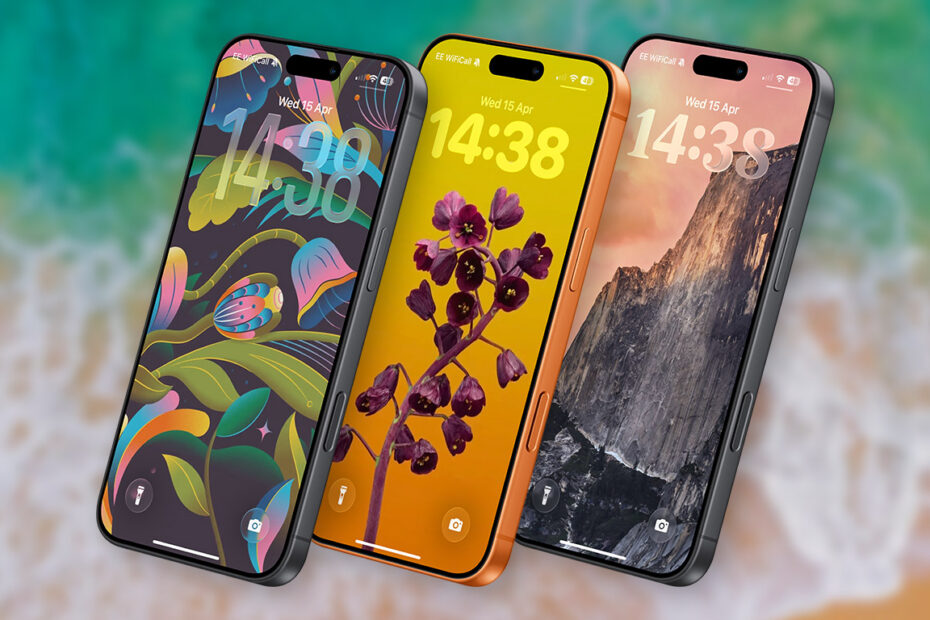
Do you have a favorite lock screen wallpaper of all time? Maybe you miss the days when Apple would put out new space-themed backgrounds each year, or you spotted the cool new MacBook Neo wallpapers and want one on your iPad. Apple has made dozens of great designs over the years – not just for each iOS release, but also for every distinct iPhone variant. There are also special event wallpapers you may never have seen, some of which are gorgeous.
The problem is, only a tiny subset are still available in iOS. Luckily, they’re all accessible from a free archive. Here’s how to give your lock screen a fresh lick of paint – potentially with a very old piece of design.

Over the wall
Head over to applewalls.com, a comprehensive archive of every Apple wallpaper ever released. That includes wallpapers for iPhone, iPad, and Mac, going all the way back to iPhone OS 1 in 2007. For Mac, the archive stretches back to 1990 (see below). It’s remarkable how similar some of those decades-old designs are to the ones released today.

Everything downloads in high resolution, watermark-free. It’s a real treasure trove, and browsing it feels like stepping back through time. If you’re feeling adventurous, sister site phwalls.com does the same thing for Android – so you could rock a Samsung wallpaper on your iPhone if you really want to.
Setting a wallpaper
On the AppleWalls site, tap your chosen image to see the full resolution version. In most cases you can swipe to choose between a few variations. To grab the hi-res file, tap the download arrow in the top right – this saves the image locally rather than straight to your camera roll. To get it into Photos, open the Files app or the Preview app, head to Recents, then tap Share > Save Image.
Once it’s in your library, open the image in Photos and tap the Share button, then Use as Wallpaper. Alternatively, long-press the lock screen and tap Customize, or go to Settings > Wallpaper > Add New Wallpaper.