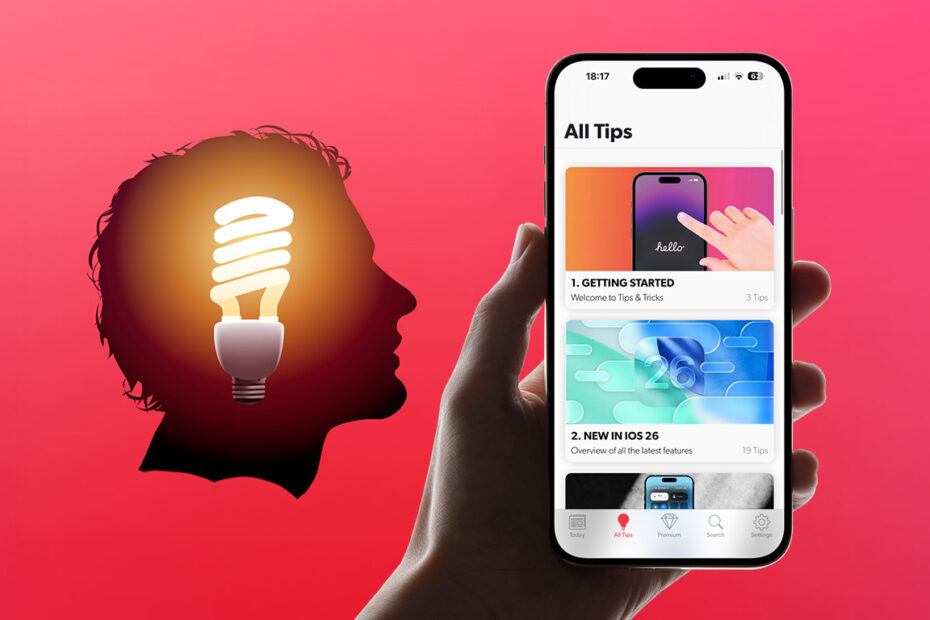

iOS 26 and iPadOS 26 are here – and our Tips & Tricks apps now include a free content refresh with 200+ updated tips, plus a tour of everything Apple just added for iPhone and iPad users. If you haven’t updated your device yet, go to Settings > General > Software Update to get up to speed.
What’s inside
We’ve reorganized everything into 17 improved chapters covering productivity, personalization, entertainment, and more. You’ll find updates and additions across the board, but if you’re mainly interested in the latest features, head straight to the New in iOS 26 chapter.
If you’re reading our iPad guide, you’ll find all the latest iPadOS 26 features right up top in the Introduction chapter.
How to update Tips & Tricks
Open your Tips & Tricks app, tap Settings on the tab bar, then Update Content > Update Tips Content. After a short download, the All Tips tab will show the latest guides.
Troubleshooting
On a slow connection, the download can take a few minutes – keep the app open. If it appears stuck with no progress, quit and relaunch the app, then go to Update Content > Restore Previous Tips Content and try again.
Still having trouble and don’t want to miss the new iOS 26 material? You can read the new guides right here instead.