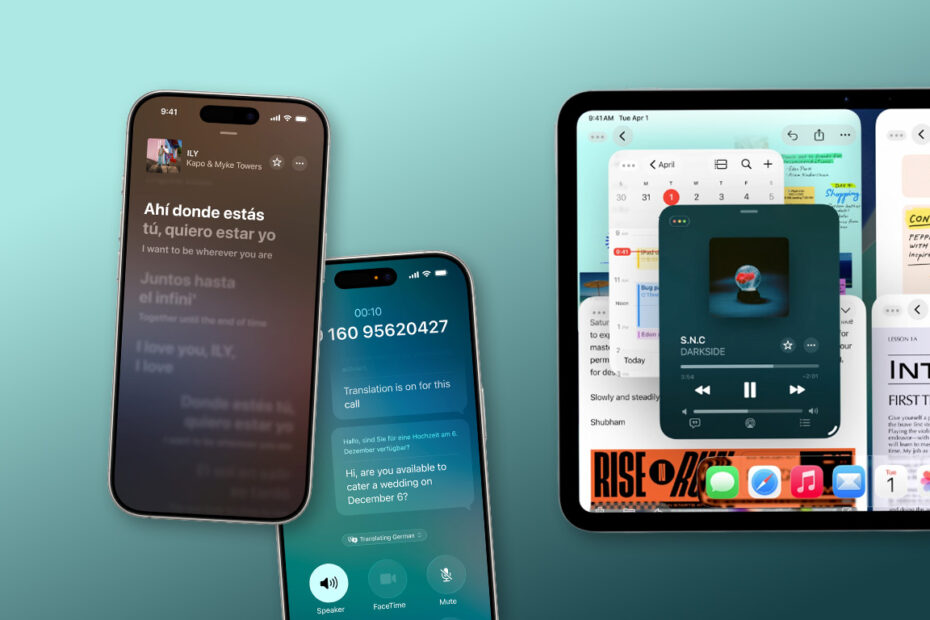

Less than a week after unveiling the iPhone 17 range – and following three months of beta testing – Apple has officially released iOS 26 and iPadOS 26 to the public. Both updates are free to install and bring a host of new features, plus a fresh visual overhaul that will make your device feel shiny and new again.
How to update
To get iOS 26 or iPadOS 26, head to Settings > General > Software Update on your device. If the update is available, tap Download and Install and follow the prompts. Make sure you’re connected to Wi-Fi and ideally plugged into power – it can take a little while, and your device will restart once the installation is complete.
What’s new
If you’re itching to dive straight into iOS 26, here’s a handy cheat sheet to all the new features. Tap any link for a closer look, or read our long-form feature on the 7 things you should try first after updating.
Which devices are compatible with the latest software?
Getting to grips with Liquid Glass
Spruce up your Lock Screen with spatial wallpapers and the adaptive clock
iOS 26 brings magical live translation to calls, messages, and more
How Call Screening and Hold Assist take the pain out of phone calls
Visual Intelligence in iOS 26 makes your screenshots smarter
Apple Maps gets smarter – and creepier – with new features
Messages in iOS 26 is smarter, more personal, and more practical
Safari gets a new look and smarter web apps in iOS 26
iOS 26’s Camera app redesign keeps things clean, but hides familiar settings
Photos in iOS 26 brings back tabs and adds spatial magic
Check out the new unified layout in the Phone app
Apple Games is a new home for your entire game library
Apple Intelligence makes its way to the Shortcuts app – kinda
Use Audio Mix to remaster your iPhone videos’ sound after the fact
Apple expands protections to keep kids safe online
Ten smaller changes to check out in iOS 26