How to set up custom walking and hiking routes in Apple Mapsby Tom RolfeOctober 19, 2026October 31, 2026
Smart Script tidies up your Apple Pencil handwriting and makes it editableby Tom RolfeOctober 18, 2026October 31, 2026
How to change Siri’s name and trigger word using vocal shortcutsby Tom RolfeOctober 17, 2026October 31, 2026
Writing Tools can proofread, rewrite, and summarize any block of textby Tom RolfeOctober 4, 2026October 31, 2026
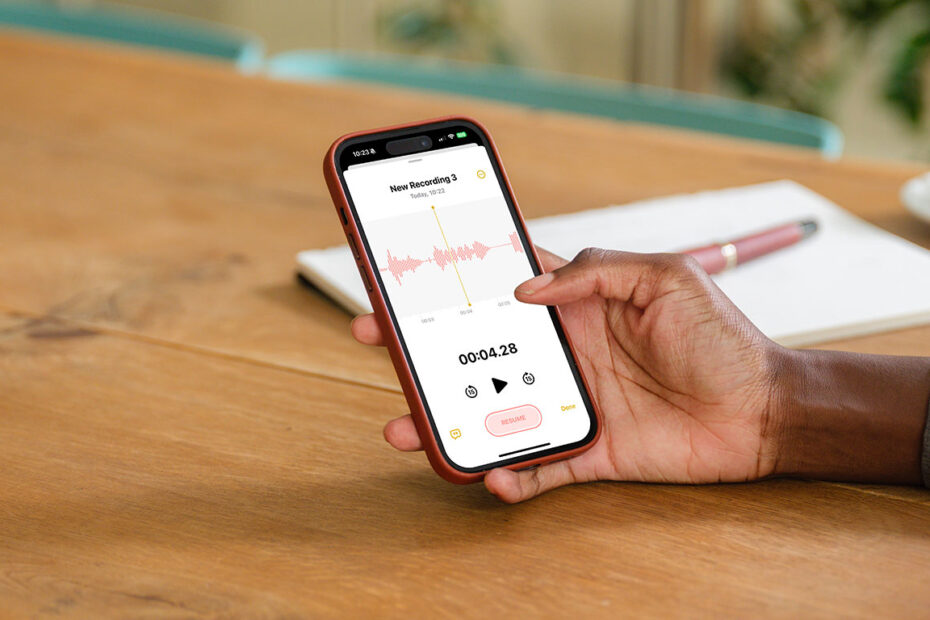
Automatically transcribe and summarize audio in the Notes appby Tom RolfeOctober 3, 2026October 31, 2026
Use Siri’s typing interface to keep quiet and improve accuracyby Tom RolfeSeptember 29, 2026October 31, 2026
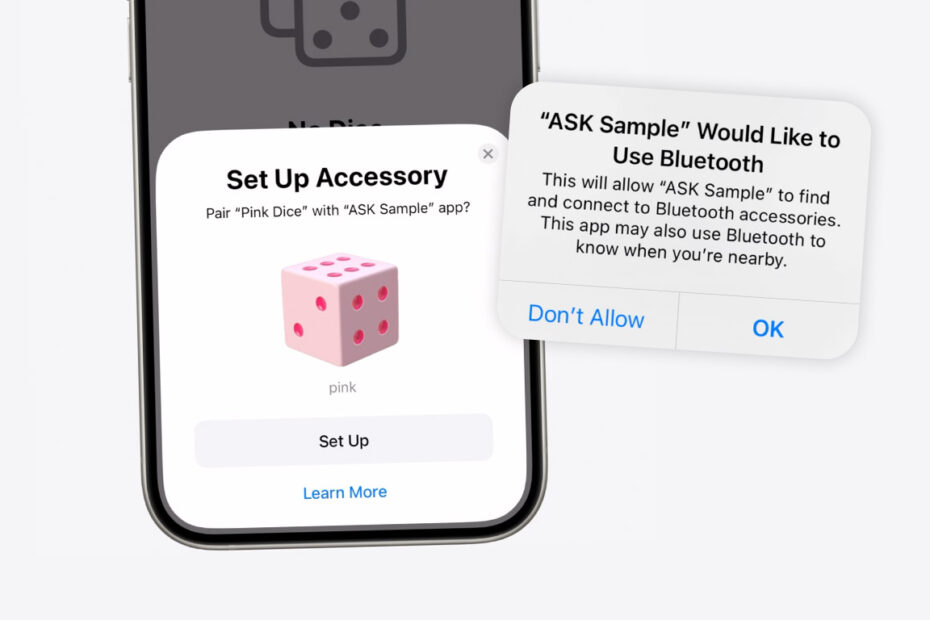
How Apple protects your data from rogue Bluetooth devicesby Tom RolfeSeptember 28, 2026October 31, 2026
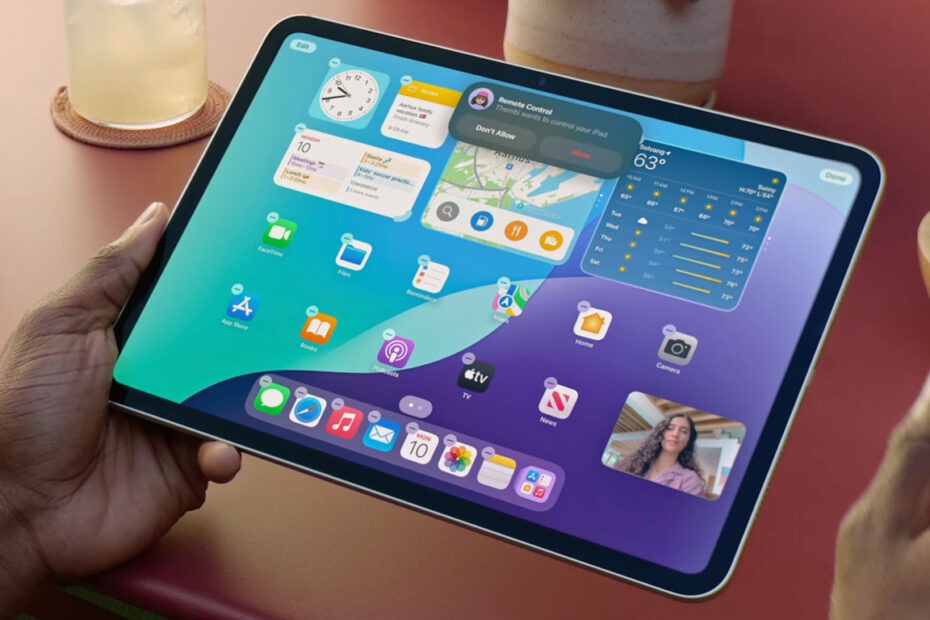
Share your screen over FaceTime or take control of a remote deviceby Tom RolfeSeptember 20, 2026October 31, 2026
Securely store login details and more with Apple’s Passwords appby Tom RolfeSeptember 18, 2026October 31, 2026
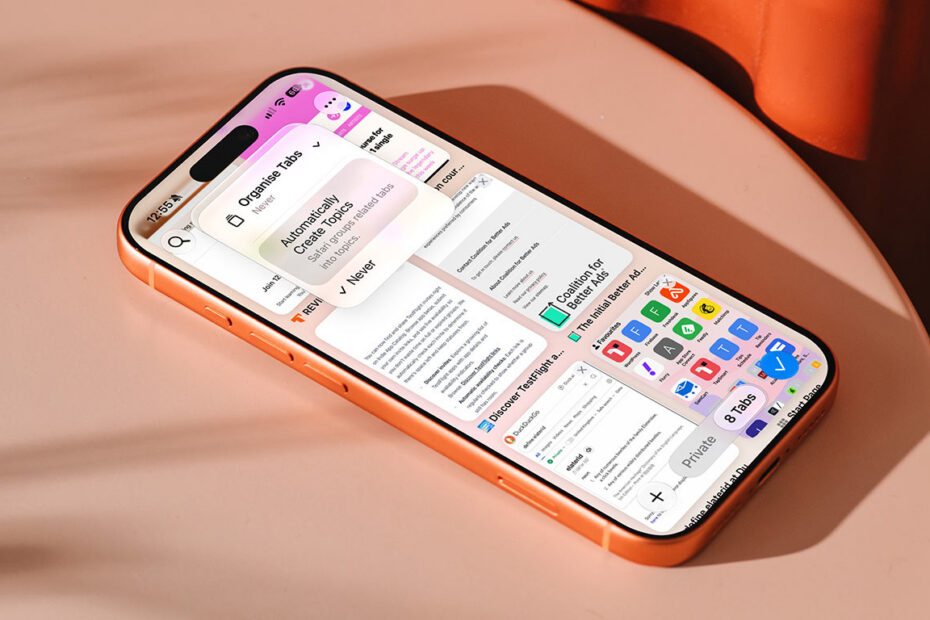
Let Safari auto-sort your open tabs with Automatic Tab Organizationby Tom RolfeSeptember 13, 2026October 31, 2026
How to add calendar events just by typing in your own wordsby Tom RolfeSeptember 11, 2026October 31, 2026
How to lock apps behind Face ID or keep them hidden entirelyby Tom RolfeSeptember 6, 2026October 31, 2026
How to resize and rearrange the controls in Control Centerby Tom RolfeSeptember 5, 2026October 31, 2026
How to ditch distractions with Priority Notifications and Reduce Interruptionsby Tom RolfeSeptember 4, 2026October 31, 2026
How to use text effects, formatting, and emoji reactions in Messagesby Tom RolfeSeptember 3, 2026October 31, 2026
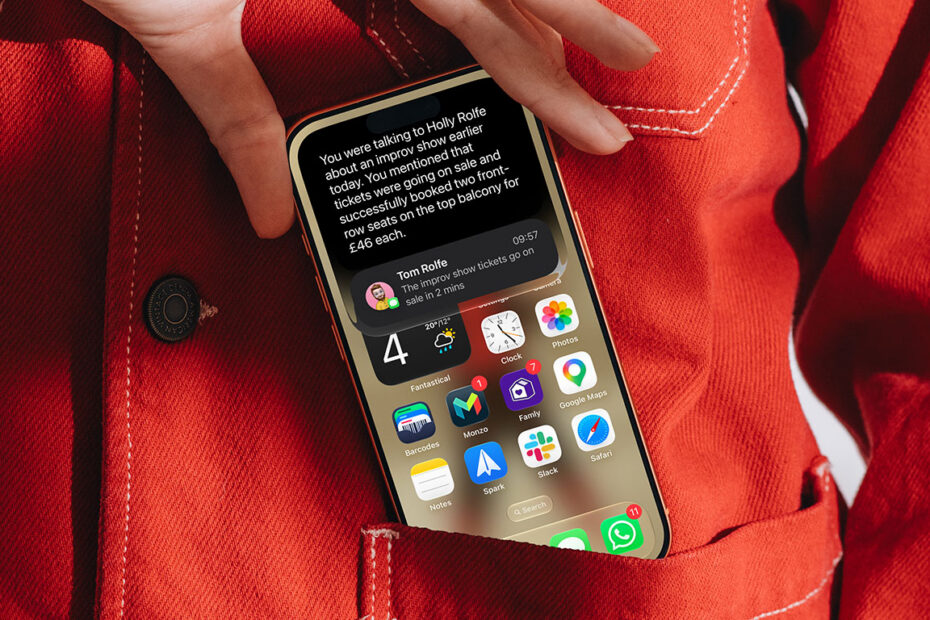
How Siri AI uses your personal context and onscreen awarenessby Tom RolfeSeptember 3, 2026October 31, 2026
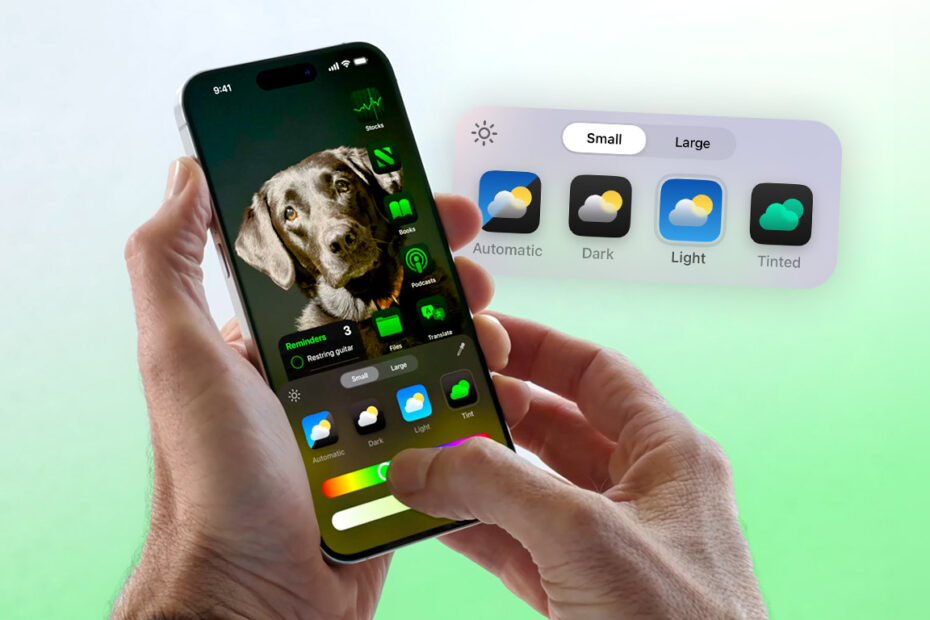
Everything you can do to customize your iPad Home Screenby Tom RolfeSeptember 2, 2026October 31, 2026