Part of Boost Your ProductivityTip 18 of 24
- Use built-in background sounds to improve focus or sleep
- Enable quick access from Control Center for easy control
- Play ambient music playlists without installing extra apps
If you find it tough to focus when surrounded by distractions, ambient sounds like rainfall or white noise can really help. There are plenty of dedicated apps, but they’re often overly complex – or costly. Thankfully, Apple includes its own background sounds directly in iPadOS – and you can even pipe in ambient music. Here’s how to use this underrated feature.
Background Sounds
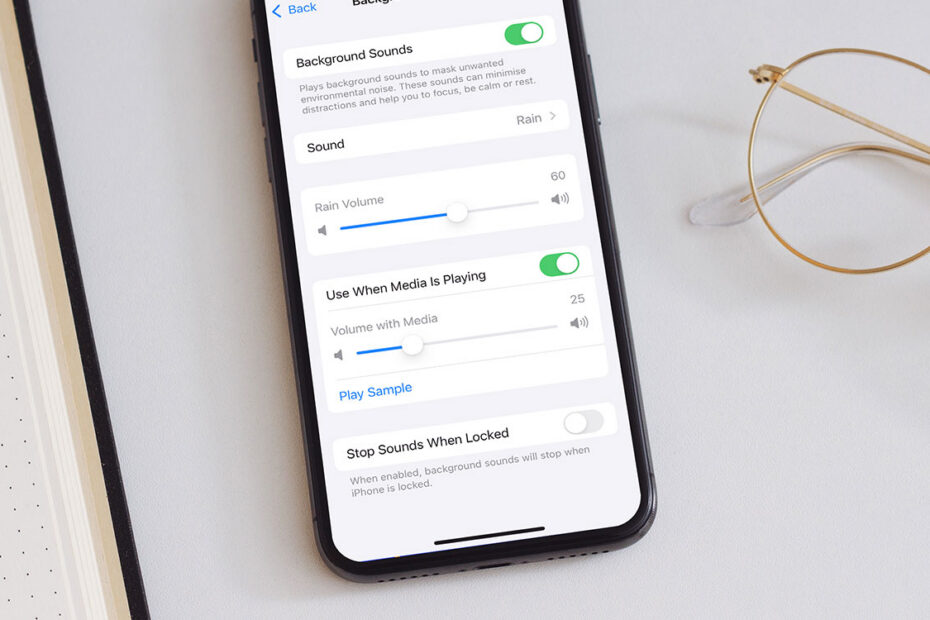
This handy feature is buried deep within settings, but once set up, it’s easy to use. Head to Settings > Accessibility > Audio/Visual > Background Sounds, toggle it on, and select a sound loop from the options available. Once chosen, the audio downloads so you can use it offline.
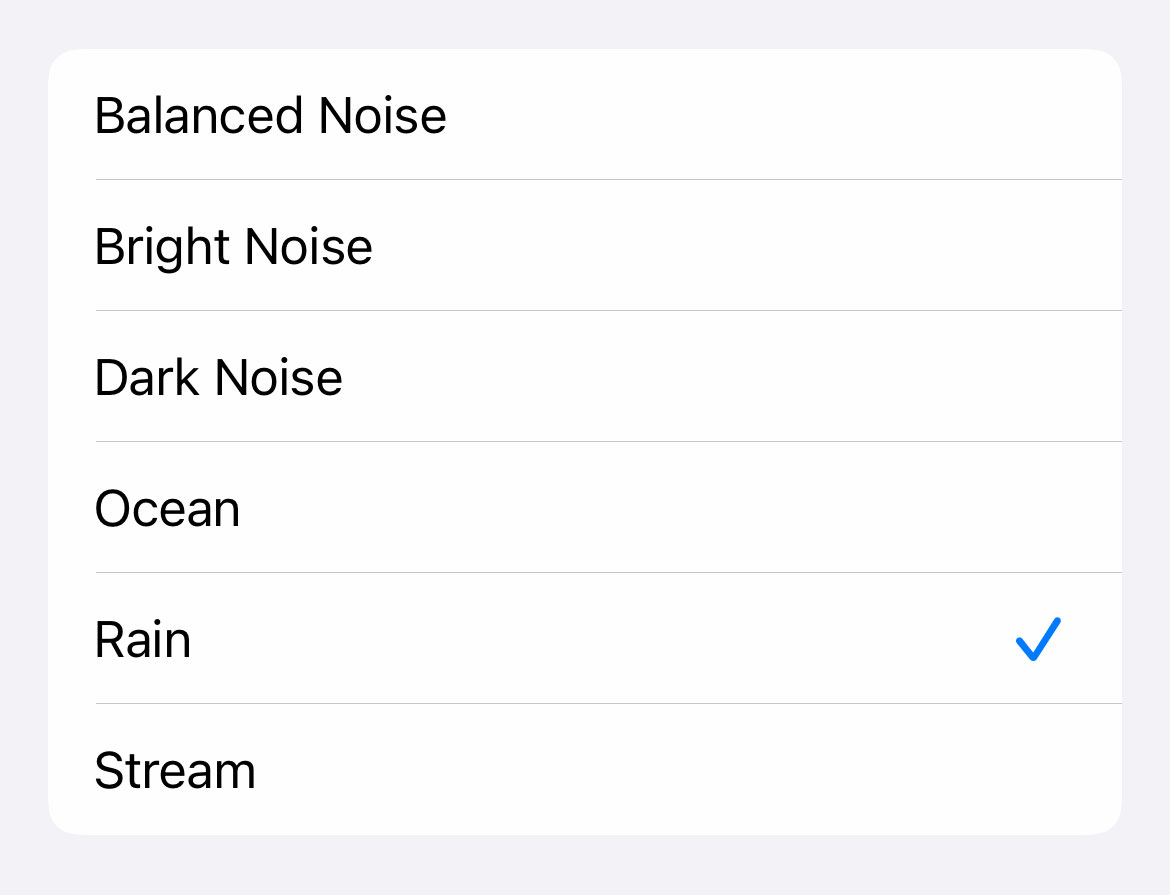
From here, you can adjust the volume and decide whether background sounds continue when your device is locked – ideal if you’re using them to help you sleep.
Navigating through multiple menus each time you want to activate these sounds is inconvenient, though, so here’s a quicker method:
Quick access
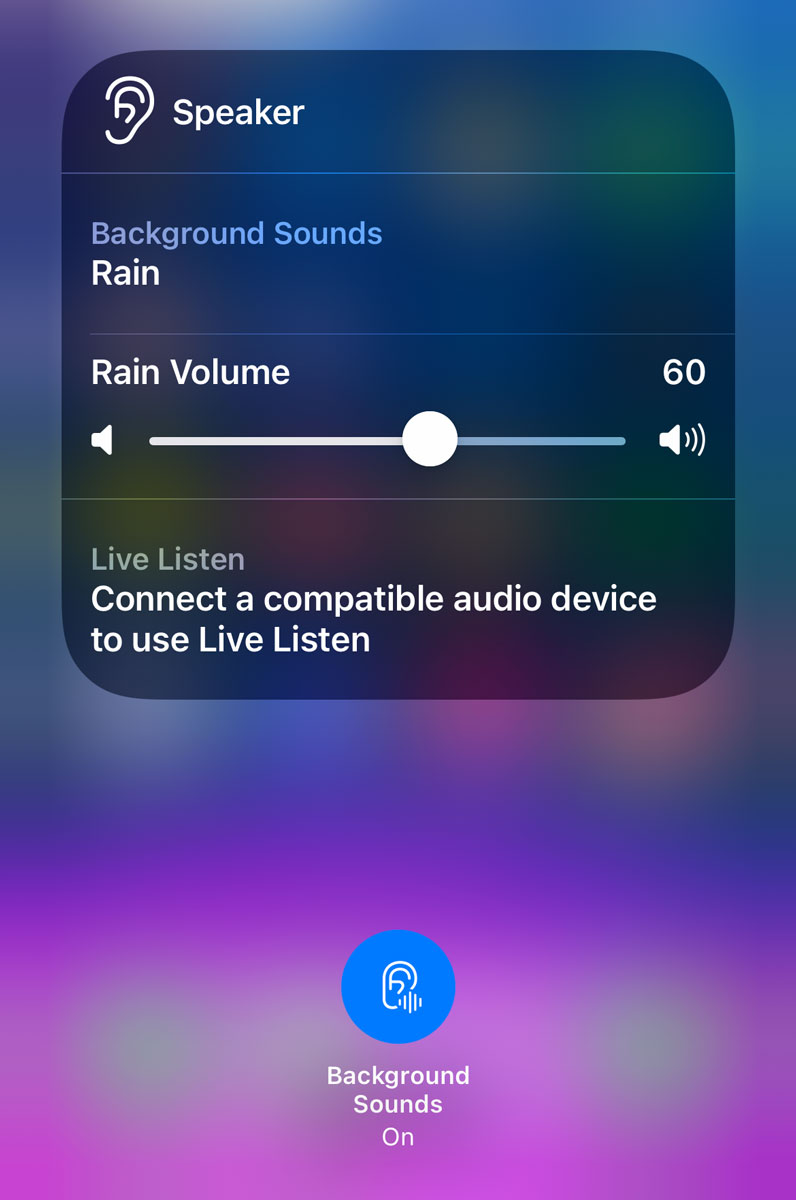
Open Settings > Control Center and add the hearing icon (ear symbol). Then simply swipe into Control Center, tap the ear icon, and quickly toggle sounds on or off, adjust volume, or switch sound loops.
Ambient Music
Ambient Music adds even more variety – full playlists that set a calming mood without needing an Apple Music subscription. Add these by opening Control Center, pressing the + button and Add a Control. Scroll to the ambient music section and choose from Sleep, Chill, Productivity, or Wellbeing.
Just tap one of these new Control Center buttons to instantly start a themed playlist. You can even swap playlists within each category – although it’s not immediately obvious how. You’ll need to go back into Control Center edit mode and tap the ambient control you chose earlier. You’ll then see a new menu offering a choice of playlists, or even the ability to add your own from Apple Music.