
- Turn an iPad into a portable HDMI monitor
- Use it with cameras, consoles, laptops, and more
- Unlock extra display features with an optional upgrade
Orion is an app from the makers of Halide that lets your iPad act as a live external display for any device with an HDMI output. Originally built for photographers and filmmakers who needed a reliable on-set monitor, it delivers a sharp, low-latency feed that’s ideal for reviewing footage in real time.
That same setup also makes Orion surprisingly versatile. With the right cable, an iPad can double as a portable screen for laptops, games consoles, or even older video sources, turning a device you already own into a flexible second display.
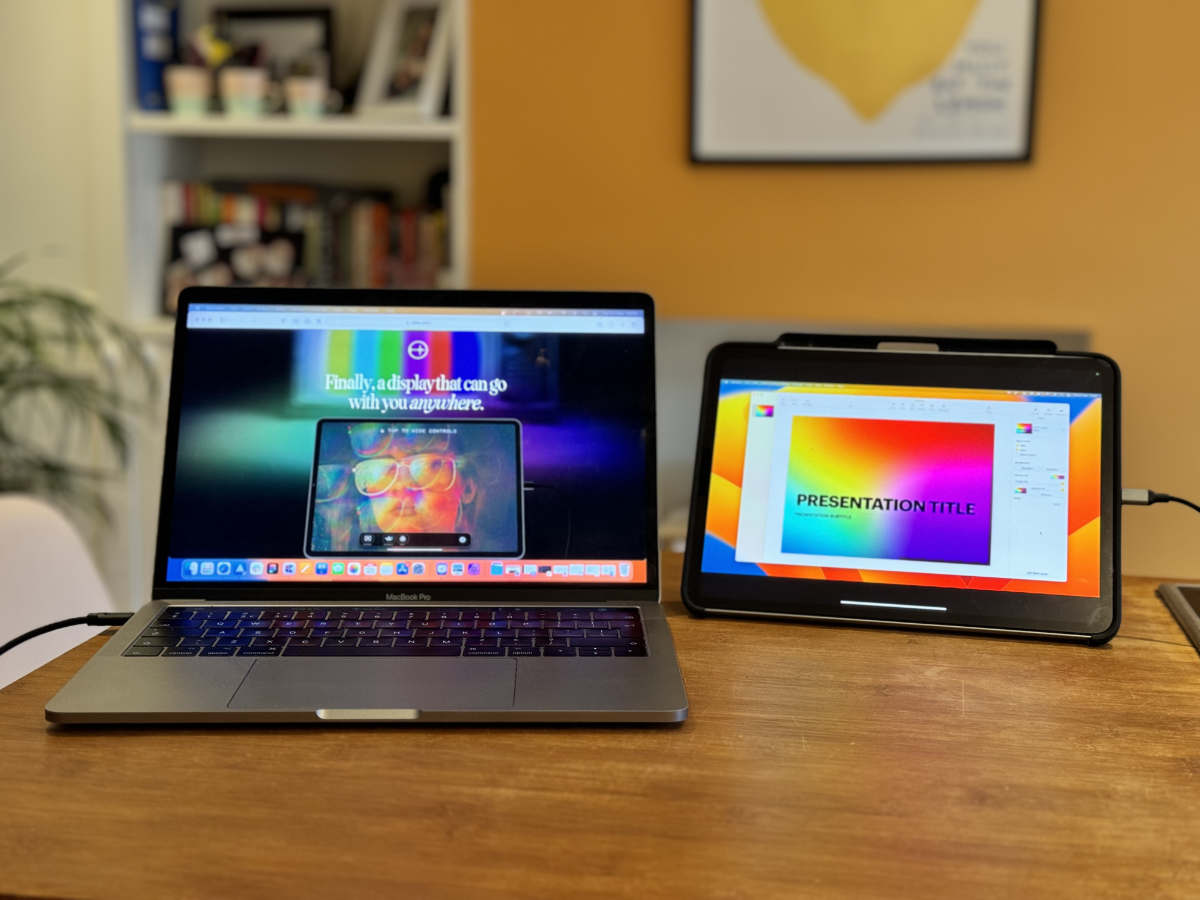
Using Orion as a second screen for a MacBook
What you’ll need
Although the Orion app is a free download, you’ll probably need to splash out on a new dongle to make it work. Specifically, you’ll need a USB-C Capture Card. They can typically be found for under $20, and Orion’s developers keep a handy list of which brands are compatible with their app.
You’ll also need a device with HDMI output – we tested the app with a MacBook Pro and a Steam Deck – and the same HDMI cable you’d use to plug your chosen device into a TV or monitor.
Setting things up
Install Orion on your iPad and open it up. It’ll show you a few instructions and then report NO SIGNAL. No problem.
Plug everything together using the cables and dongles mentioned above. For example, Steam Deck > HDMI > USB-C Capture Card > iPad. Power on your device and you should see a loading screen appear in Orion. Give it a moment, and you’ll see a live feed on-screen.
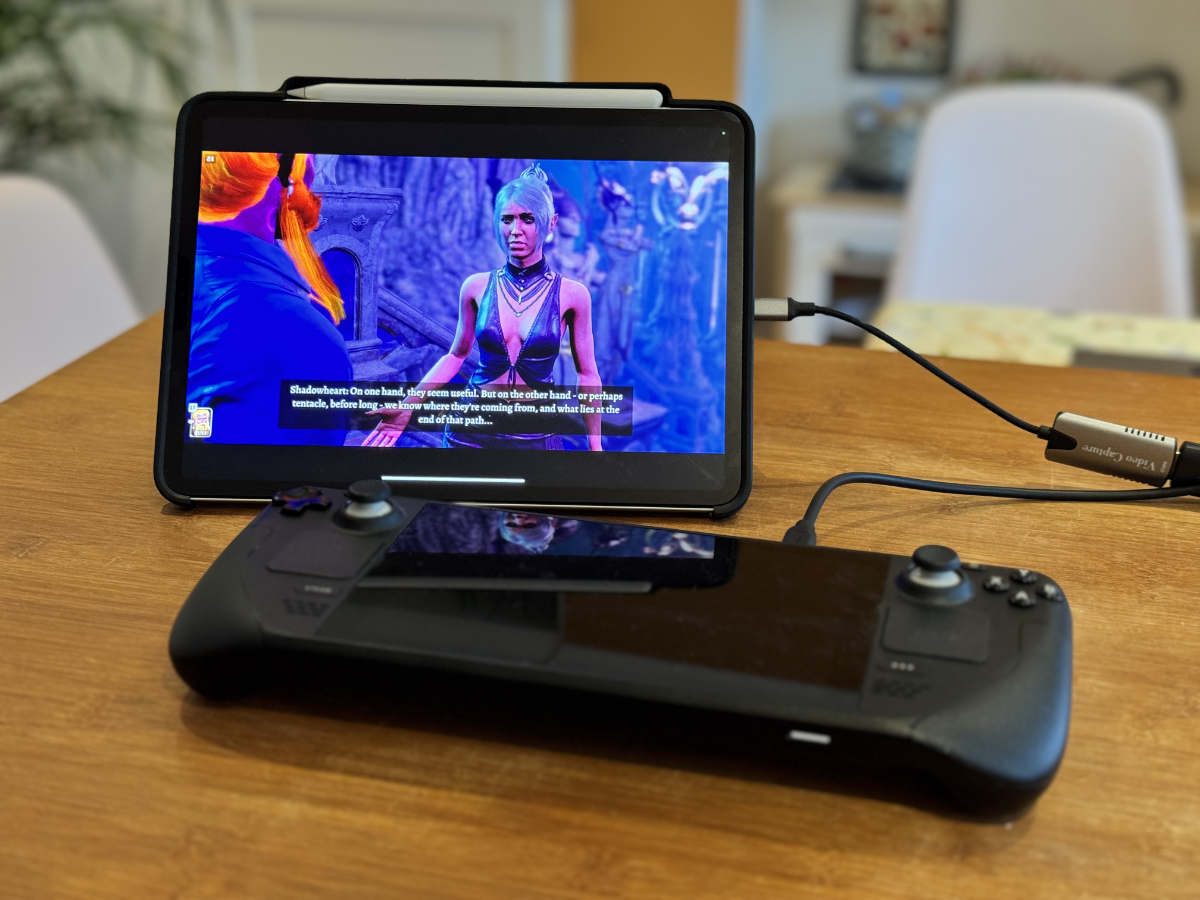
Using Orion as a larger screen for the Steam Deck
Depending on what device you’re using, you might need to set up a few things. If connected to a Mac, open System Preferences > Display and you can adjust the output settings. Other devices, including games consoles and DSLR cameras, will likely have similar settings menus.
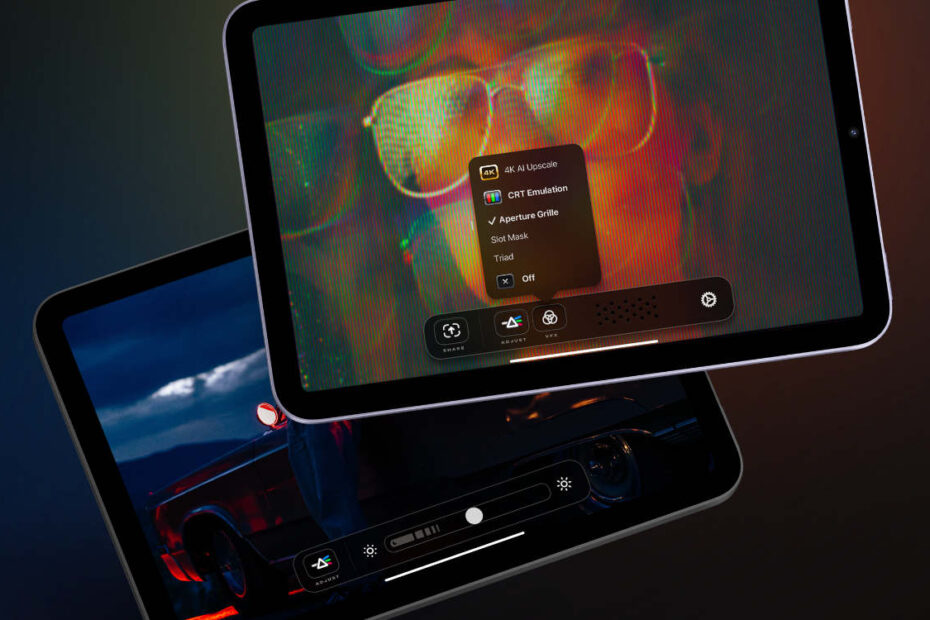
Tap the screen to show or hide Orion’s menu, which includes a Share button for quickly exporting whatever you’re looking at, plus some other features just for Pro users…
Orion Pro
The app’s core functionality is completely free. For a one-off $5/£5 upgrade, you can unlock a couple of nice-to-haves, including AI upscaling, CRT filters, and image adjustments, all accessible from that main menu. The upscaling is particularly handy for playing Nintendo Switch games, which run natively at a lower resolution. Orion says any new features added in the future will be included too.
For more information, see Orion’s official support documentation.