
- Understand what metadata is and why it exists
- Learn how location data can affect your privacy
- Control or edit photo metadata before sharing
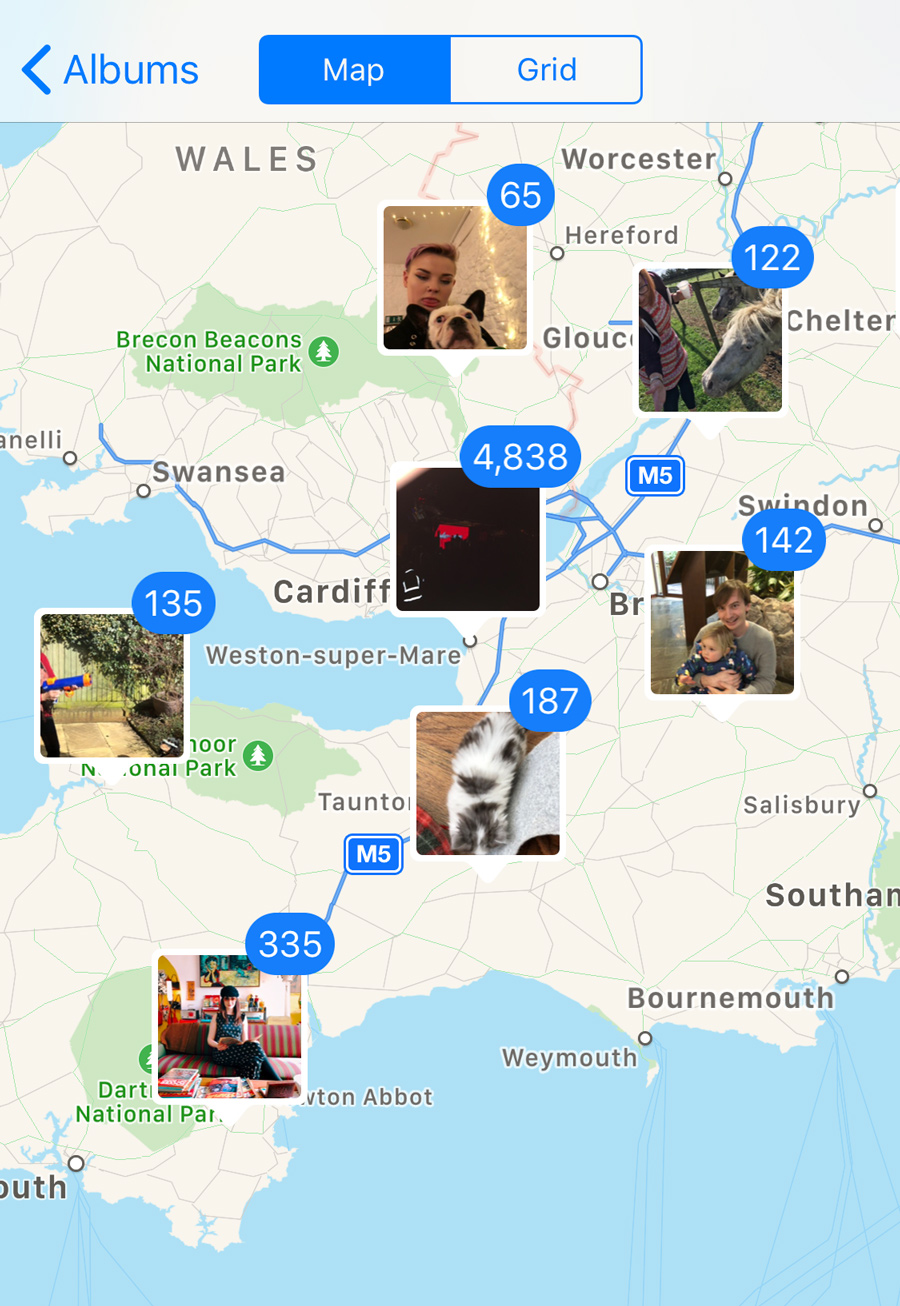
Every photo you take on your iPhone contains hidden information called metadata. It’s what allows the Photos app to sort images by date, group trips together, and place your pictures on a map — all without you lifting a finger.
That same data can also reveal more than you might expect when you share photos online. Knowing what metadata is, and how to manage it, gives you more control over both your privacy and how your photo library is organized.
Privacy
It’s worth remembering that every time you share a picture you’re also sharing its metadata. When you upload a photo to Facebook or Instagram, you’re inadvertently sharing additional information with those platforms. In particular, location data. That means those platforms can learn where you live and work, the places you frequent, where you go on vacation.
All this can be used to target ads, and in the case of a data breach it could mean that information ends up in the hands of dodgy third parties like Cambridge Analytica. Facebook is reportedly doing its best to ensure that kind of thing doesn’t happen again – but if you don’t trust the company, or you’d rather play it safe, it might be worth stripping this data from your photos before sharing them online.
It’s not just privacy at stake here – sometimes metadata can just be plain wrong, and it can be frustrating if inaccuracies mess up the way things are organized. This doesn’t happen often, but readers have told us of iOS incorrectly tagging times and locations after a round-the-world trip.
Sharing without location
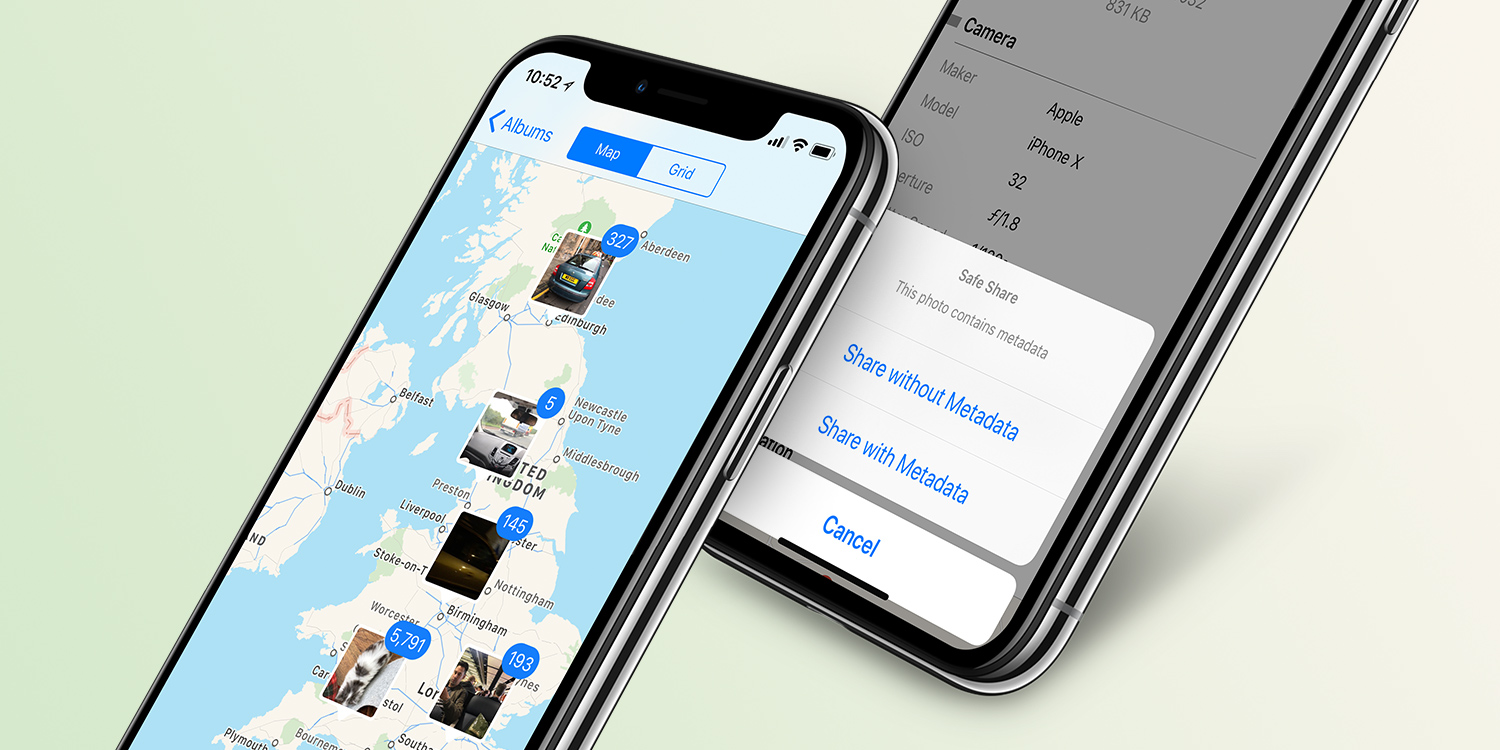
These days, there’s a featured baked right into iOS to help you get around this problem. Tap the Share button in the photos app, and before you go any further, tap the Options button at the top of the Share sheet. Here, you can toggle location data off before sending, stripping that valuable metadata away from your image file.

You’ll also find a toggle further down allowing you to share All Photos Data when sending to another Apple device with AirDrop or iCloud. This means the recipient can adjust the depth of Portrait shots, and see a full editing history of any changes you made.
That’s all well and good if you’re sharing something by email or text – but doesn’t always help if you’re planning to upload your photo somewhere like Instagram. Apple’s tools are much more limited, and don’t allow you to make any further metadata tweaks.
How to edit metadata
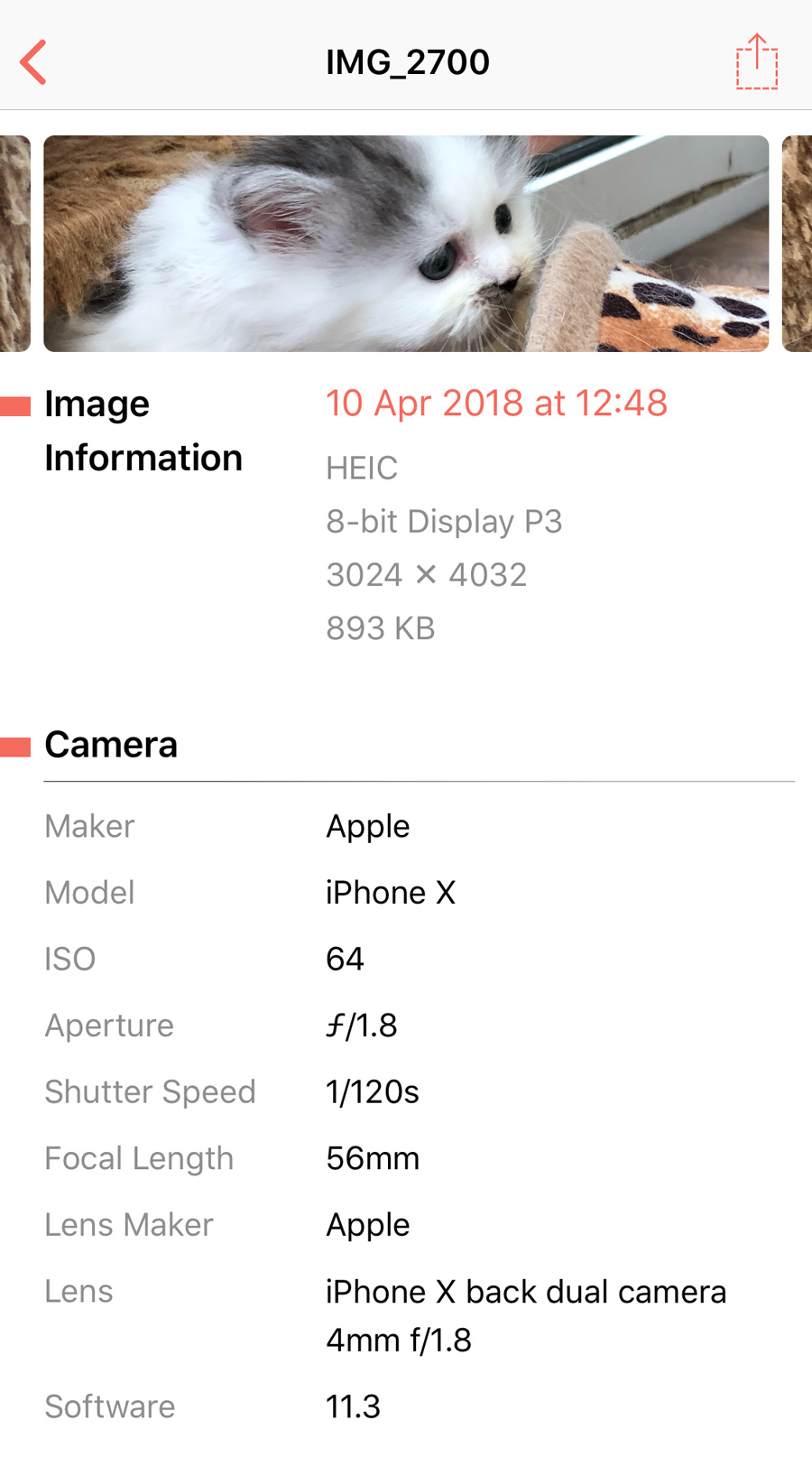
Luckily, with the right tools, it’s quick and easy to adjust this data. With an app like Metapho, you can inspect and edit all the metadata in your image, making any necessary changes before sharing or uploading.
That not only gives you more control over your image files, but allows you to correct any time, date, or location errors too.