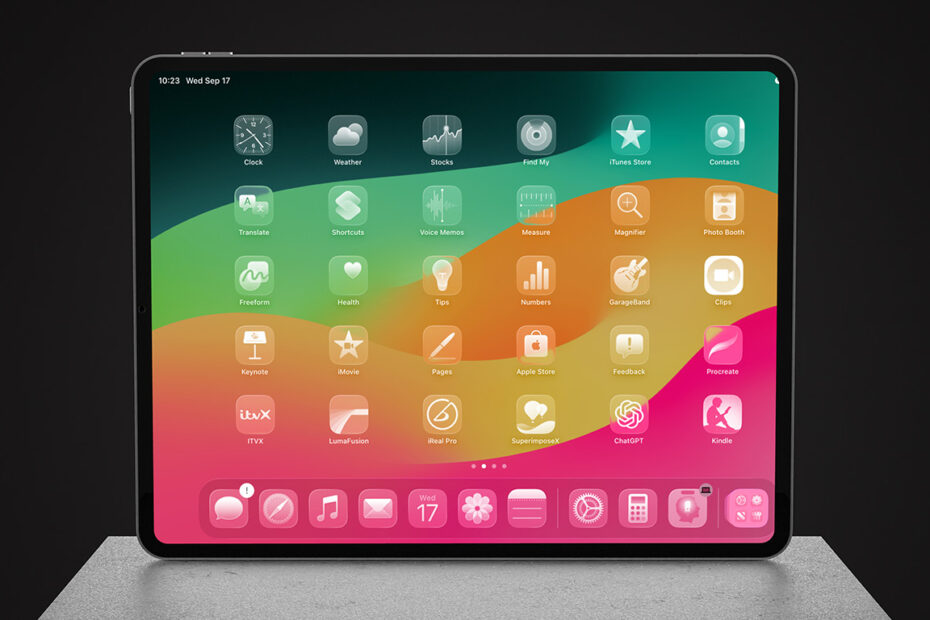
The most important tips for an iPad owner. This chapter of our iPad guide has 20 step-by-step tips. Work through them in order, or jump to the one you need.
- Learn the basics of the Home Screen
- Rearrange or delete apps
- Use folders to organize your Home Screen
- Searching through the App Library
- Use the App Switcher to quickly change apps
- See your latest alerts from Notification Center
- Access handy shortcuts and settings in Control Center
- Lock your display so it doesn’t rotate orientation
- Find almost anything with Spotlight search
- Send things to your contacts using the Share Sheet
- Send things to a nearby Apple device with AirDrop
- Set up Apple Pay for contactless payments
- Toggle Dark Mode to give your eyes a rest
- Set Timers and Alarms with the Clock app
- Use Apple Maps to get directions from A to B
- Securely store login details and more in the Passwords app
- Monitor your device usage with Screen Time
- Improve your typing with Autocorrect and Autofill
- Get to grips with the emoji keyboard
- Use Handoff to continue a task on another device