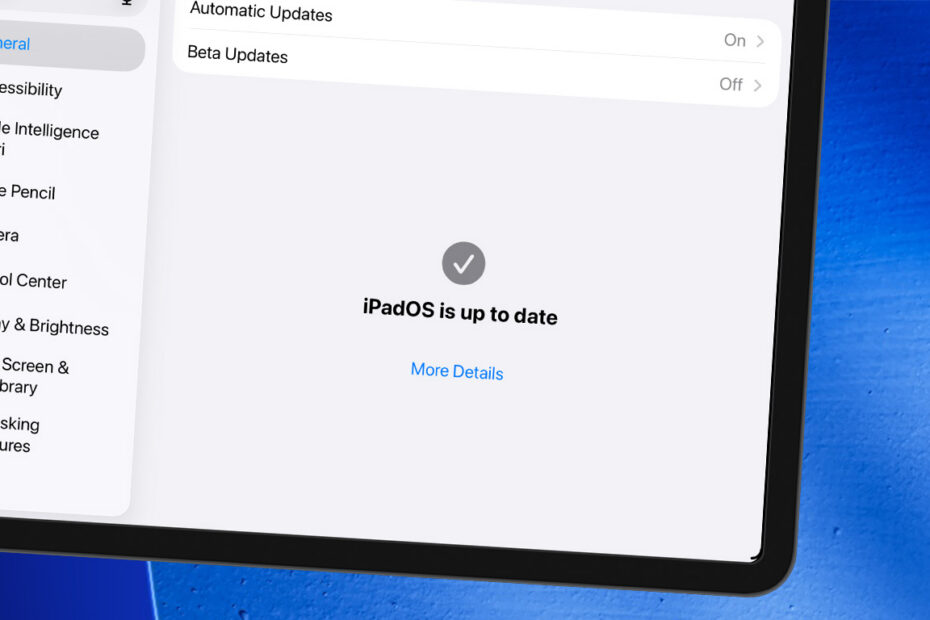
Overview of all the latest features. This chapter of our iPad guide has 14 step-by-step tips. Work through them in order, or jump to the one you need.
- Which devices are compatible with the latest software?
- Meet Siri AI: what can new Siri do that old Siri couldn’t?
- Chat directly to Siri with the new Siri app
- How Siri uses your personal context and onscreen awareness
- Take control of Liquid Glass with the transparency slider
- Set ringtone, alarm, and alert volumes separately
- Stay online when Wi-Fi drops with Connectivity Assist
- Fix photos after the fact with Extend and Spatial Reframing
- Save a freeze-frame from any video as a photo
- Let Safari sort your open tabs automatically
- Add calendar events by typing in your own words
- Automate almost anything with a prompt in Shortcuts
- Let the Passwords app fix compromised logins for you
- Explore the reworked parental controls and child safety features