


Restart your iPhone or iPad properly
Recover your Apple ID if it’s hacked or stolen
Track lost devices with Find My
Reset your iPhone or iPad to factory settings
Try the “Airplane Shuffle” to fix signal issues
Force quit apps that stop responding
Reset network settings to fix Wi-Fi issues
Get AirDrop working when it fails
Prepare your device before selling or trading it in
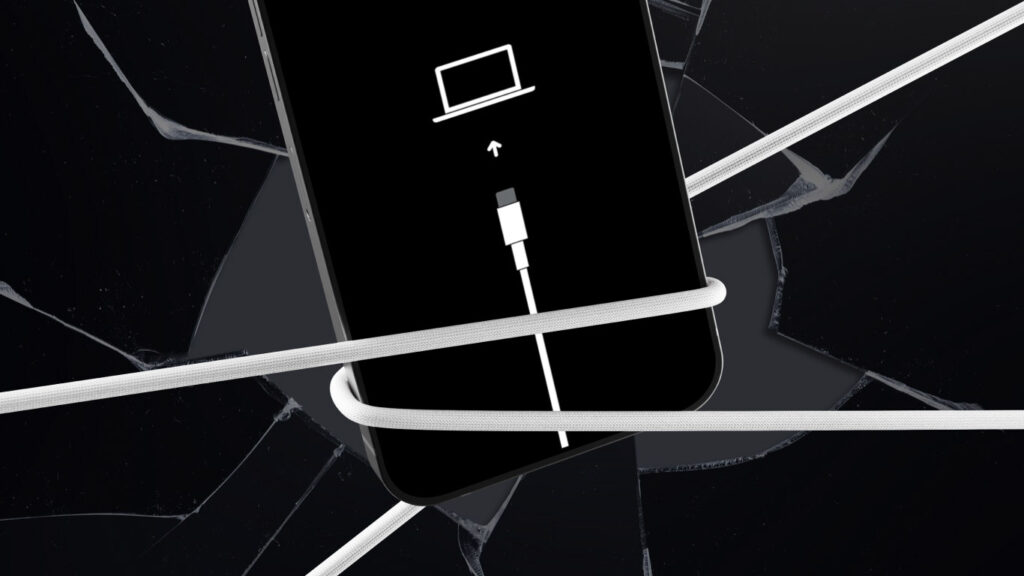
Reset and restore a locked iPhone or iPad
Fix charging issues before you panic