
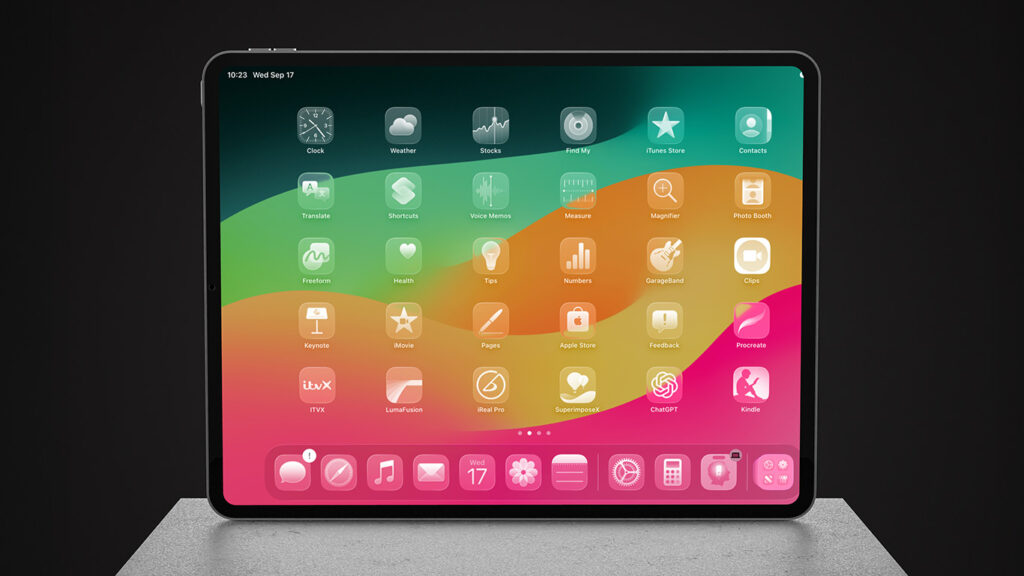


Learn the basics of the Home Screen
Use folders to organize your Home Screen
Searching through the App Library
Use the App Switcher to quickly change apps
See your latest alerts from Notification Center
Access handy shortcuts and settings in Control Center
Lock your display so it doesn’t rotate orientation
Find almost anything with Spotlight search
Send things to your contacts using the Share Sheet
Send things to a nearby Apple device with AirDrop
Set up Apple Pay for contactless payments
Toggle Dark Mode to give your eyes a rest
Set Timers and Alarms with the Clock app
Use Apple Maps to get directions from A to B
Securely store login details and more in the Passwords app
Monitor your device usage with Screen Time
Improve your typing with Autocorrect and Autofill
Get to grips with the emoji keyboard
Use Handoff to continue a task on another device