Apple expands protections to keep kids safe online with iOS 26 | iOS 26 Guideby Tom RolfeJune 1, 2025September 17, 2025
Use Audio Mix to remaster your iPhone videos’ sound after the fact | iOS 26 Guideby Tom RolfeJune 1, 2025September 18, 2026
Put Apple Intelligence to work in the Shortcuts app | iOS 26 Guideby Tom RolfeJune 1, 2025September 18, 2026
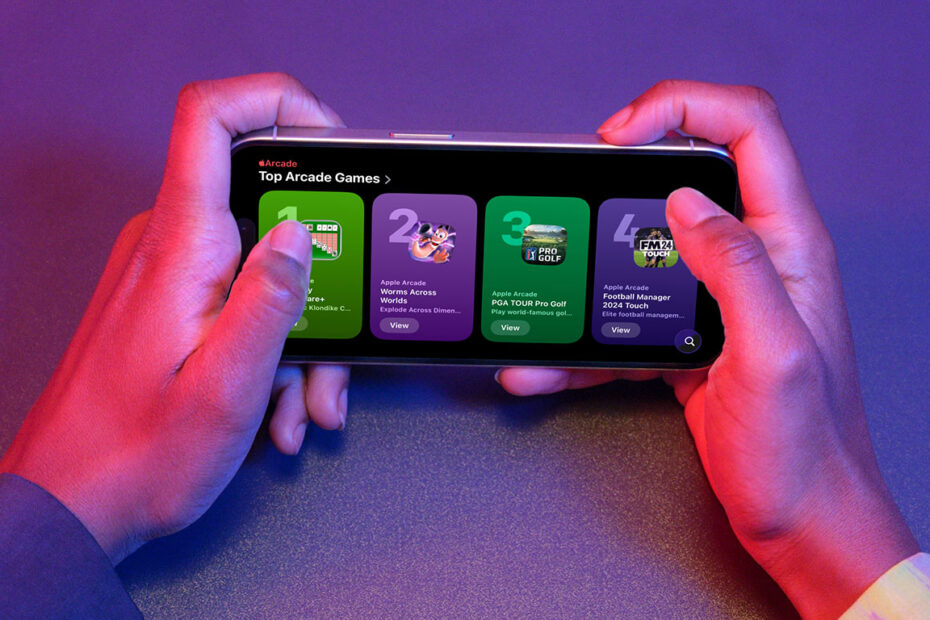
Apple Games is a home for your entire game library | iOS 26 Guideby Tom RolfeJune 1, 2025September 18, 2026
Check out the unified layout in the Phone app | iOS 26 Guideby Tom RolfeJune 1, 2025September 18, 2026
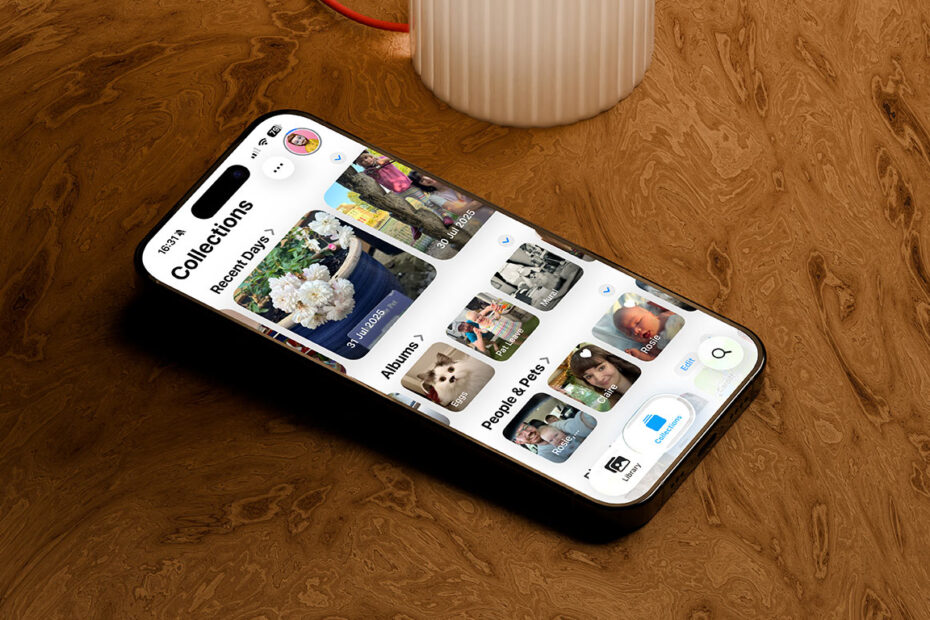
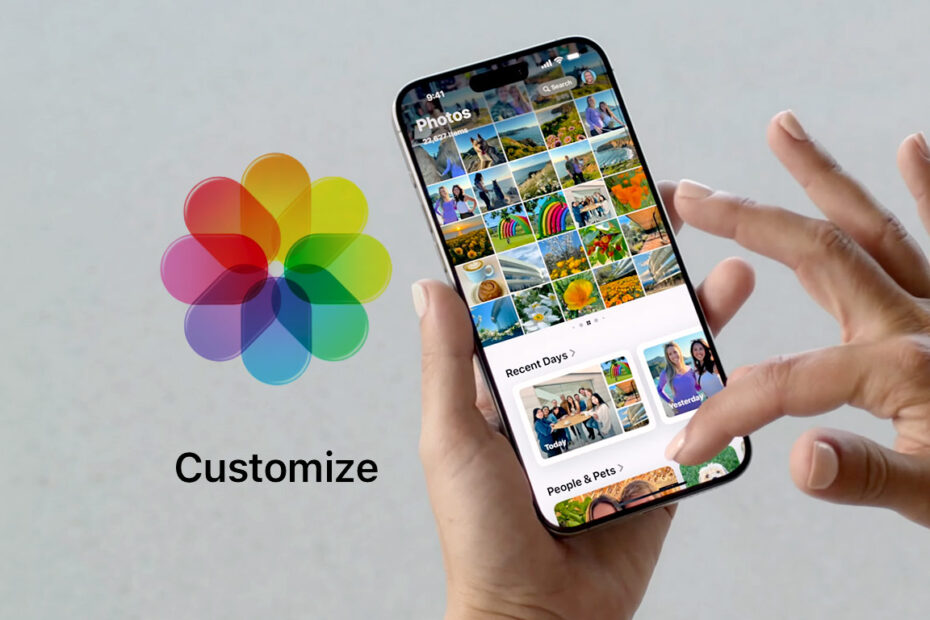
Get to know the Photos app’s tabs and spatial magic | iOS 26 Guideby Tom RolfeJune 1, 2025September 18, 2026
The Camera app’s redesign keeps things clean, but hides familiar settings | iOS 26 Guideby Tom RolfeJune 1, 2025September 18, 2026
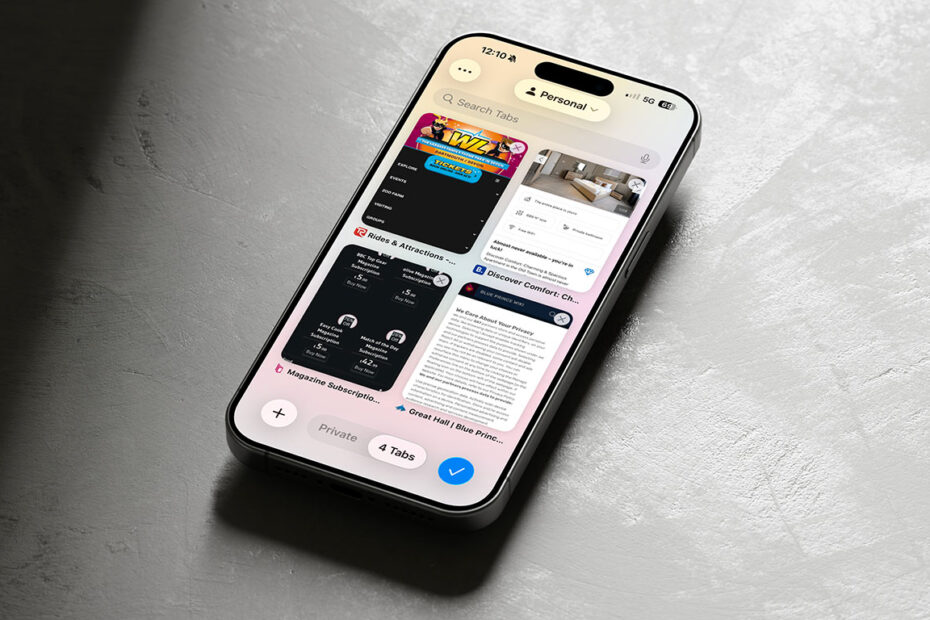
Get to grips with Safari’s compact layout and smarter web apps | iOS 26 Guideby Tom RolfeJune 1, 2025September 18, 2026
Make Messages smarter, more personal, and more practical | iOS 26 Guideby Tom RolfeJune 1, 2025September 18, 2026
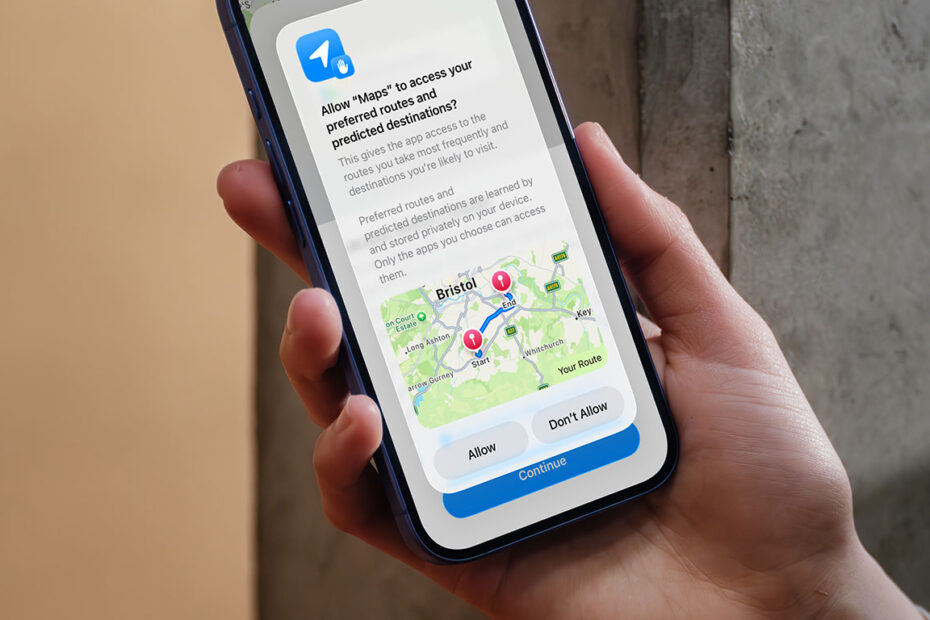
Apple Maps smarts with Preferred Routes and Visited Places | iOS 26 Guideby Tom RolfeJune 1, 2025September 18, 2026
Visual Intelligence in iOS 26 makes your screenshots smarter | iOS 26 Guideby Tom RolfeJune 1, 2025September 17, 2025
How Call Screening and Hold Assist take the pain out of phone calls | iOS 26 Guideby Tom RolfeJune 1, 2025September 18, 2026
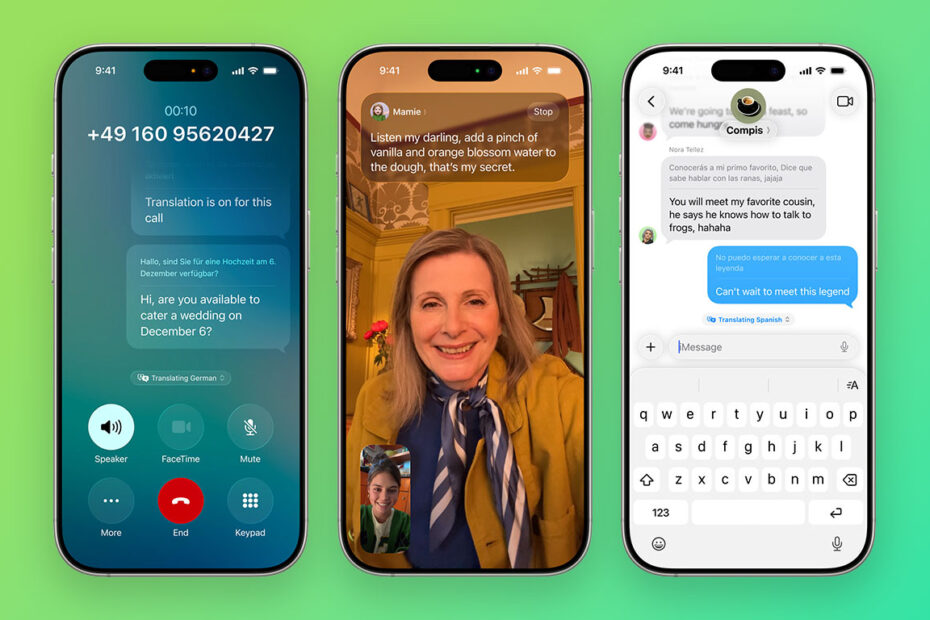
Use magical live translation in calls, messages, and more | iOS 26 Guideby Tom RolfeJune 1, 2025September 18, 2026
Spruce up your Lock Screen with spatial wallpapers and the adaptive clock | iOS 26 Guideby Tom RolfeJune 1, 2025September 18, 2026
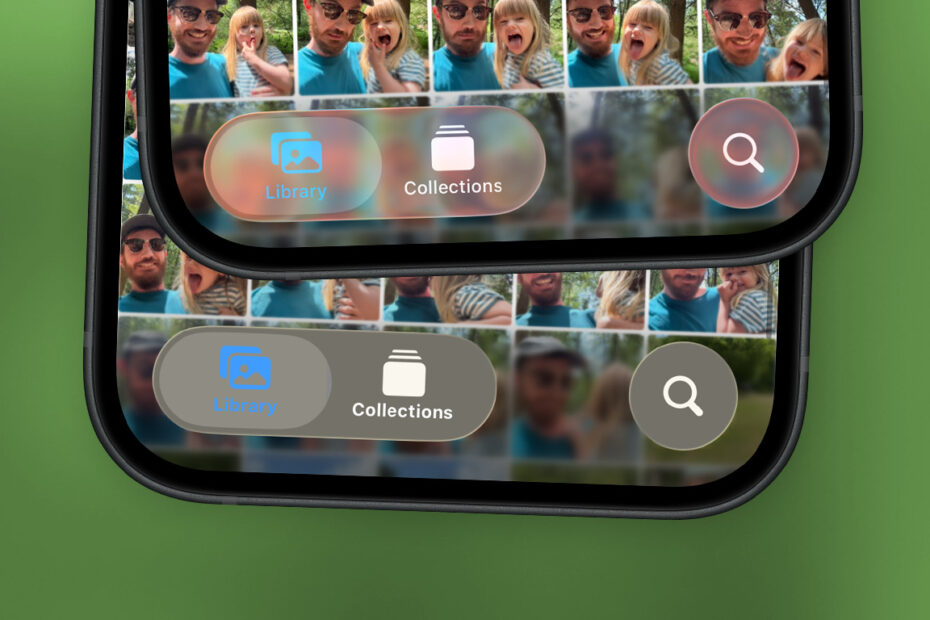
Getting to grips with Liquid Glass (and how to tone it down) | iOS 26 Guideby Tom RolfeJune 1, 2025September 18, 2026
Learn about yourself with insights and stats from your Journal entriesby Tom RolfeApril 2, 2025September 14, 2025
Welcome To Tips & Tricks: The Essential iPhone Companionby Tom RolfeJanuary 1, 2025September 18, 2026