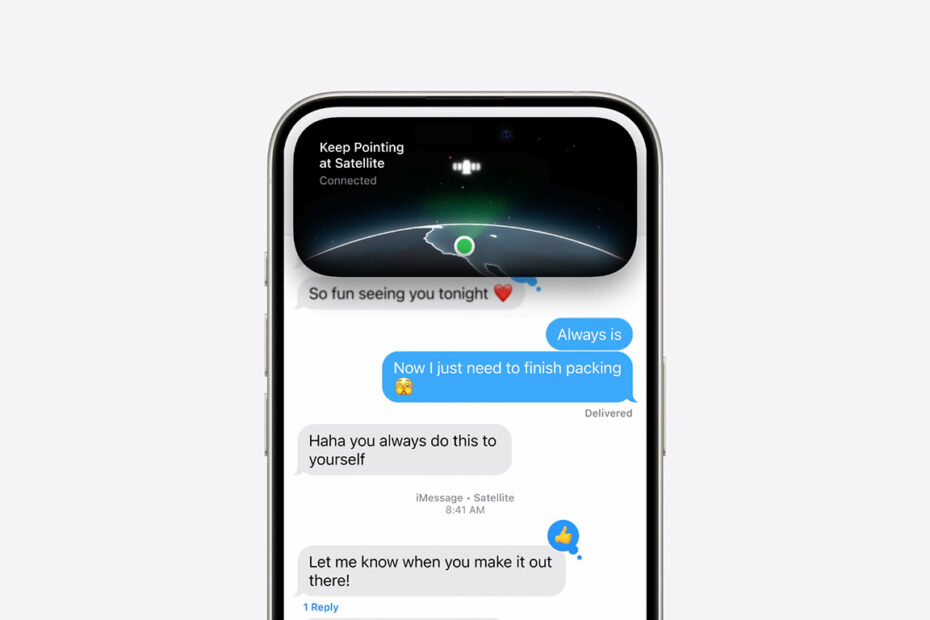
How to send texts and videos when stuck somewhere with no signalby Tom RolfeMarch 30, 2026April 15, 2026
Did you know you can control your iPhone from a Mac with iPhone Mirroring?by Tom RolfeMarch 29, 2026March 30, 2026
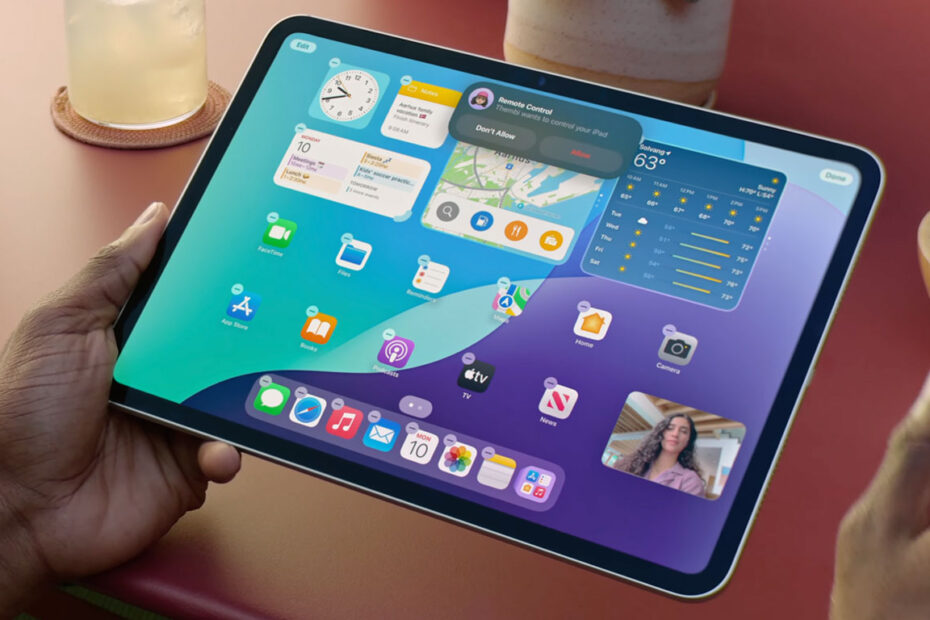
Share your screen over FaceTime or take control of a remote deviceby Tom RolfeMarch 24, 2026March 25, 2026
Securely store login details and more with Apple’s Passwords appby Tom RolfeMarch 23, 2026March 25, 2026
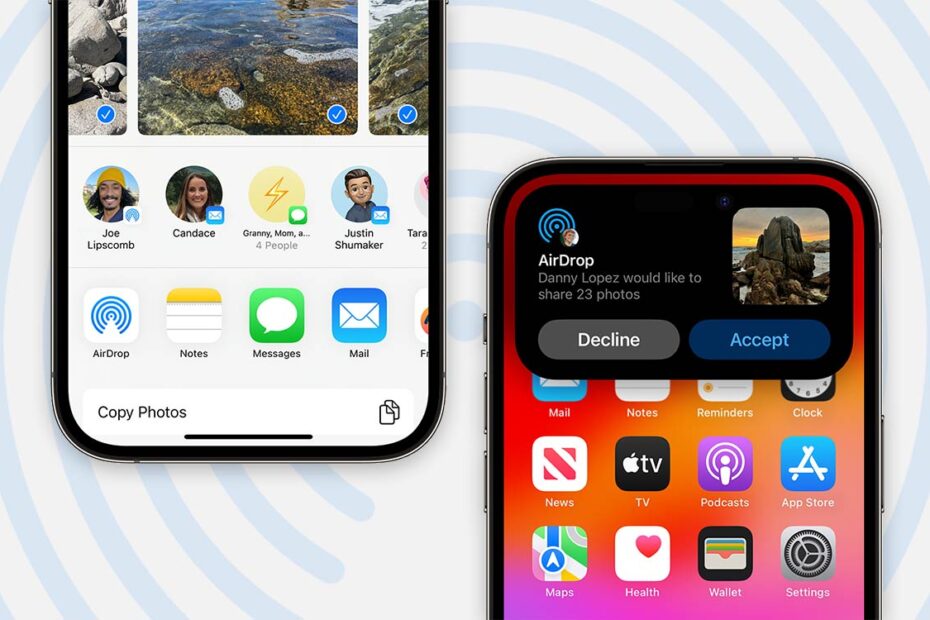
AirDrop troubleshooting: what to do when files won’t sendby Tom RolfeFebruary 3, 2026February 4, 2026
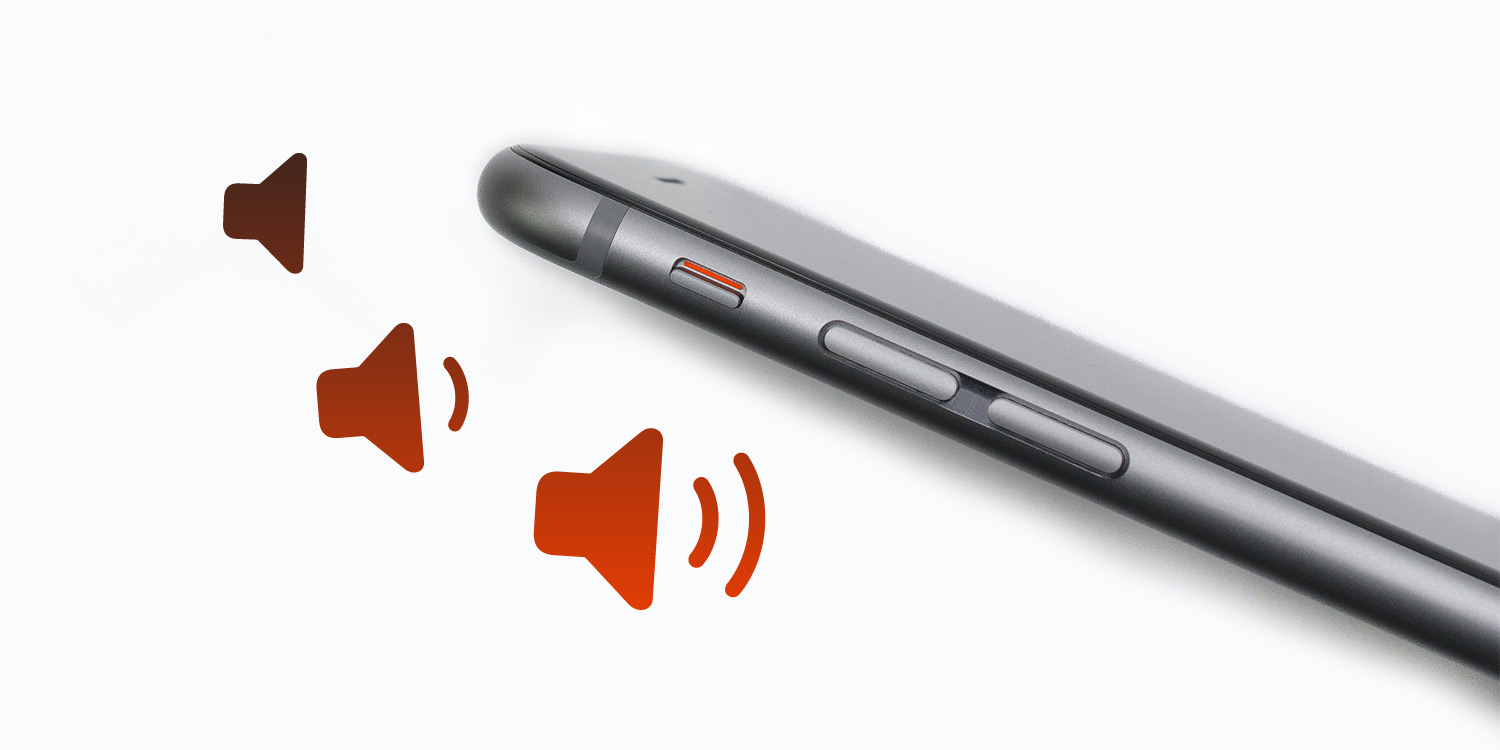
Explained: how to properly control ringtone, alarm, and media volumeby Jon MundyJanuary 29, 2026January 29, 2026
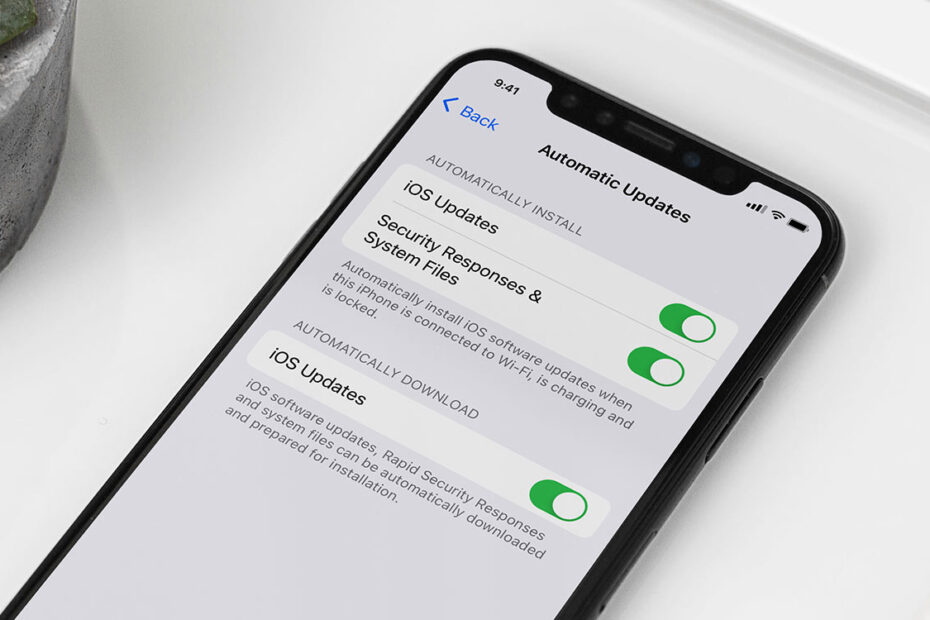
How Apple’s ‘Rapid Security Response’ updates keep you safeby Tom RolfeJanuary 28, 2026January 29, 2026
Track your friends and get home safe with ‘Check In Safely’by Tom RolfeNovember 30, 2025December 1, 2025
Tips & Tricks: Everything you need to know about iPhoneby Tom RolfeSeptember 24, 2025September 18, 2026
Windowed apps in iPadOS 26 make iPad more like a Mac than everby Tom RolfeSeptember 15, 2025September 15, 2025
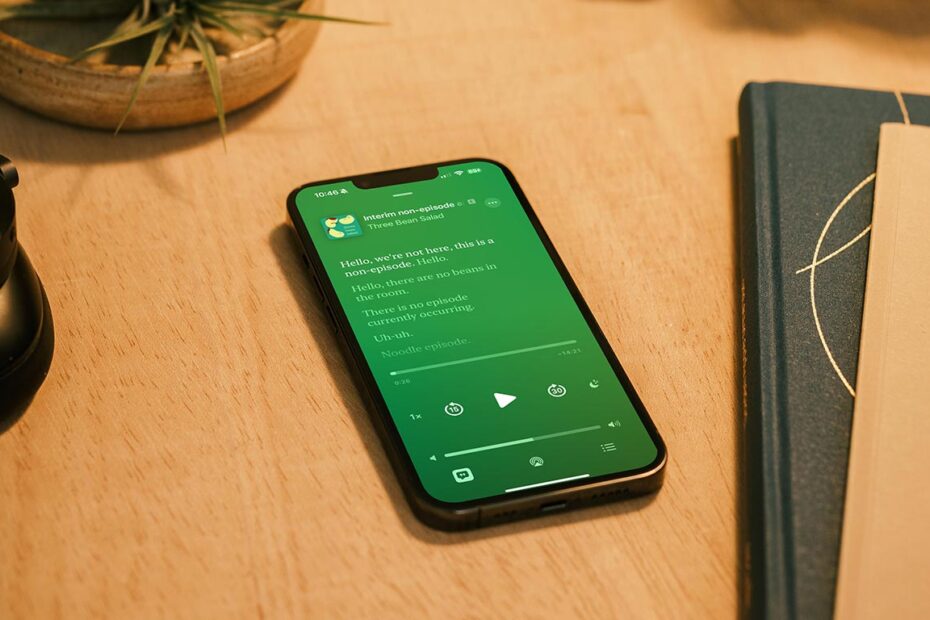
Apple Podcasts adds automatic transcripts to easily find moments and save quotesby Tom RolfeAugust 31, 2025October 24, 2025
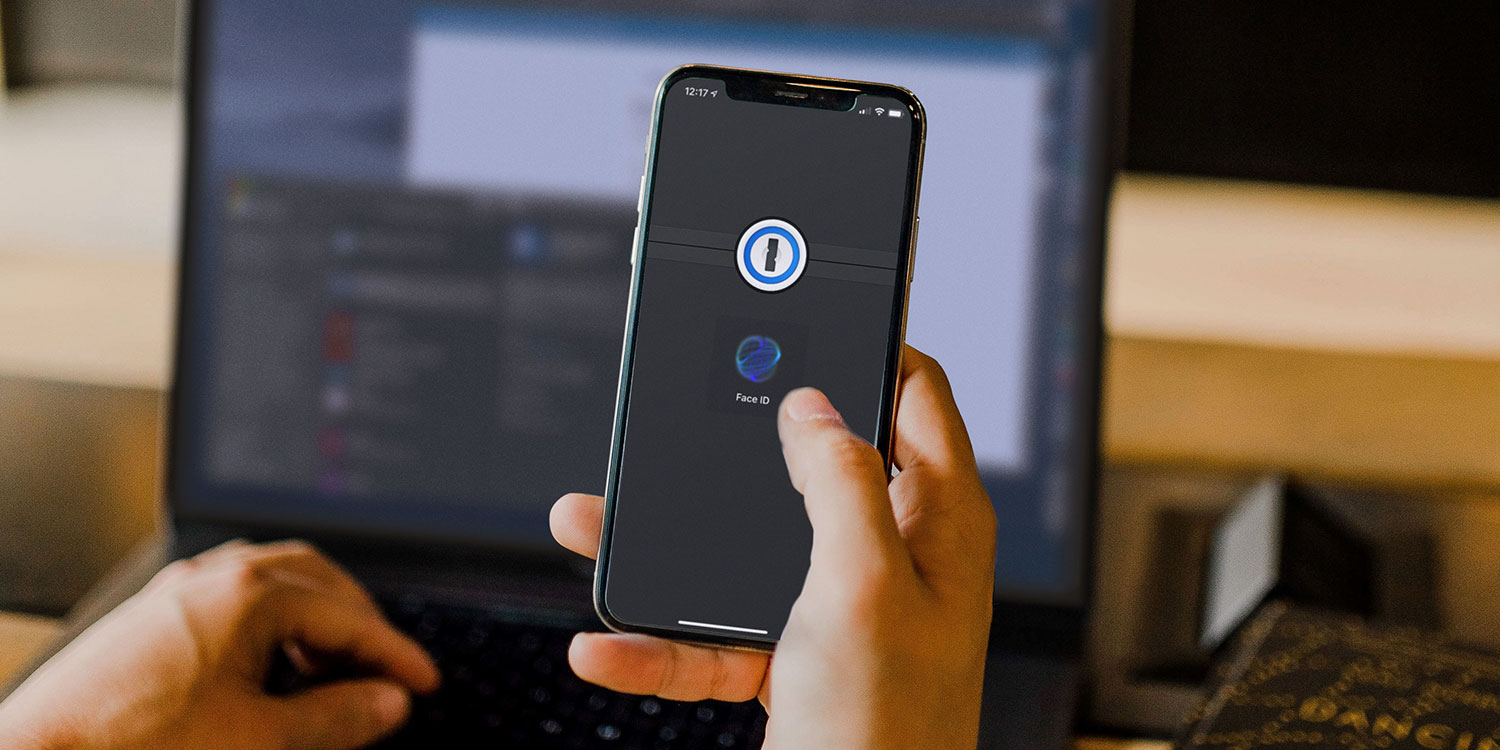
Why you need a password manager (iCloud Keychain vs 1Password)by Tom RolfeAugust 10, 2025November 5, 2025
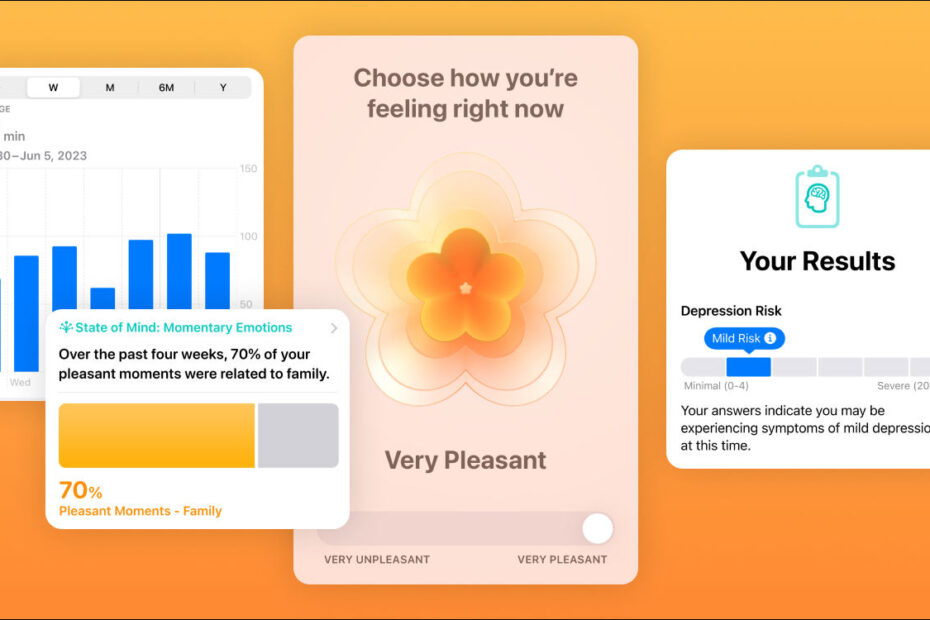
Discover how to track your daily mood right in the Health appby Tom RolfeAugust 2, 2025October 24, 2025
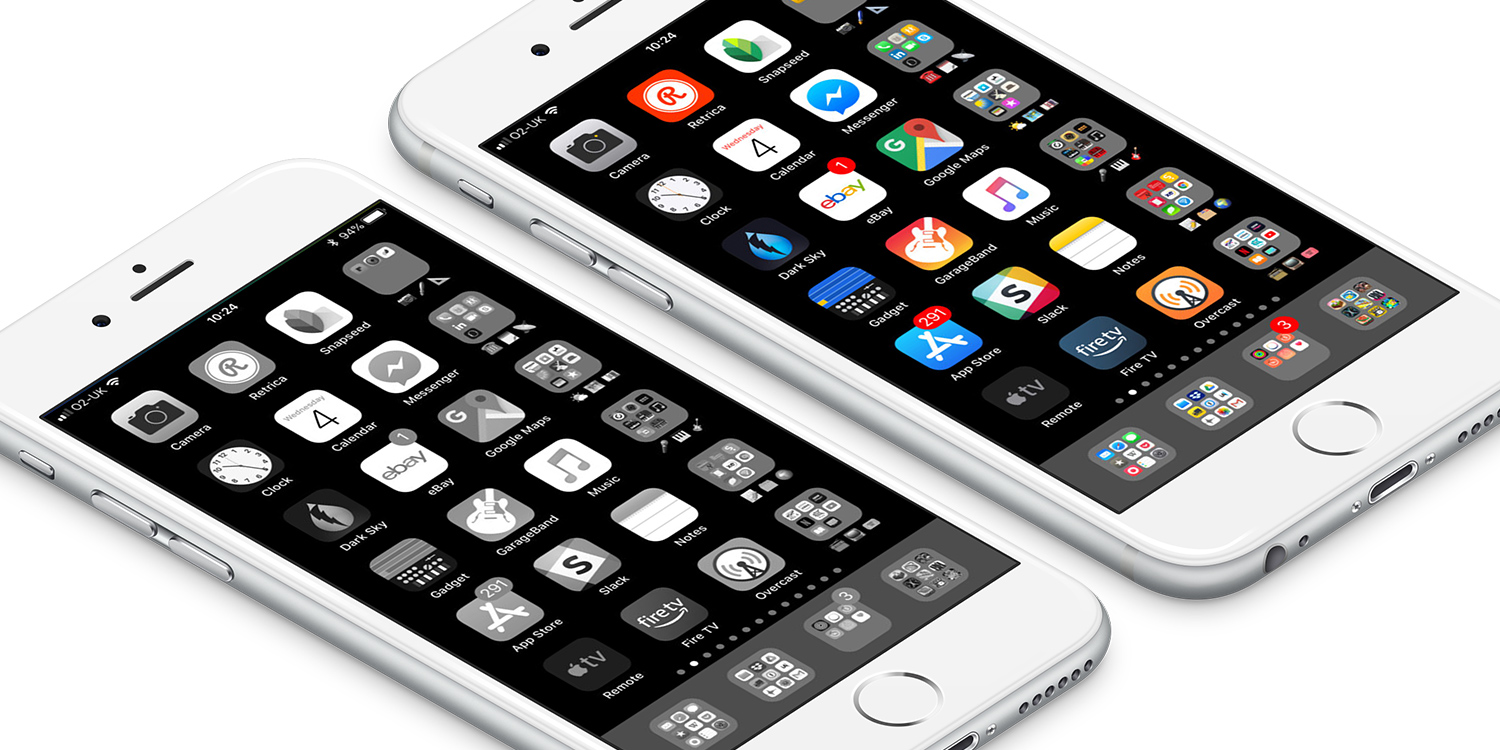
Turn on monochrome mode to lessen on-screen distractionsby Craig GrannellJuly 28, 2025October 24, 2025
iOS 26 grab bag – ten useful changes you might have missed | iOS 26 Guideby Tom RolfeJune 1, 2025September 17, 2025