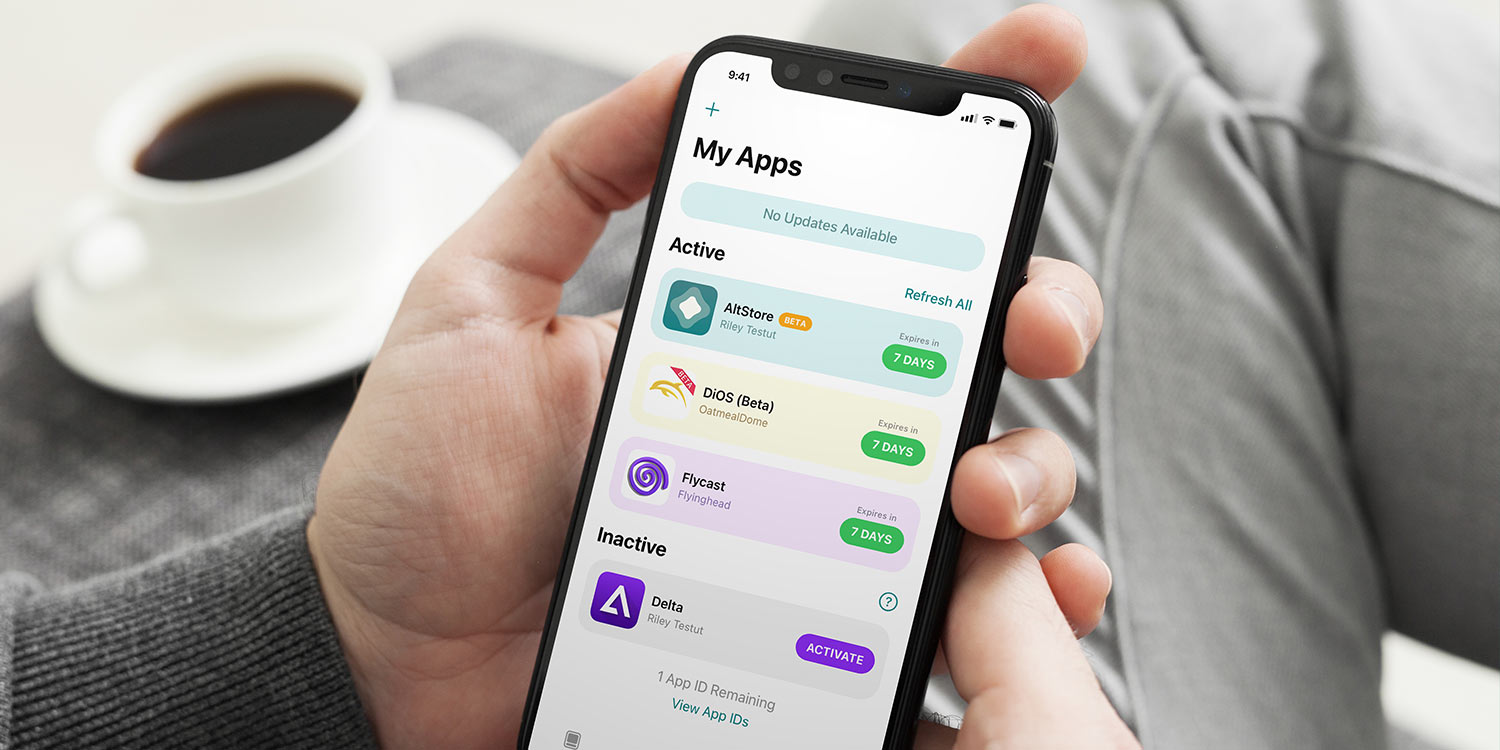
UK authorities launch investigation into the impact of Apple’s App Storeby Tom RolfeJanuary 23, 2025January 27, 2025
Access 100+ handy shortcuts with the all-in-one Utilities Menuby Joe WhiteJanuary 23, 2025January 27, 2025
How to take a full at-home hearing test with AirPods Pro 2by Tom RolfeJanuary 12, 2025January 14, 2025
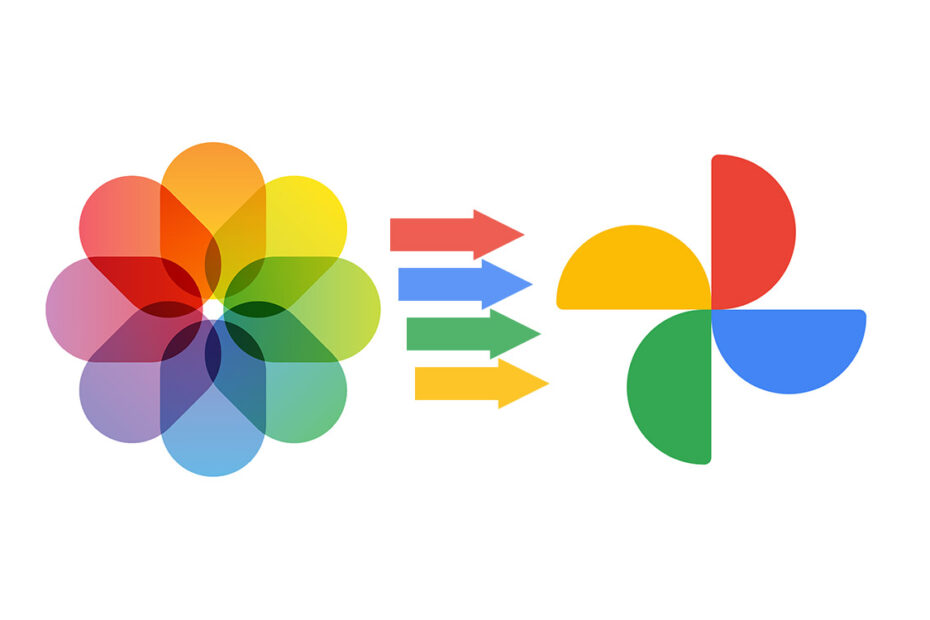
How to share Apple’s HEIC photos as JPG files for better compatibilityby Tom RolfeJanuary 9, 2025January 14, 2025
StandBy mode – how to turn your iPhone into a nightstandby Tom RolfeDecember 29, 2024October 18, 2026
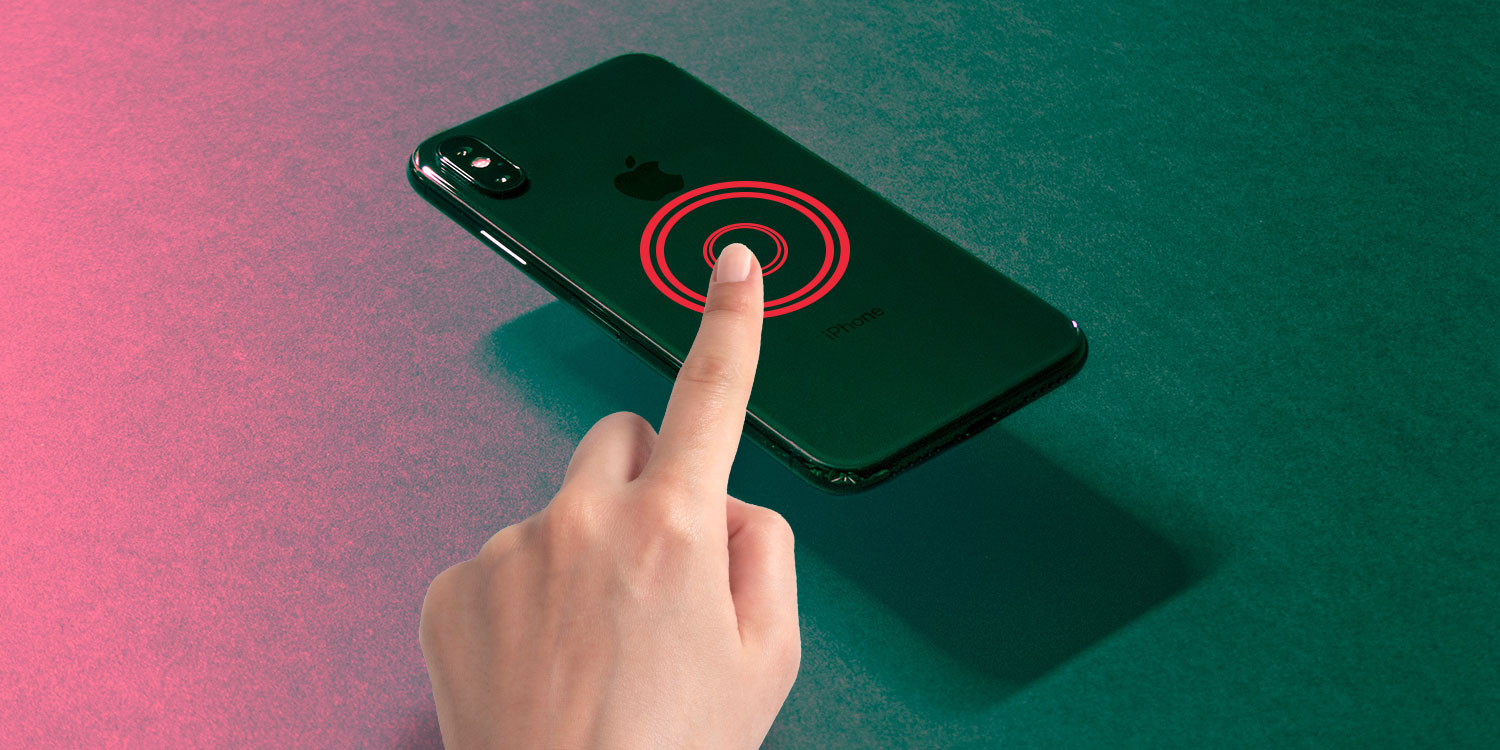
Fun ‘Back Tap’ uses – 5 ways to use iPhone’s secret buttonby Joe WhiteDecember 26, 2024December 22, 2024
VPNs for iPhone: what are they and which should you use?by Craig GrannellDecember 21, 2024December 23, 2024
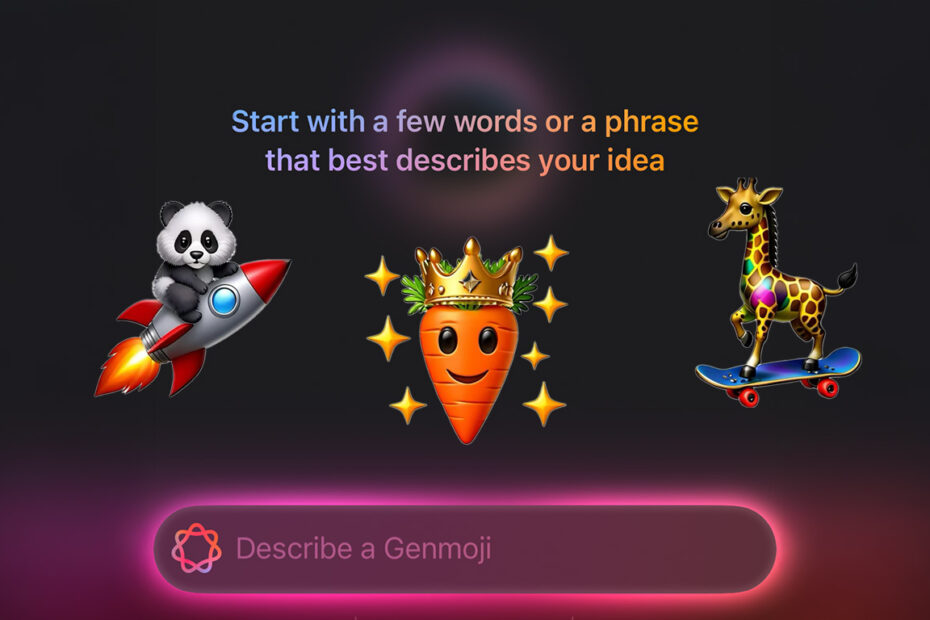
Design your own emoji from a prompt with Apple Intelligence and Genmojiby Tom RolfeDecember 18, 2024March 23, 2026
How to make custom AI-generated pictures with Apple’s Image Playground appby Tom RolfeDecember 17, 2024March 23, 2026
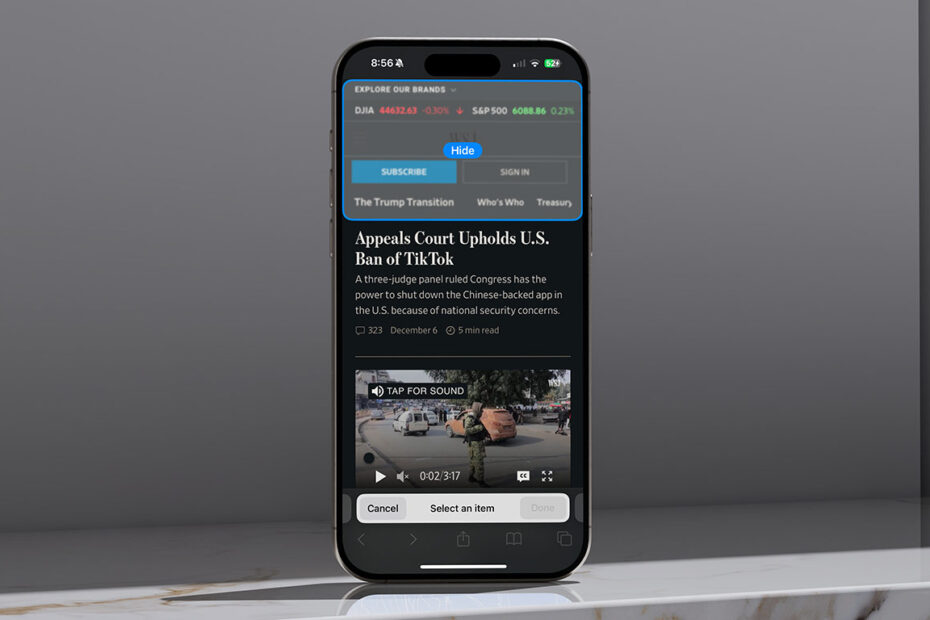
Hide unwanted website elements with Safari’s Distraction Controlby Tom RolfeDecember 6, 2024December 10, 2024
How to make your own Dark Mode icons for apps that won’t go darkby Tom RolfeNovember 14, 2024November 23, 2024
Go beyond Apple’s Clock app with multiple customizable timersby Tom RolfeNovember 13, 2024November 23, 2024
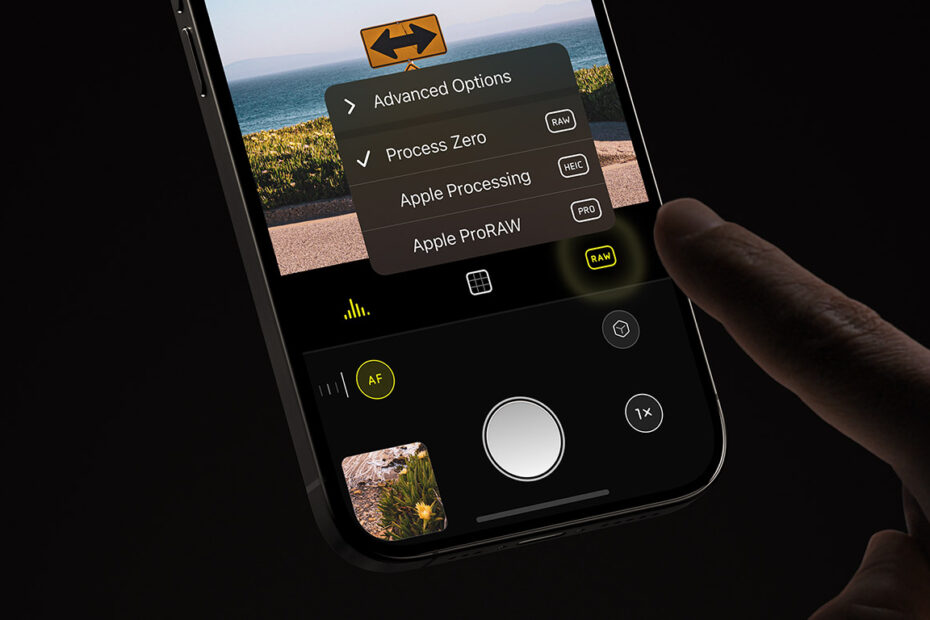
iPhone photography without AI enhancements with Halide’s Process Zeroby Tom RolfeNovember 10, 2024November 23, 2024
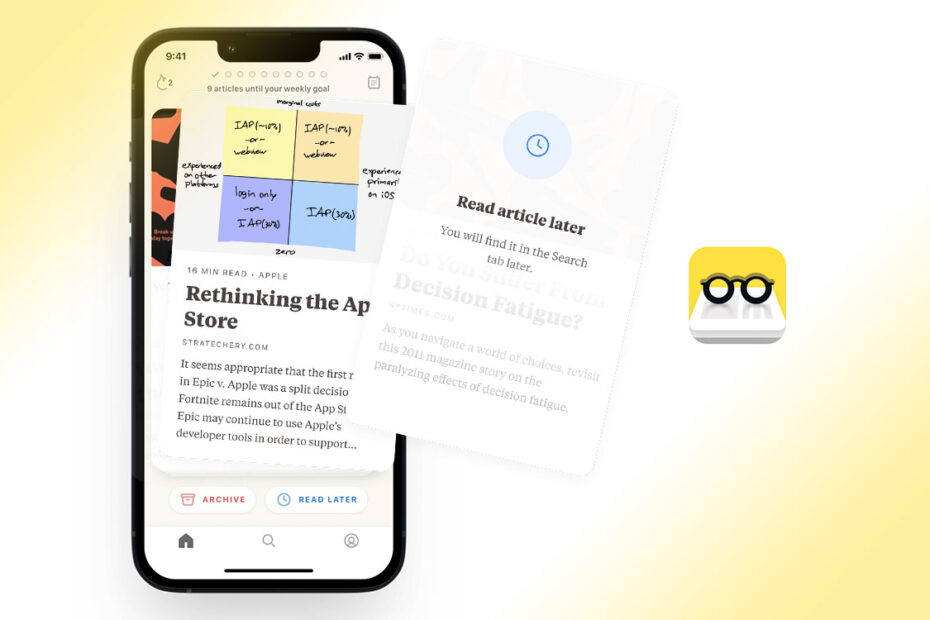
Reading habits: use Alfread to actually read saved articlesby Craig GrannellOctober 27, 2024October 28, 2024
Set up a personal hotspot to share your cellular data with other devicesby Tom RolfeOctober 26, 2024October 18, 2026
Transfer playlists – switch between Apple Music and Spotifyby Tom RolfeOctober 18, 2024October 18, 2024
Post to multiple social media sites simultaneously with Croissantby Tom RolfeOctober 12, 2024October 14, 2024