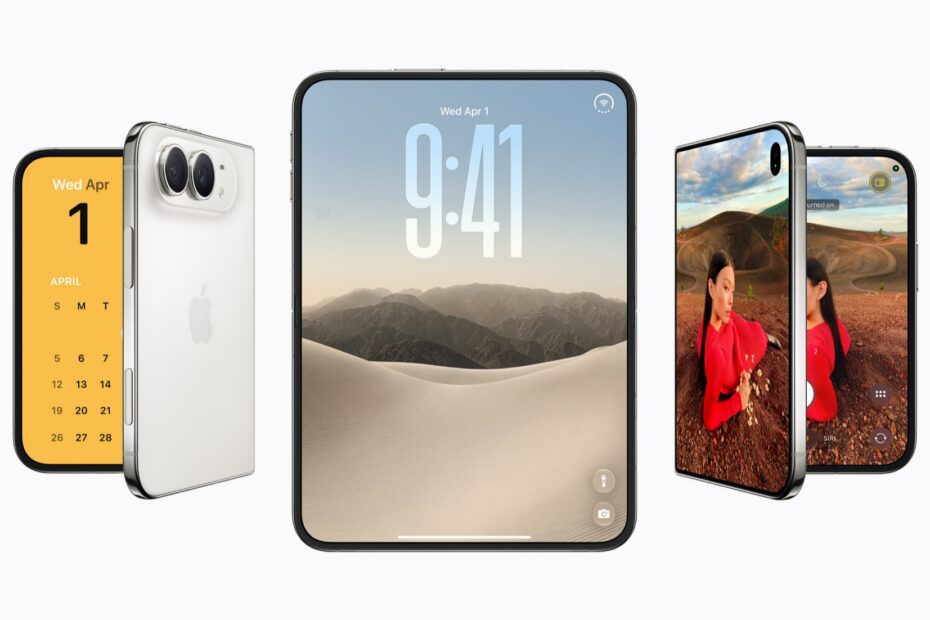
Get the most from Apple's first foldable. This chapter of our iPhone guide has 13 step-by-step tips. Work through them in order, or jump to the one you need.
- Five things we’ve done to make switching to the new Duo easier
- How to use two apps side by side on iPhone Duo
- Fold iPhone Duo halfway and iOS rearranges itself around the hinge
- Turn iPhone Duo into a bedside clock and photo frame with StandBy
- Where everything went: iPhone Duo’s sideways Dock and controls
- iPhone Duo uses Touch ID instead of Face ID – here’s how to set it up
- Let people see the shot before you take it with Duo Preview
- Get in the group photo with Smart Take on iPhone Duo
- Get kids to look at the camera with Kid Cue
- Bring the person next to you into a call with Duo FaceTime
- Keep Siri AI open beside another app on iPhone Duo
- Watch a video while you use another app with iPhone Duo’s pinned video
- Make iPhone Duo’s volume buttons work the way you hold it