
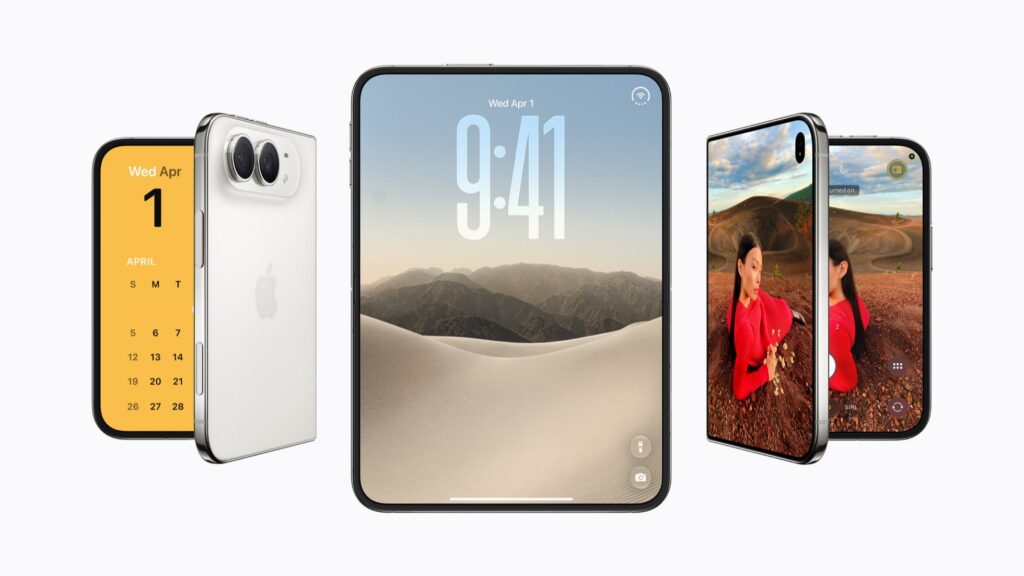


How to use two apps side by side on iPhone Duo
Fold iPhone Duo halfway and iOS rearranges itself around the hinge
Turn iPhone Duo into a bedside clock and photo frame with StandBy
Where everything went: iPhone Duo’s sideways Dock and controls
iPhone Duo uses Touch ID instead of Face ID – here’s how to set it up
Let people see the shot before you take it with Duo Preview
Get in the group photo with Smart Take on iPhone Duo
Get kids to look at the camera with Kid Cue
Bring the person next to you into a call with Duo FaceTime
Keep Siri AI open beside another app on iPhone Duo
Watch a video while you use another app with iPhone Duo’s pinned video
Make iPhone Duo’s volume buttons work the way you hold it