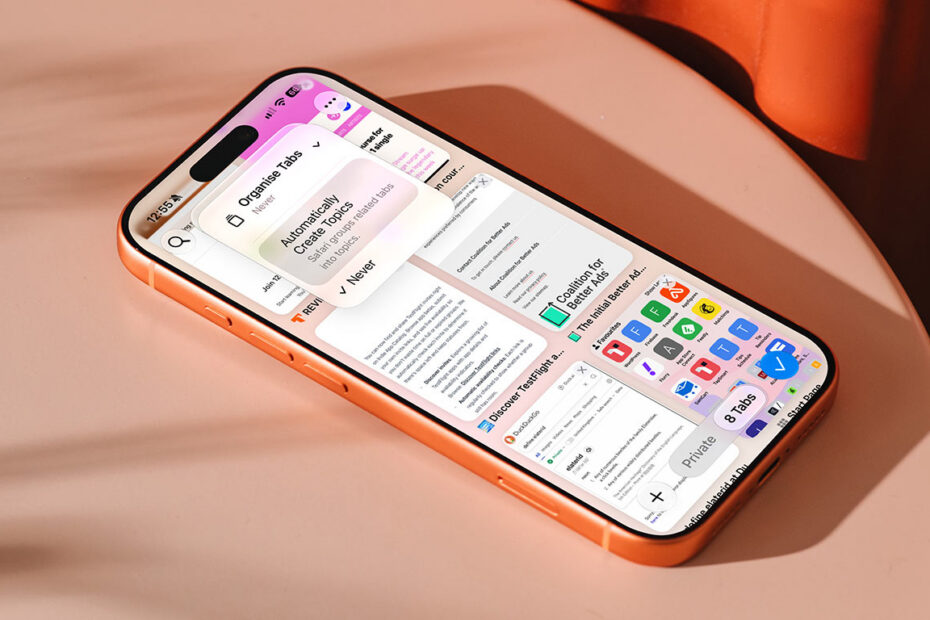
Let Safari auto-sort your open tabs with Automatic Tab Organizationby Tom RolfeSeptember 13, 2026September 14, 2026
How to add calendar events just by typing in your own wordsby Tom RolfeSeptember 11, 2026September 14, 2026
How to create your own Wallet pass from a physical cardby Tom RolfeSeptember 10, 2026September 14, 2026
How to ditch distractions with Priority Notifications and Reduce Interruptionsby Tom RolfeSeptember 4, 2026September 4, 2026
Apple Intelligence in iOS 27 is both a big leap forward and a mess of contradictionsby Craig GrannellJune 13, 2026June 14, 2026
How to turn off specific Apple Intelligence features you don’t wantby Tom RolfeApril 30, 2026May 13, 2026
Make custom memory movies from a text prompt in the Photos appby Tom RolfeApril 10, 2026April 12, 2026
Smart Script tidies up your Apple Pencil handwriting and makes it editableby Tom RolfeApril 7, 2026April 8, 2026
Magically remove objects and distractions from your photos with Clean Upby Tom RolfeApril 6, 2026April 6, 2026
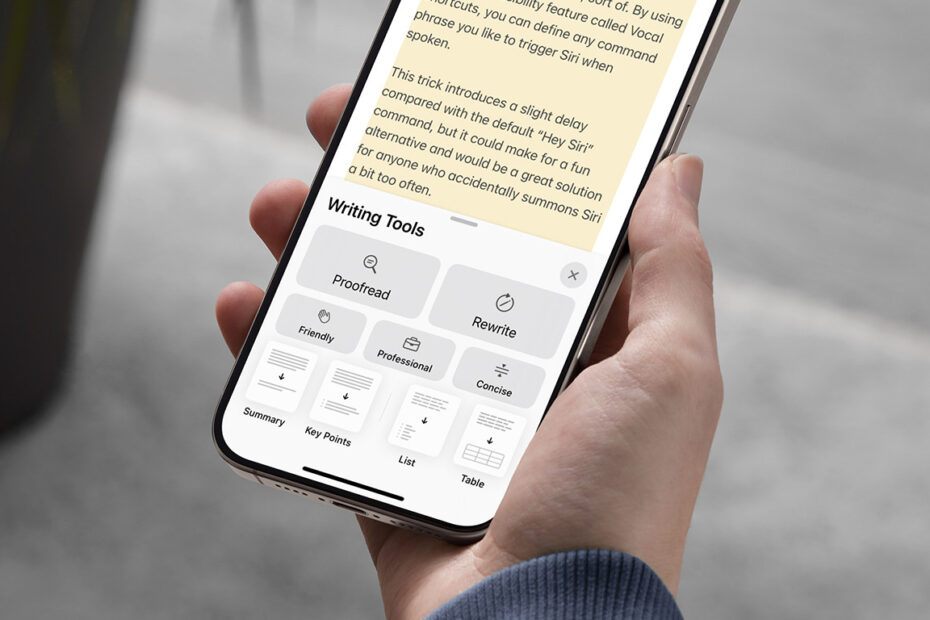
Writing Tools can proofread, rewrite, and summarize any block of textby Tom RolfeApril 5, 2026April 6, 2026
Apple Intelligence makes its way to the Shortcuts app – kindaby Tom RolfeAugust 16, 2025August 23, 2025
Three ways Apple’s Mail app makes email smarter and simplerby Tom RolfeApril 1, 2025September 14, 2025
Why it matters that Apple Intelligence has left Apple’s latest iPad behindby Craig GrannellMarch 18, 2025March 21, 2025
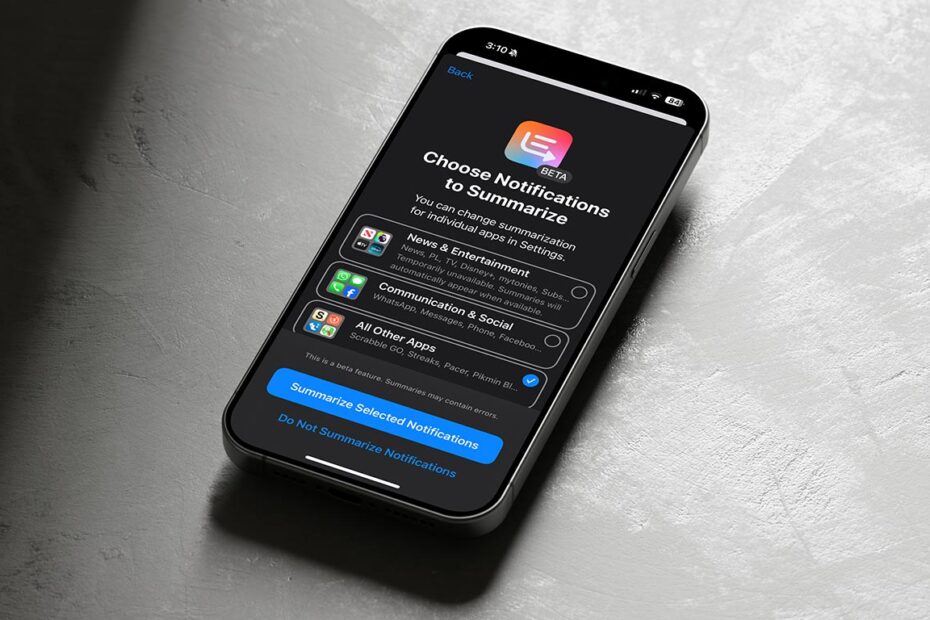
How to master (or disable) every type of AI-generated summary on iPhoneby Tom RolfeMarch 8, 2025March 8, 2025
Apple Intelligence reportedly set to throw Google Gemini into the mixby Tom RolfeFebruary 24, 2025March 8, 2025
How to use Visual Intelligence to understand your surroundings with iPhone 16 and 16 Proby Tom RolfeFebruary 4, 2025February 8, 2025