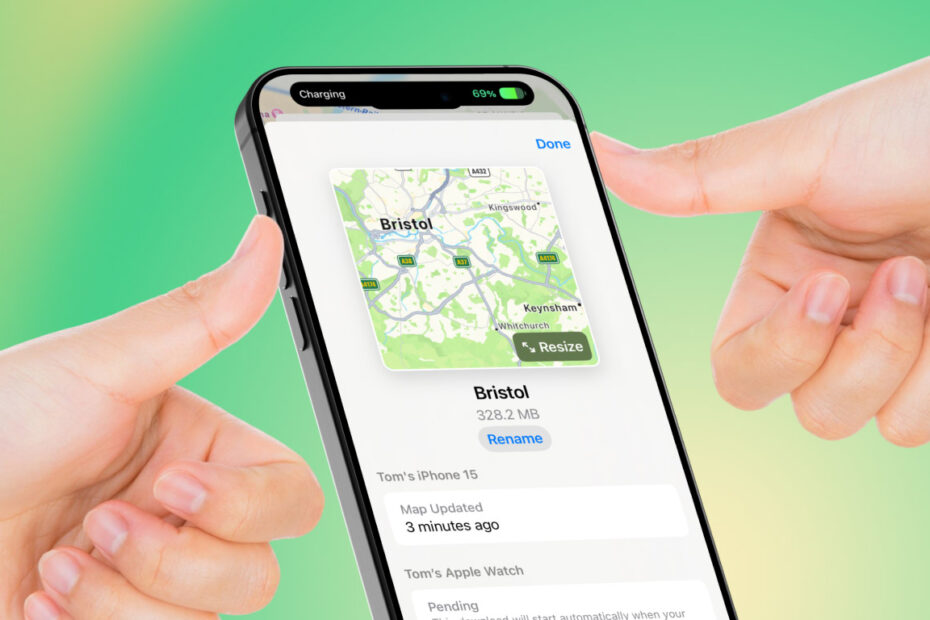
Simple skills to master your iPhone. This chapter of our iPhone guide has 21 step-by-step tips. Work through them in order, or jump to the one you need.
- Take a screenshot
- Copy and paste text
- Move the text cursor with ease
- Enable a special keyboard for one-handed typing
- Speed up your typing with custom text shortcuts
- Undo a mistake with a tap
- Quick fixes to reclaim storage space
- Three easy ways to share a Wi-Fi password
- Use Apple Maps even without internet access
- Scan QR codes with the Camera app
- Use your iPhone to charge another device
- Interact with the text in photos and images
- Record your screen and add narration
- Quickly use an app without downloading it
- Make a digital nightstand with Standby mode
- Speak instead of type with Dictation mode
- Automatic redial with a single tap
- Unlock more detailed reports in the Weather app
- Move items between apps with drag and drop
- Get to what you need fast with Quick Actions
- Instantly markup any screenshot or image